Blog
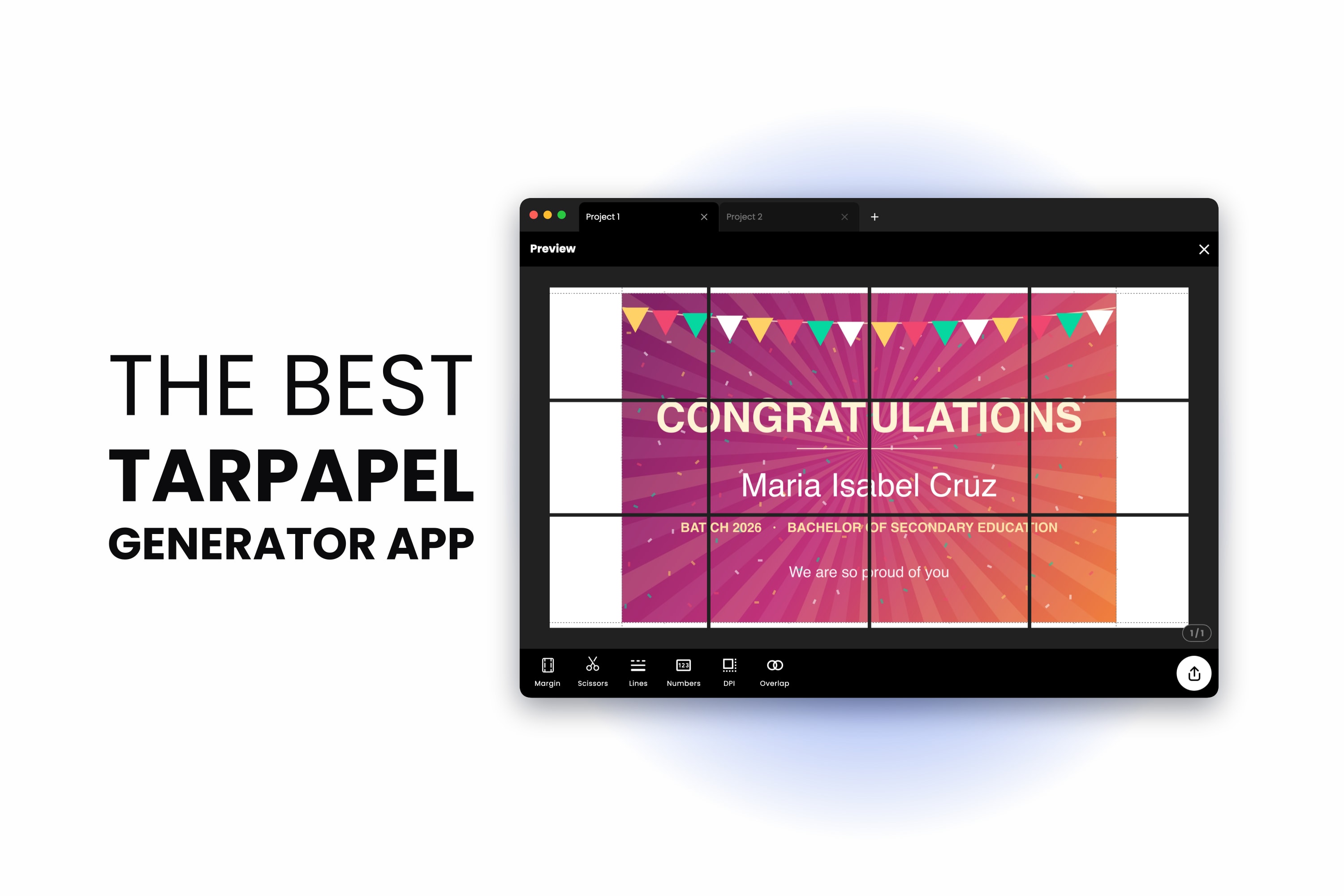
The Best Tarpapel Generator App (Free, and No Printing Shop Needed)
August 14, 2026
A tarpapel generator turns your design into a grid of ordinary paper sheets you print at home and tape together. Here is the whole thing end to end — sizes, sheet counts, cut lines and taping — with the app that does it free in a browser or on your p...
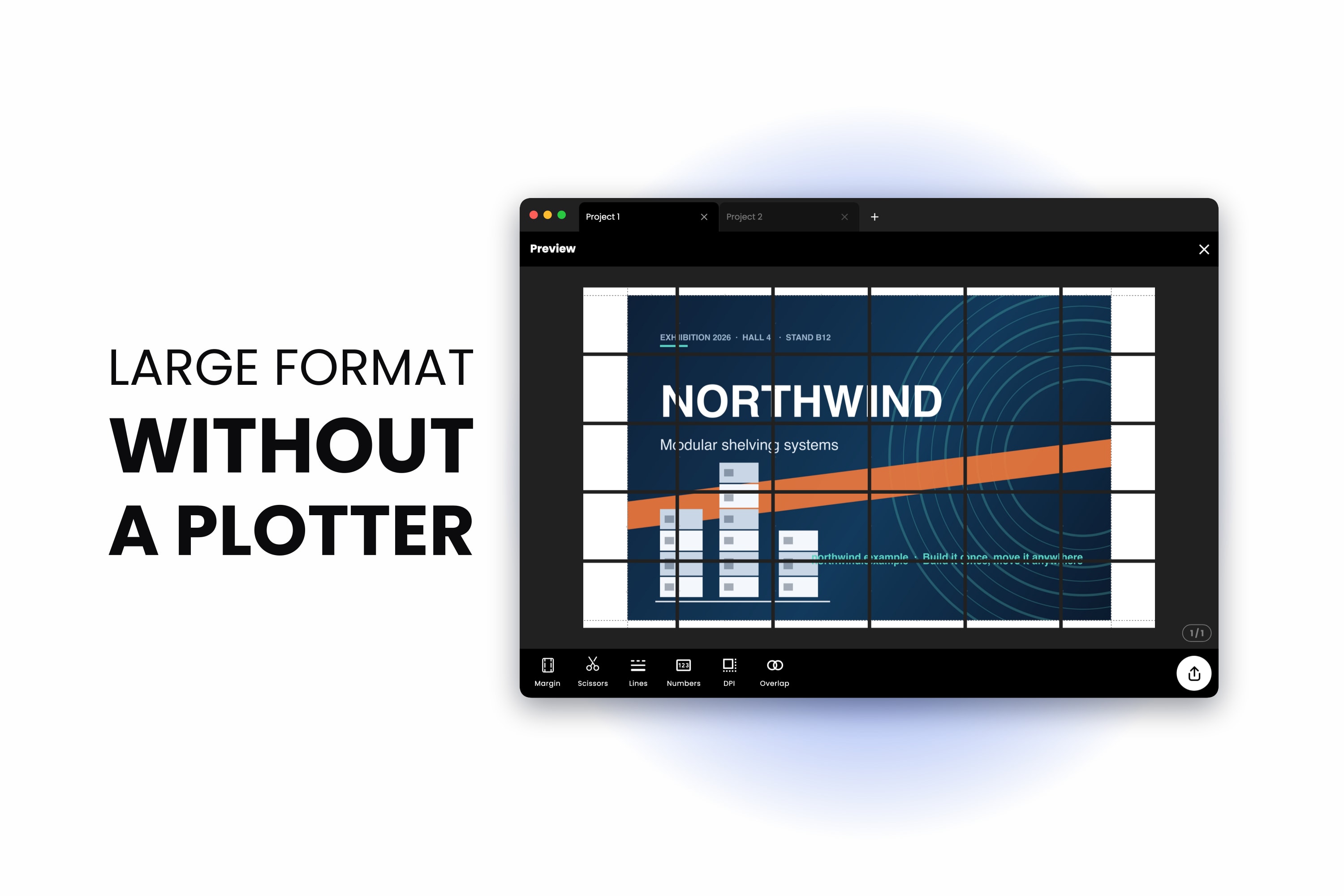
Large Format Printing Alternative: Print Big Without a Large Format Printer
August 13, 2026
The large format printing alternative nobody quotes you: tile the job across the A4 printer you already own. Here is what it costs, what it looks like, and the cases where a print shop is still the right answer.
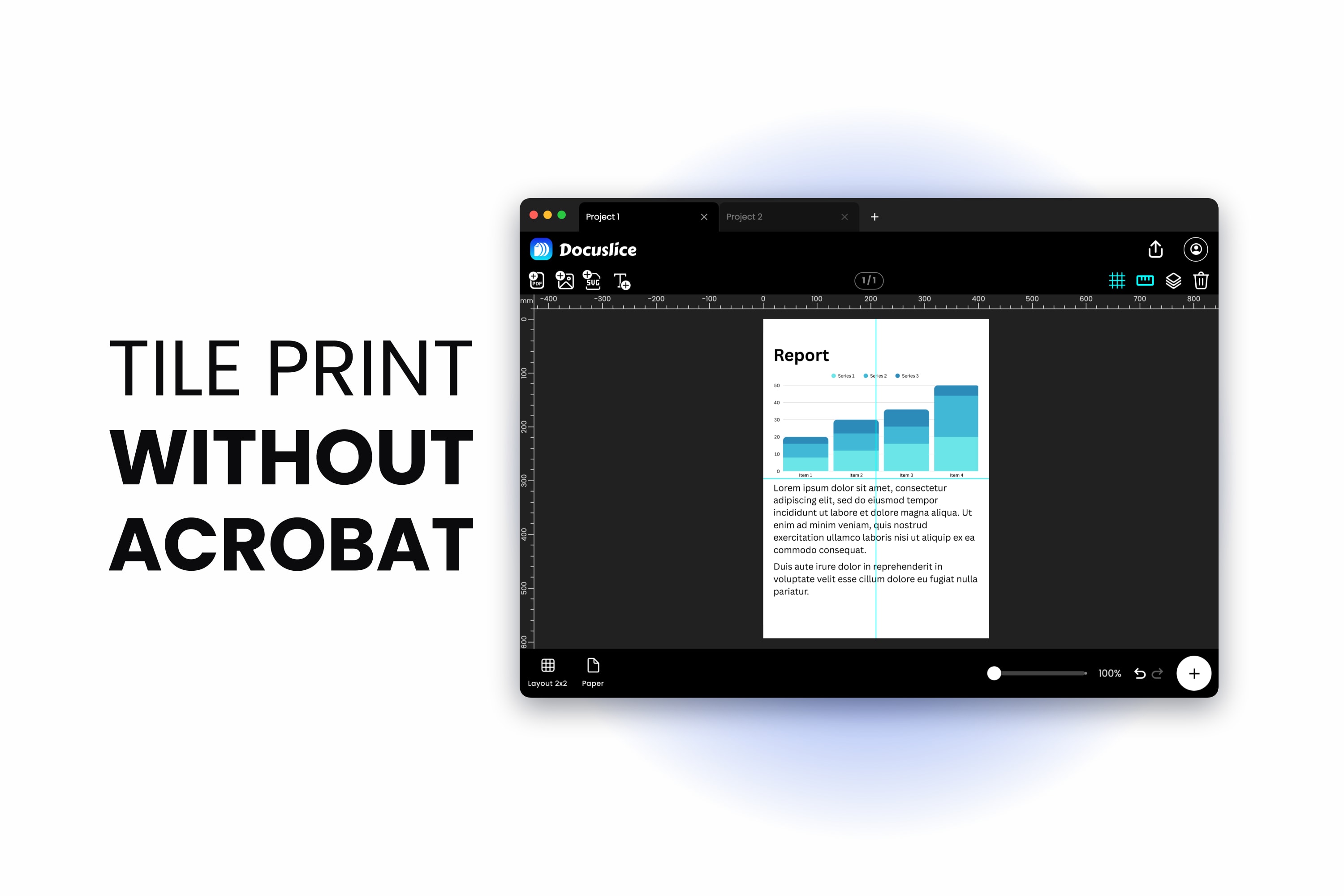
How to Tile Print in Adobe Acrobat — and What to Use When You Do Not Have It
August 12, 2026
Adobe Acrobat poster print tiling lives in the Print dialog, under Page Sizing and Handling. Here is exactly where to find it, why it so often looks like it is missing, and how to tile a PDF across multiple pages when your PDF viewer cannot do it at ...
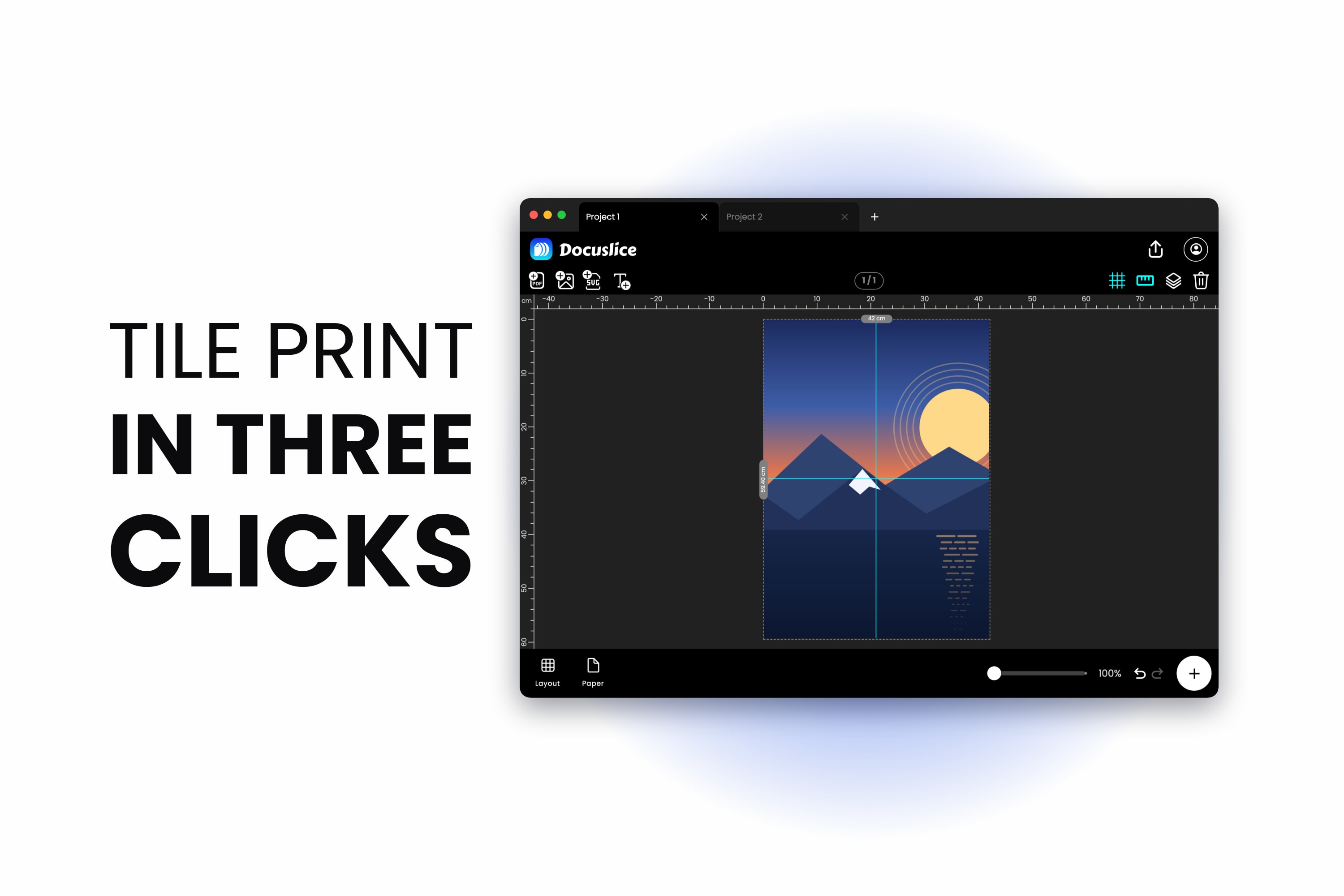
How to Tile Print a Large Image in Photoshop — and a Faster Way
August 11, 2026
Photoshop can print multiple pages from one large image, but only by hand: guides, slices, and one file per tile. Here is the real workflow step by step, an honest count of how long it takes, and a shorter route to the same tiled poster.
How to Print a Large Spreadsheet Across Multiple Pages in Excel
August 10, 2026
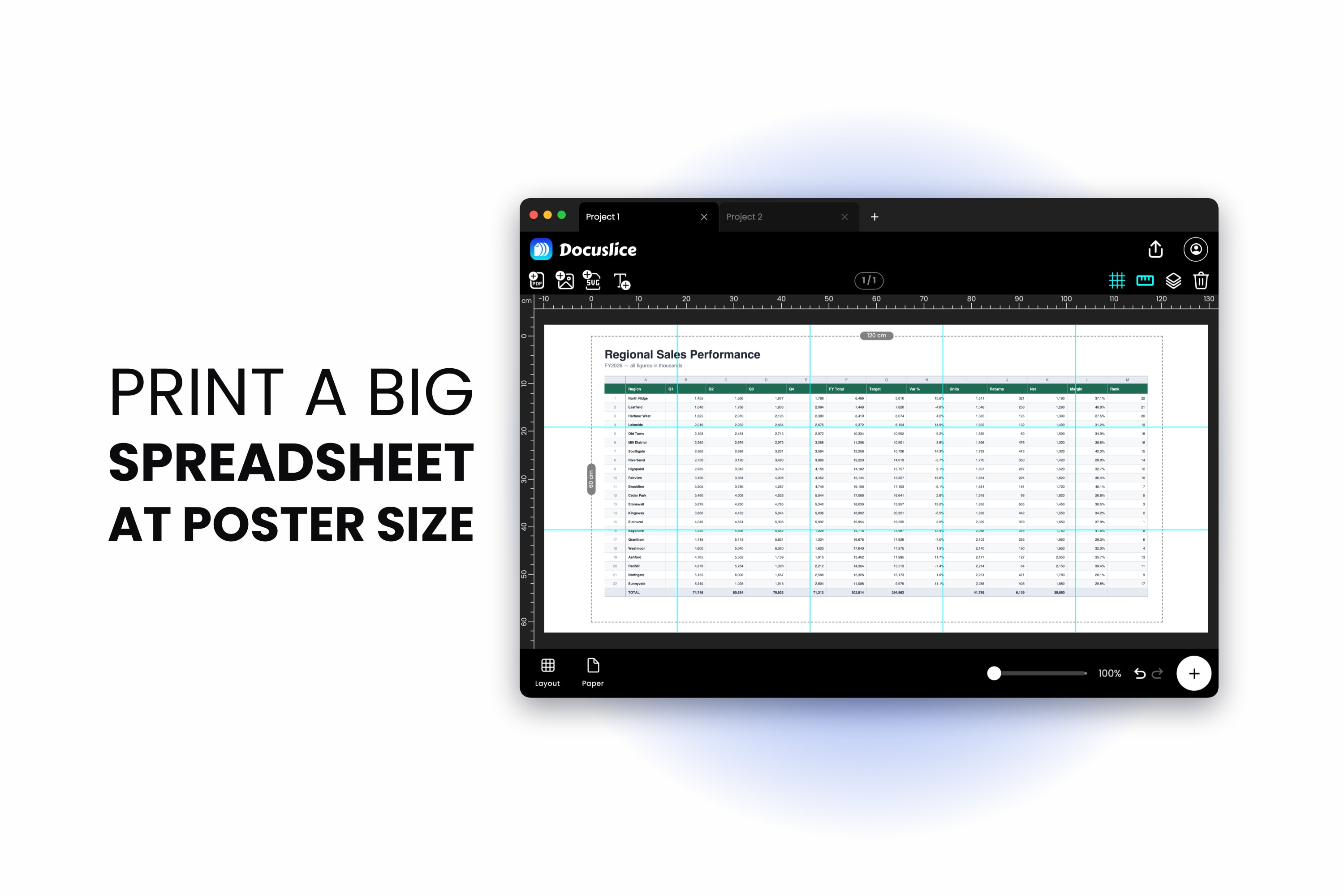
Excel is genuinely good at printing a large spreadsheet on multiple pages once you know where the controls live. Here is the full setup — page breaks, scaling, repeated headers and page order — plus the one printing job Excel cannot do.
How to Print a Poster in Microsoft Word — and When to Use a Tiling Tool Instead
August 9, 2026
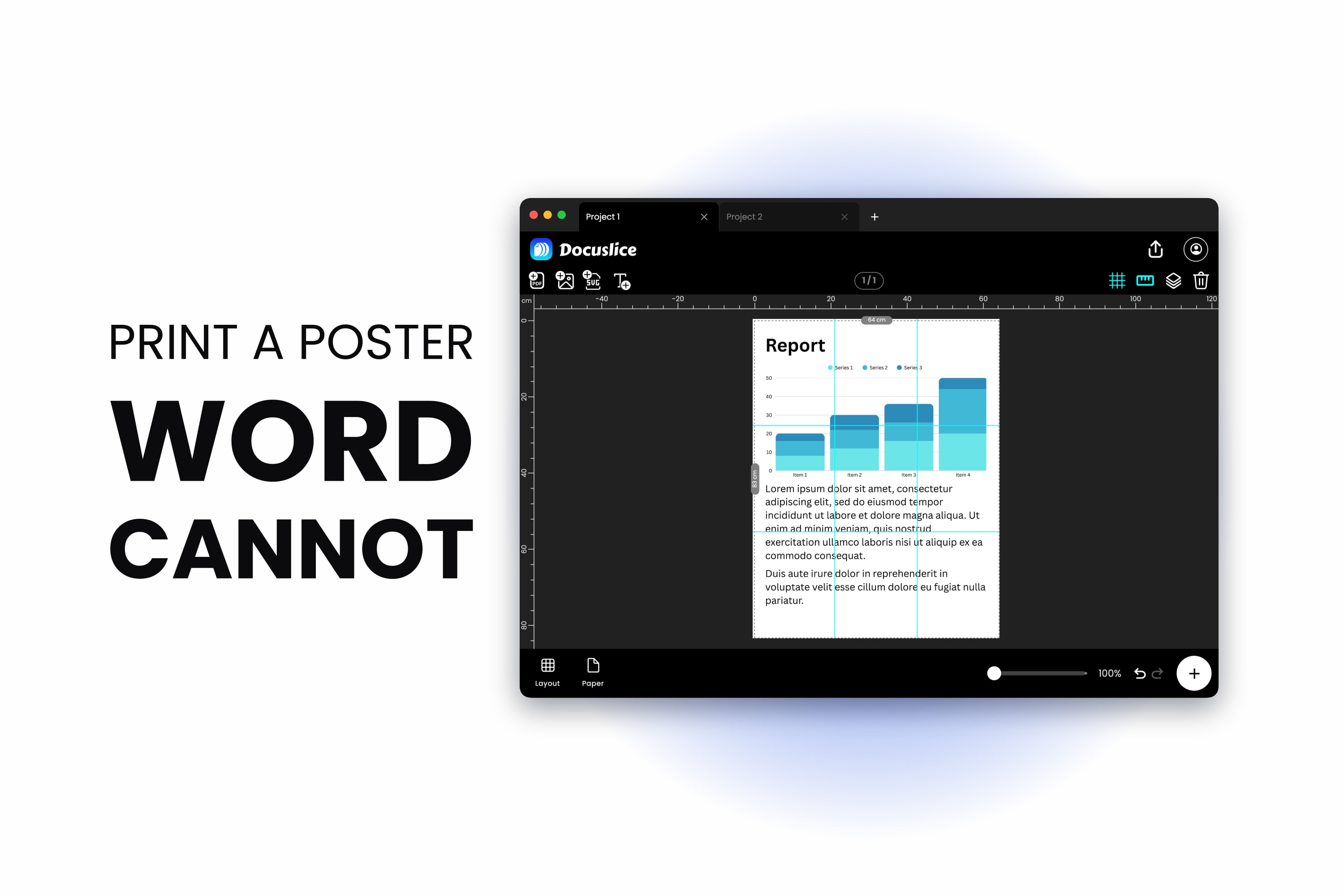
Word will happily let you build a poster-sized page, then shrink it onto one sheet when you print. Here is what Word can genuinely do, the page size limit nobody mentions, and how to get the poster printed across multiple sheets at full size.
How to Print a Large Map Across Multiple Pages
August 8, 2026
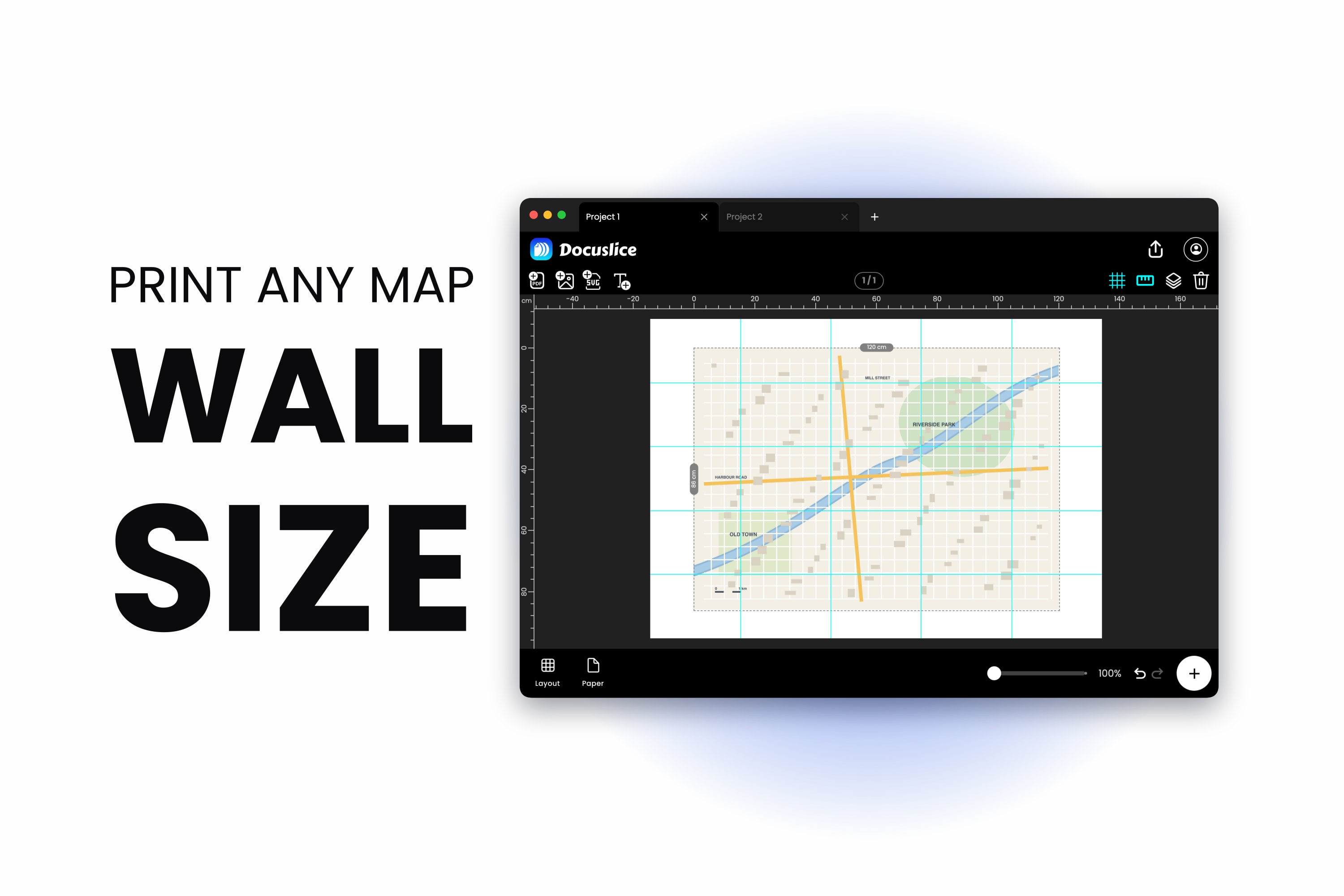
How to print a large map on multiple pages with an ordinary printer — set the scale or the wall size you need, tile the map across A4 or Letter sheets, and place the seams so they never cut through your route.
How to Print a Life-Size Template at 1:1 Scale on a Regular Printer
August 5, 2026
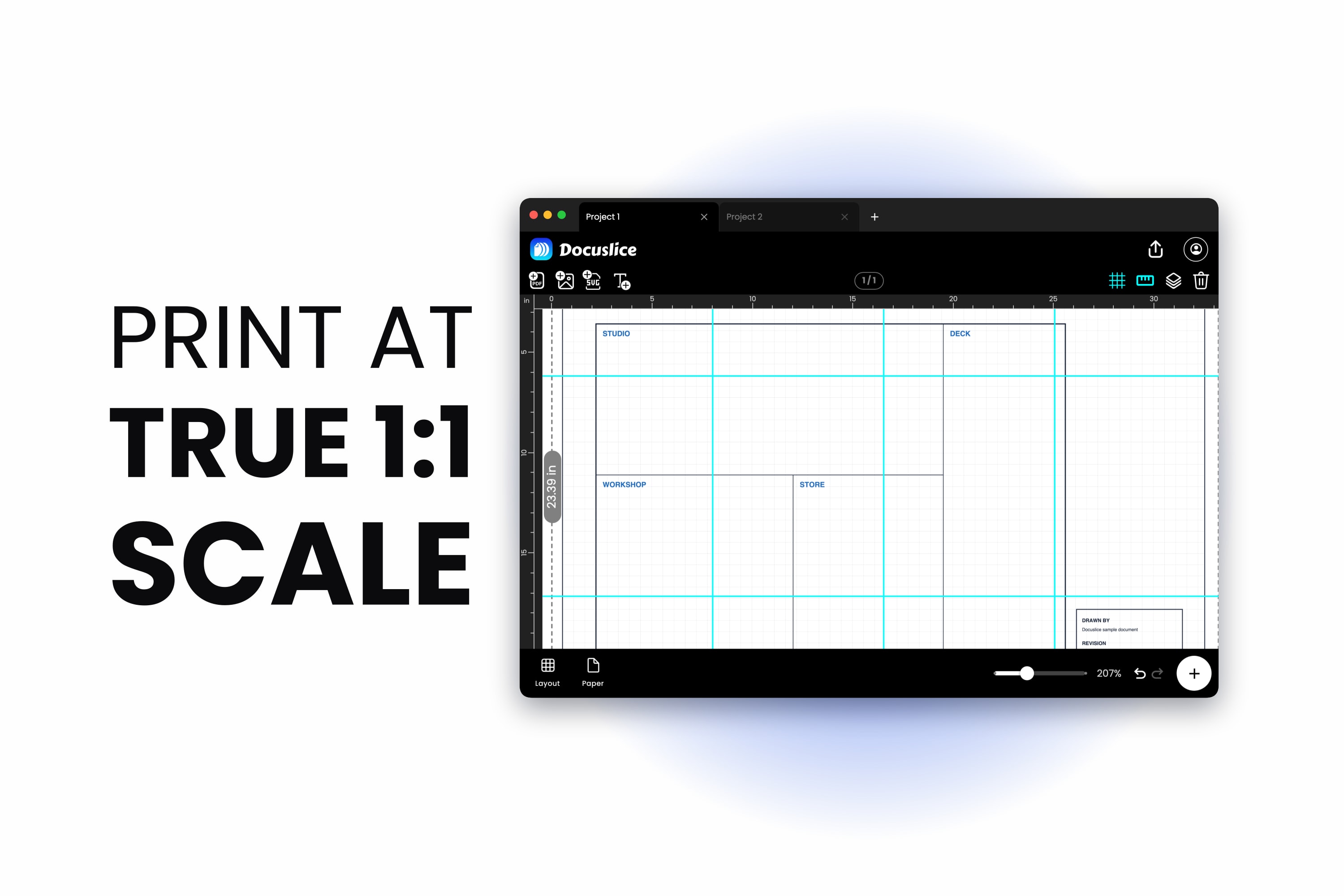
How to print a template at 1:1 scale on an ordinary A4 or Letter printer — set the true dimensions, run a calibration sheet, measure the error, correct it, then tile the full life-size template across as many sheets as it takes.
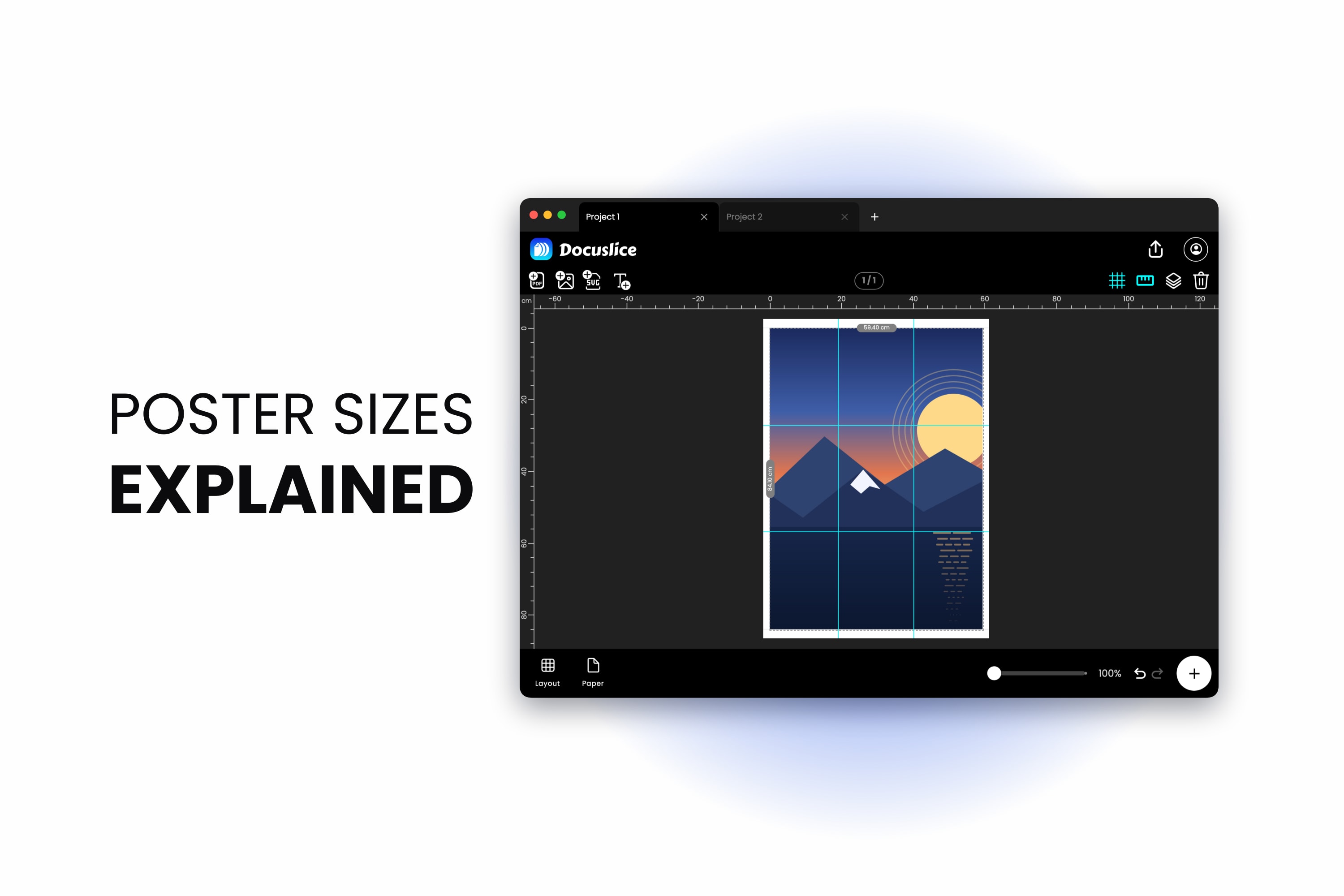
Poster Sizes Explained — A0, A1, A2, A3 and A4 (With Sheet Counts and a Print Chart)
August 3, 2026
A complete poster size chart for A0, A1, A2, A3, A4, A5 and A6 in mm, cm and inches, plus the US equivalents and an honest sheet count for tiling each poster size onto A4 or Letter paper at home.
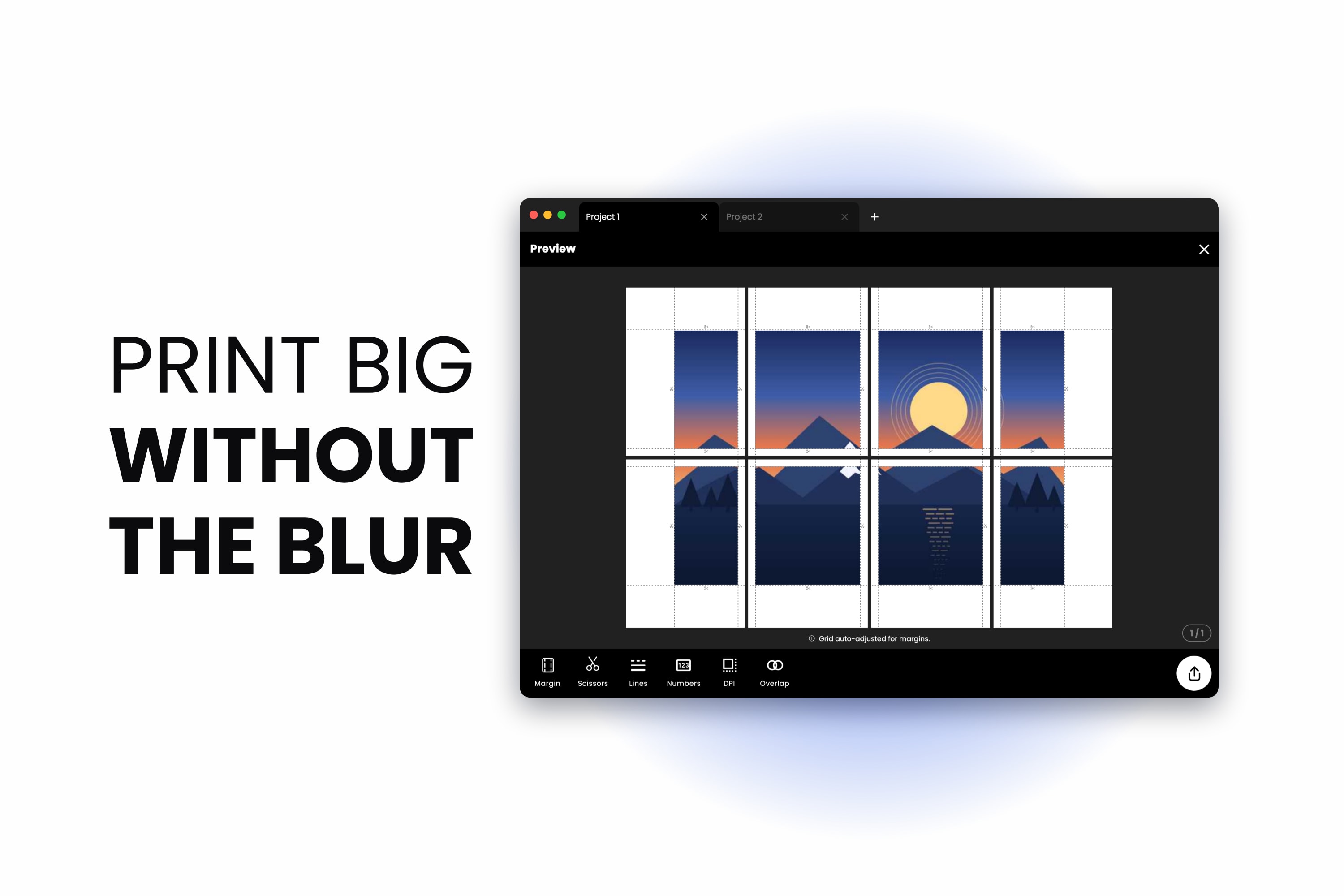
How to Print a Large Image on Multiple Pages Without Losing Quality
July 31, 2026
If you want to print a large image on multiple pages without losing quality, the tiling is not the hard part — the source resolution is. Here is the pixels-per-inch math in plain terms, and how to rescue an image that is too small before you commit i...
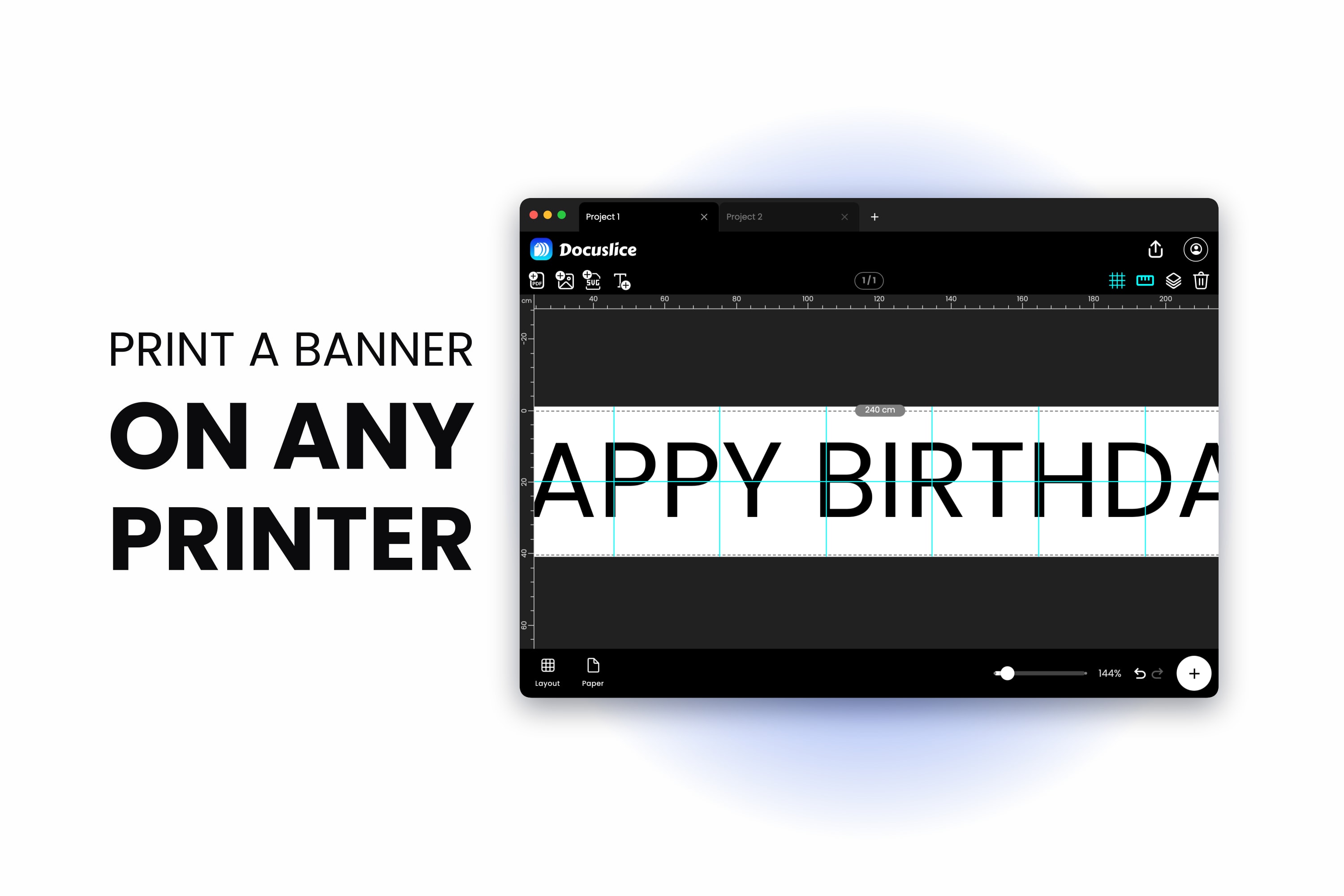
How to Print a Banner on Multiple Sheets of Paper and Tape It Together
July 28, 2026
You do not need a plotter or a print shop. Here is how to print a banner on multiple pages with an ordinary home printer — type the text, stretch it across a long canvas, tile it, and tape the sheets into one clean sign.
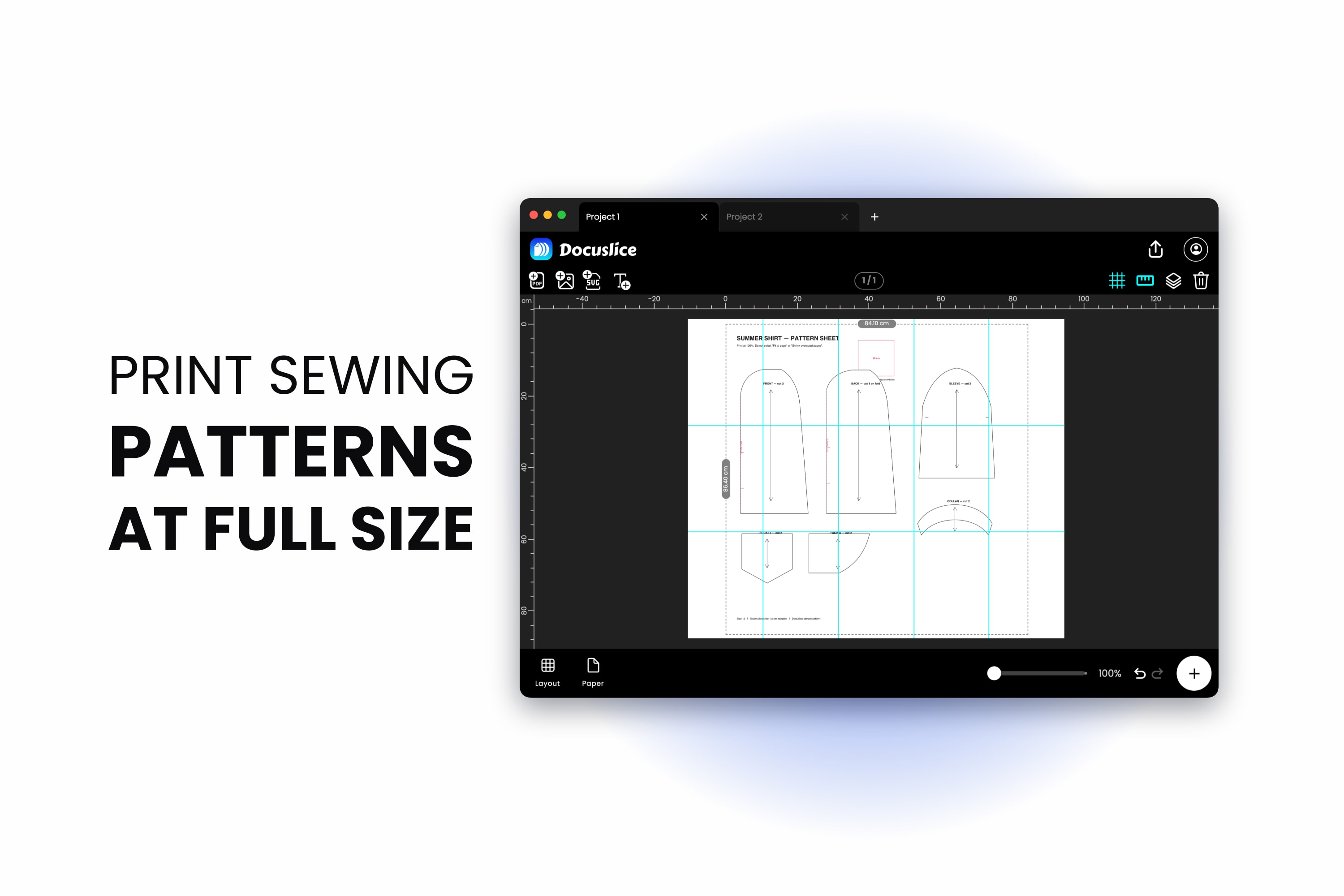
How to Print a Sewing Pattern at Full Size on A4 or Letter Paper
July 25, 2026
Learning how to print a sewing pattern at home comes down to one thing — keeping the scale at 100%. Here is how to check the pattern's own test square, fix it when it comes out wrong, and tile a full-size copyshop pattern across ordinary A4 or Letter...
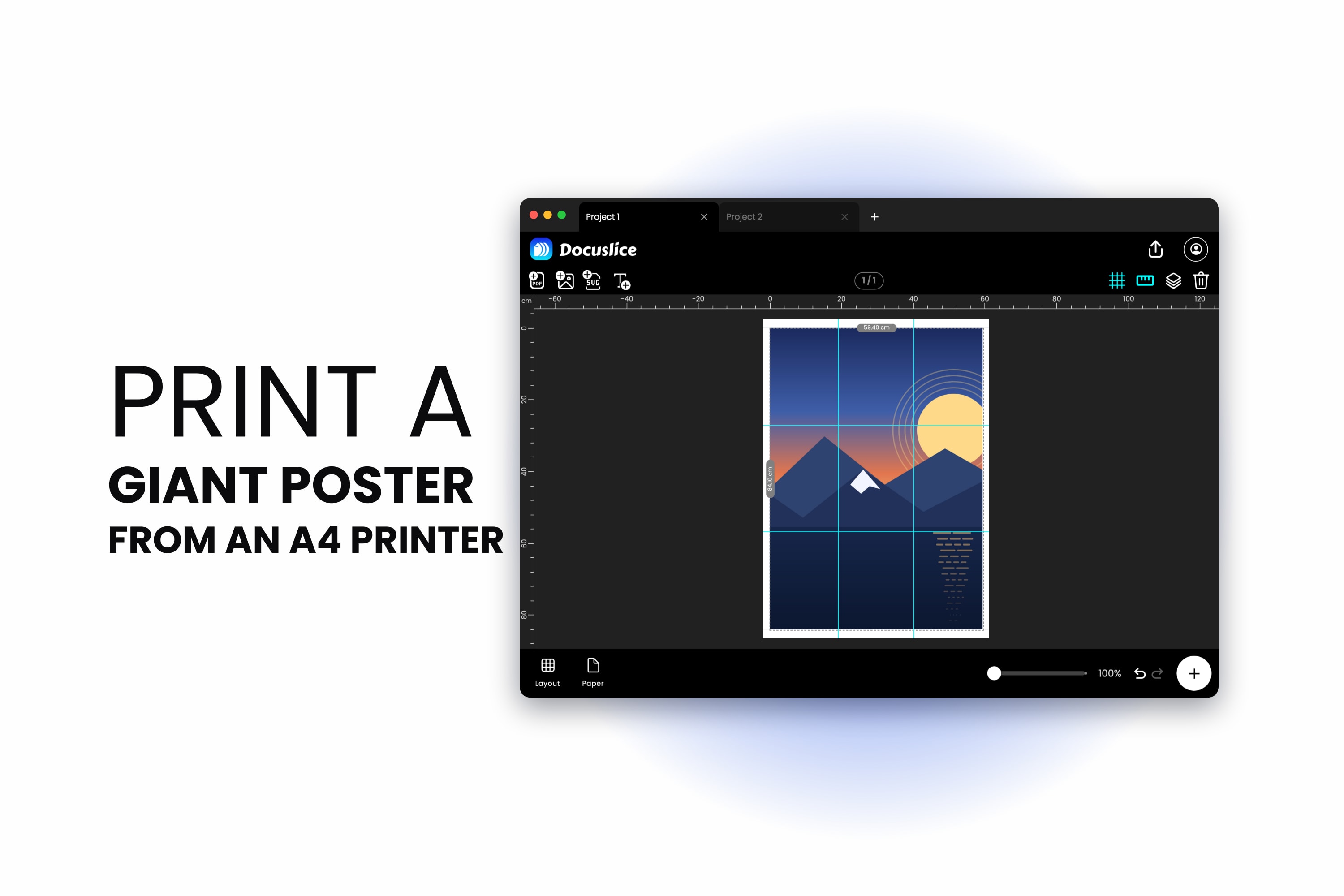
How to Print a Poster on Multiple Pages at Home (A0, A1 and A2 from an A4 Printer)
July 23, 2026
How to print a poster on multiple pages using an ordinary A4 or Letter printer, with the sheet counts for A2, A1 and A0, the overlap and page-number settings that make assembly painless, and the export DPI to pick.
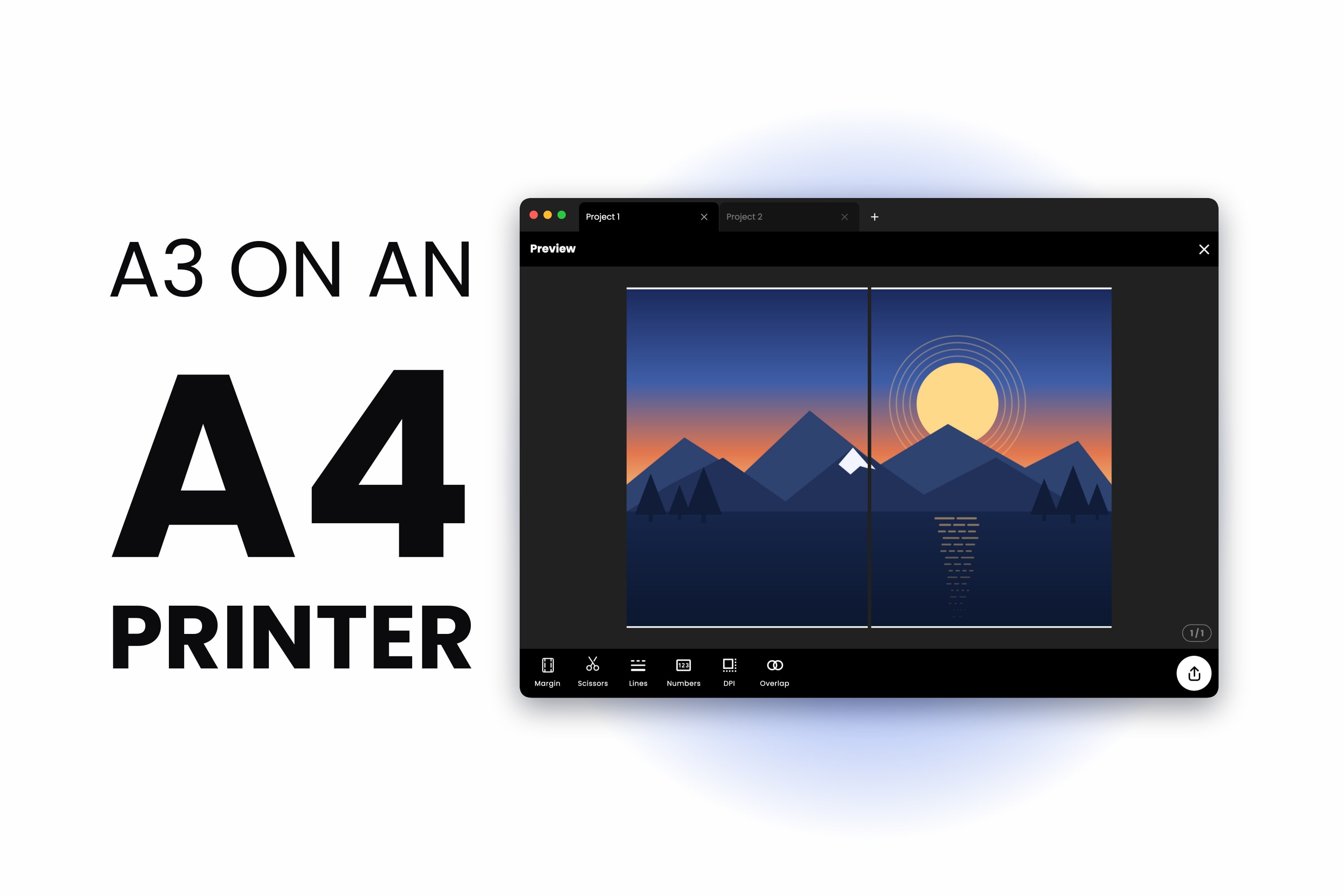
How to Print A3 on an A4 Printer — Full Size, Nothing Scaled Down
July 20, 2026
How to print A3 size with an A4 printer without shrinking anything. A3 is exactly two A4 sheets, so the answer is a two-page tile with a seam down the middle — not the Fit to Page setting that keeps giving you an A4-sized print.
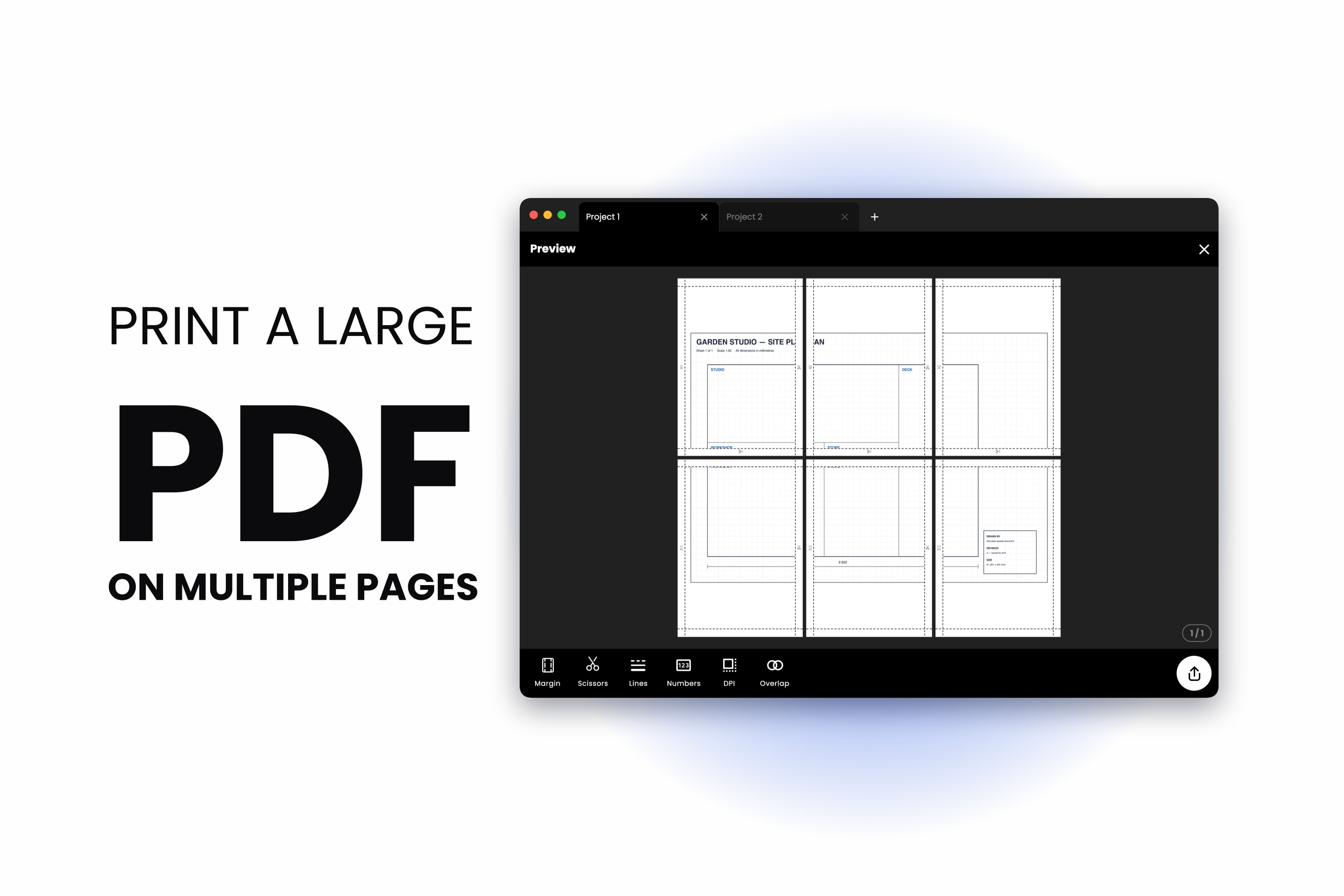
How to Print a Large PDF on Multiple Pages (No Adobe Acrobat Needed)
July 17, 2026
Here is how to print a large PDF on multiple pages using nothing but your browser — split the file across several sheets of A4 or Letter paper at full size, add overlap and page numbers, then tape it back together.
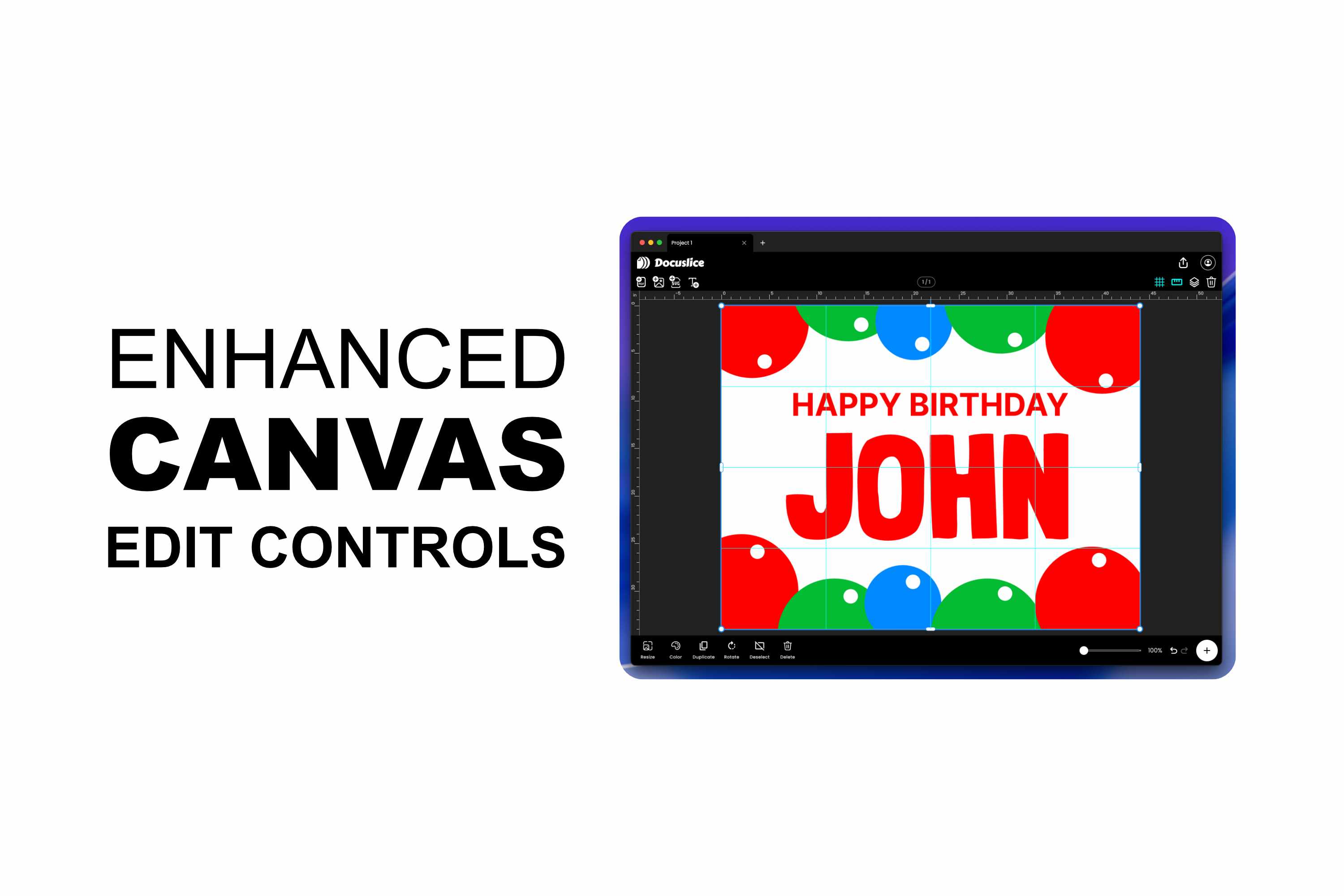
A Better Canvas Editor and Smarter Export Controls in Docuslice
July 15, 2026
Docuslice's poster editor just got a major upgrade — free rotation, edge and corner resize handles, alignment snapping, rulers and guides, full undo/redo, and keyboard shortcuts on web and desktop. Plus two new export controls: page numbers to make a...
Introducing Vector PDF Export in Docuslice — Razor-Sharp Prints at Any Size
June 13, 2026
Docuslice now exports tiled posters as true vector PDFs. Text, shapes, SVG art, and imported PDF pages stay crisp at any print size — no pixelation, no re-rasterizing, smaller files for text and vector-heavy designs.

Introducing Docuslice Pro and Pro+ — Pay Once, No Subscription, Yours Forever
May 30, 2026
Docuslice now has two one-time paid plans, Pro and Pro+. Remove ads, unlock the desktop app, and use Docuslice across more of your devices — with a single payment and no recurring charges, ever.
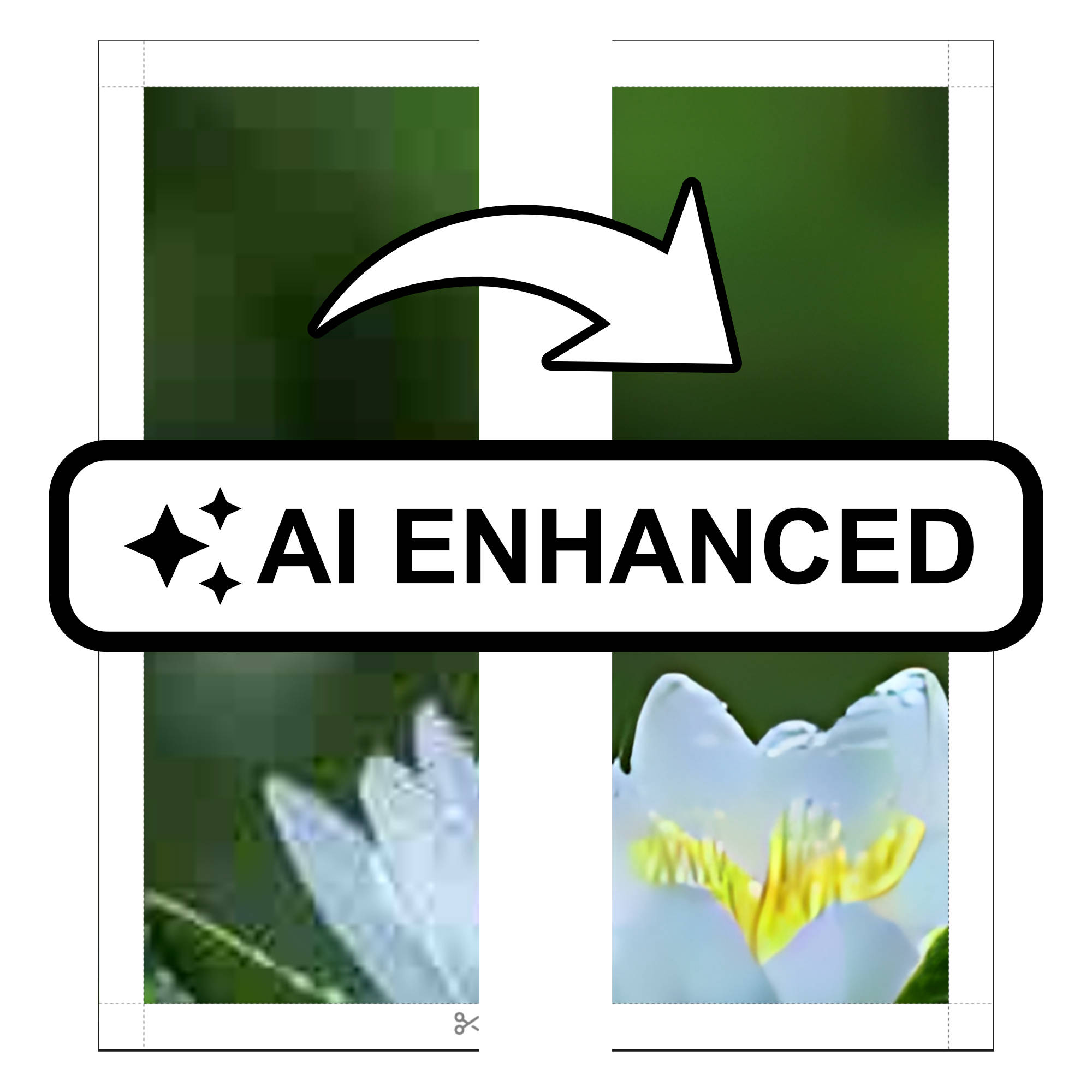
Introducing AI Photo Enhancement in Docuslice — Sharper, Print-Ready Images Every Time
March 27, 2026
Docuslice now includes AI Photo Enhancement, an on-device AI feature that upscales and sharpens your images before exporting, so every tiled print comes out crisp, vibrant, and ready to hang — no design skills required.
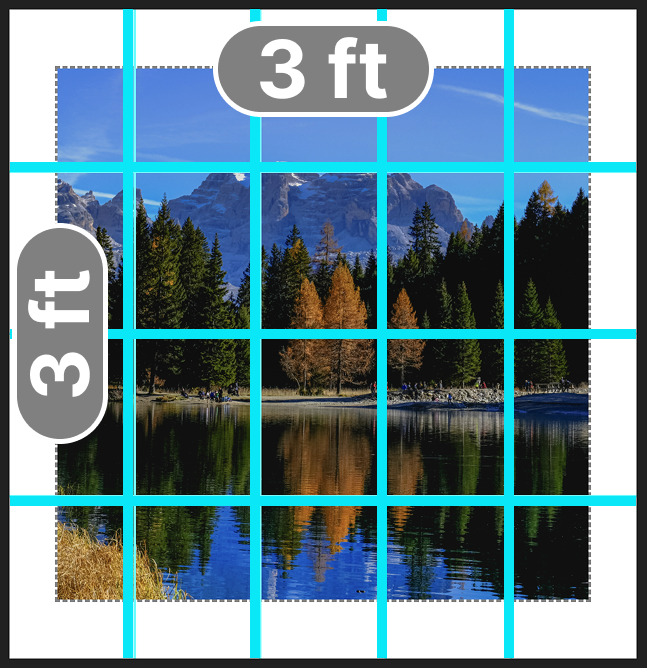
How to Print Images on Multiple Pages at a Specific Size Using Docuslice Size Mode
August 19, 2025
We’re thrilled to introduce Size Mode, the latest feature in Docuslice that gives you complete control over your poster’s dimensions. With Size Mode, you can now set your poster’s width and height to match your exact vision. Whether you’re creating a...
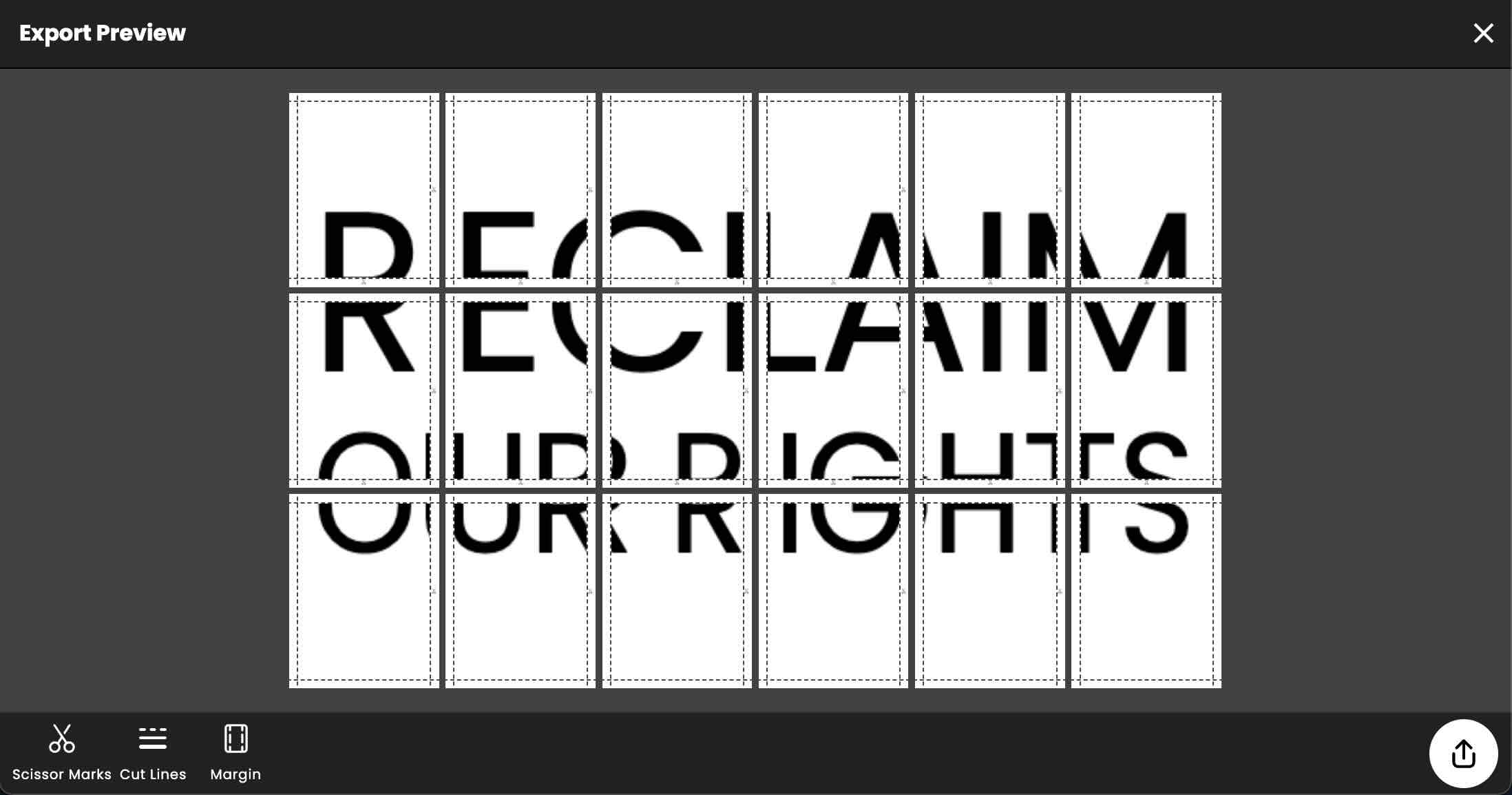
Create Protest Placard using Docuslice (Tiled Printing App)
April 9, 2024
A well-designed protest placard can amplify your message and make a strong visual impact. In this blog post, we'll explore how you can use Docuslice, a tiled printing app, to create eye-catching protest placards with customized text, fonts, and color...
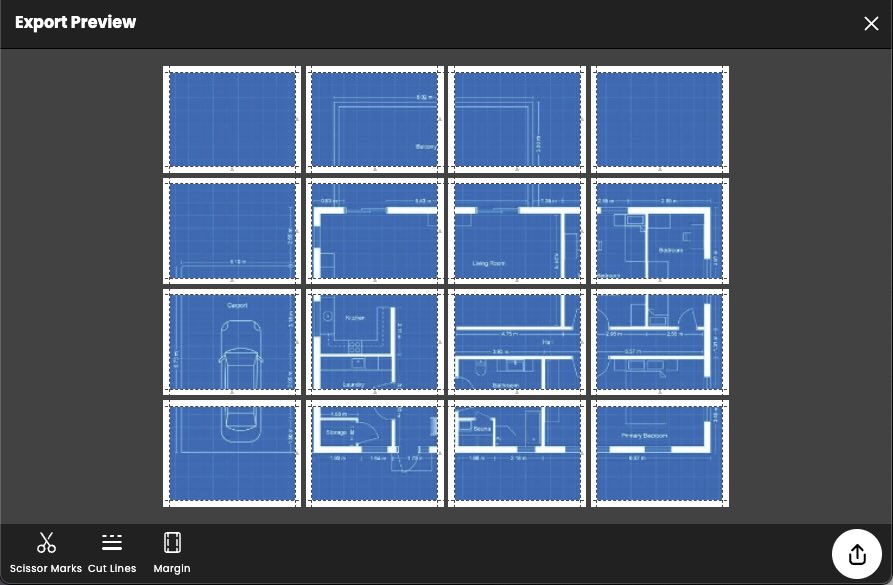
Giant Blueprint Printing with Docuslice using Standard Printer
March 24, 2024
In the world of design and construction, blueprints are crucial. But what if your design is too big to print? Enter Docuslice: a game-changer that lets you print giant blueprints using just a standard printer.
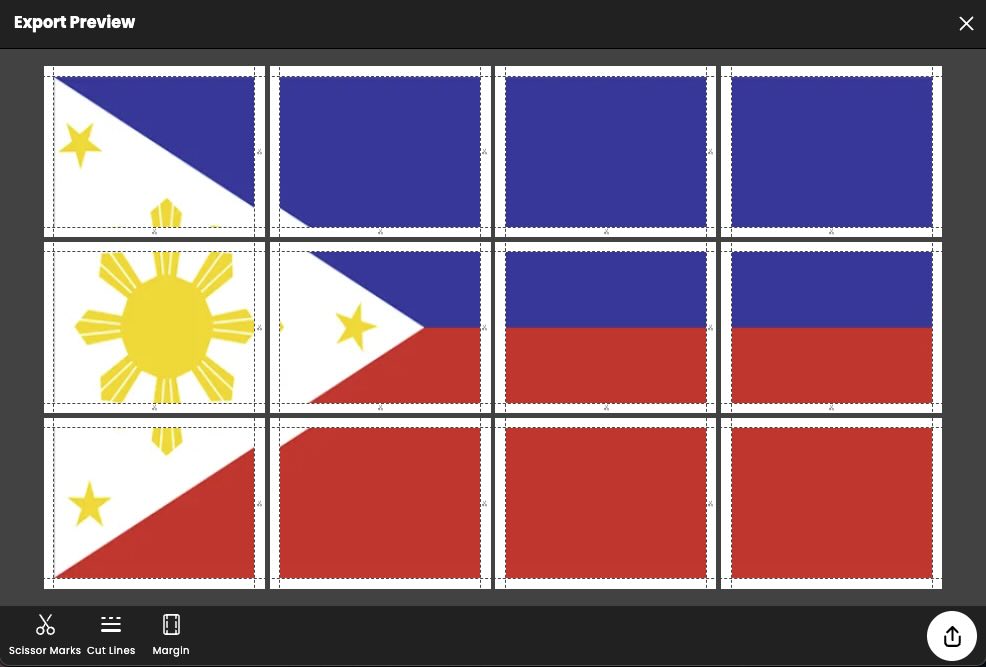
Tiled Printing Giant Flags with Docuslice
March 24, 2024
Flags are more than just pieces of fabric; they're symbols of pride, unity, and identity. Whether it's adorning national emblems, corporate logos, or team insignias, flags hold immense significance. But what if you want to amplify the impact of your ...
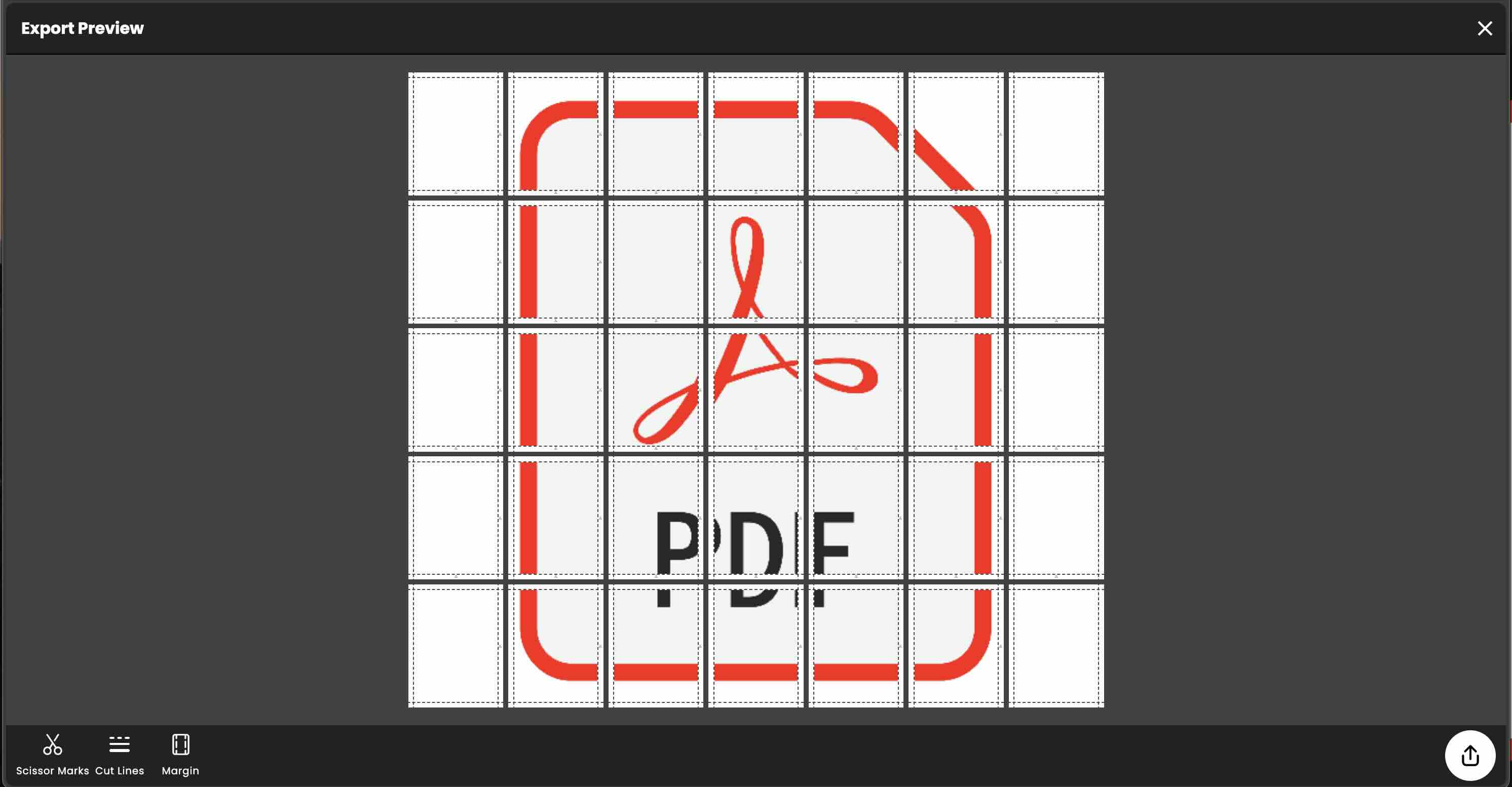
How to Tiled Print a PDF File Using Docuslice?
February 29, 2024
Tiled printing, also known as 'poster printing,' allows you to create large-scale documents or images by dividing them into smaller, printable sections. This technique is particularly useful when you need to print materials that exceed the size limit...

DIY Avatar The Last Airbender Giant Poster using Docuslice App
February 29, 2024
Ever wanted to bring the world of bending to your room? Well, now you can with a giant, DIY poster using the Docuslice app.
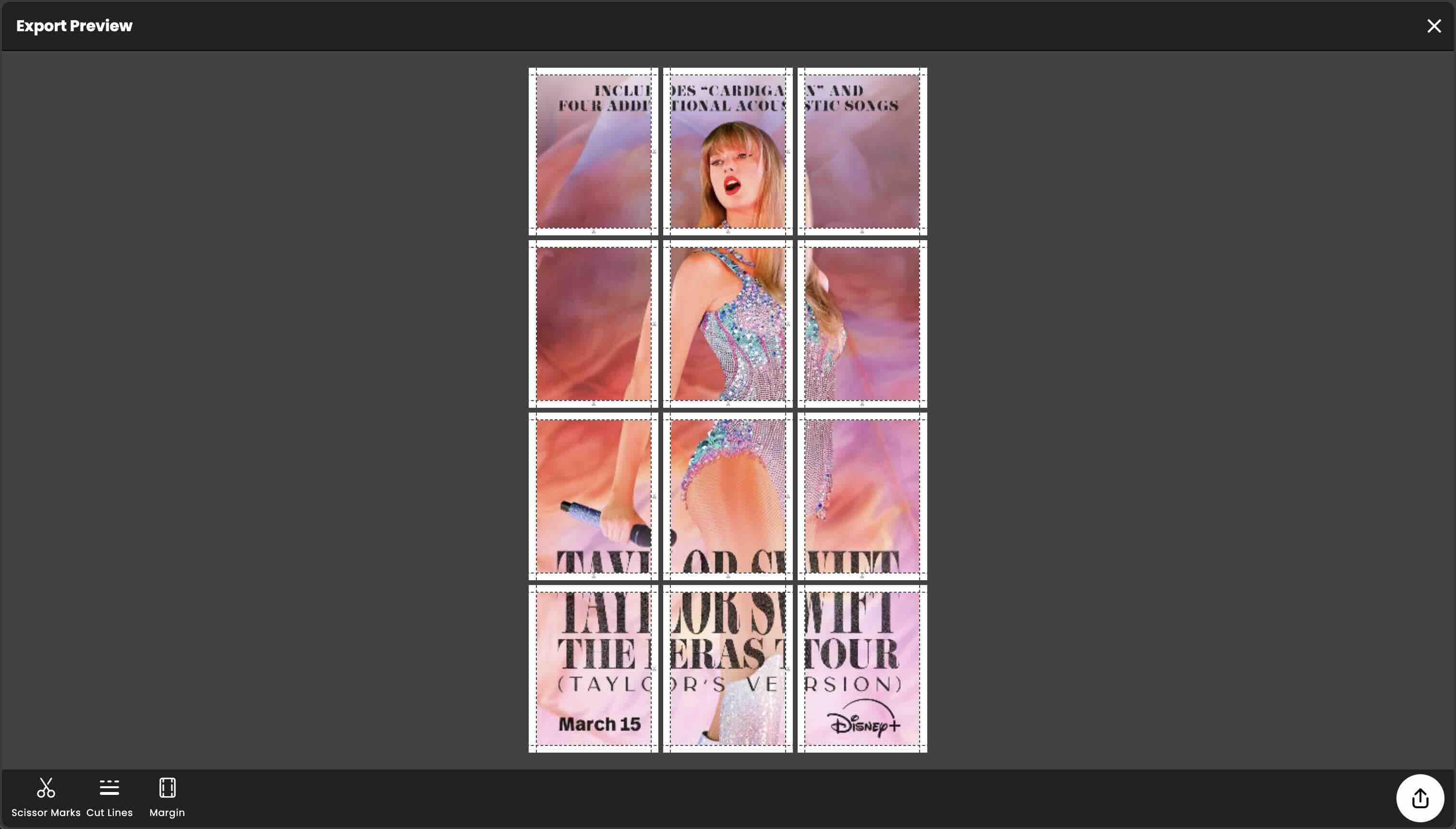
DIY: Create a Huge Taylor Swift Poster Using Docuslice App
February 29, 2024
Are you a die-hard Taylor Swift fan looking to spice up your living space with a massive poster of your favorite artist? Well, you're in luck! In this DIY guide, we'll show you how to create a larger-than-life Taylor Swift poster using the innovative...
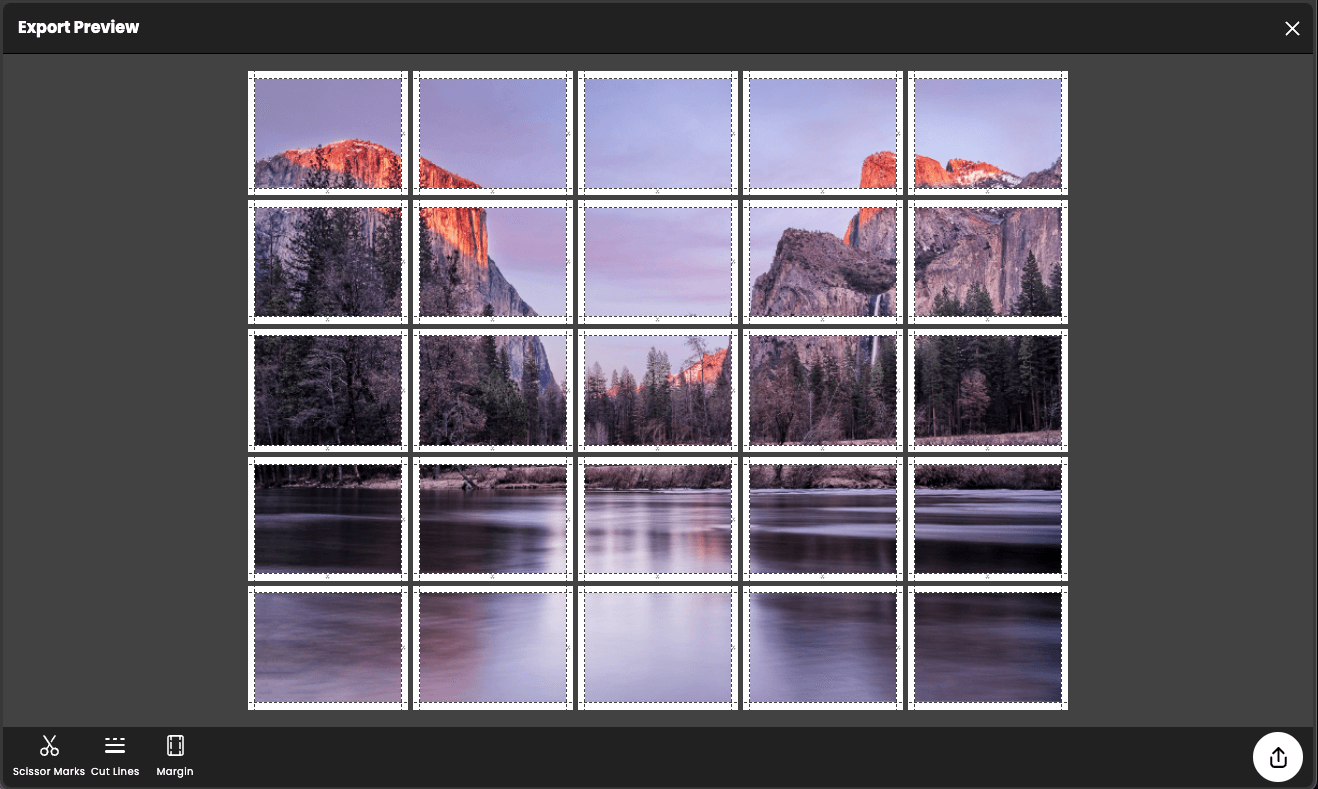
Docuslice: The best rasterbator app
February 2, 2024
Are you looking to create larger-than-life posters without breaking the bank? Look no further than Docuslice, the ultimate rasterbator app that brings your images to grand proportions without compromising quality or costing you a fortune.
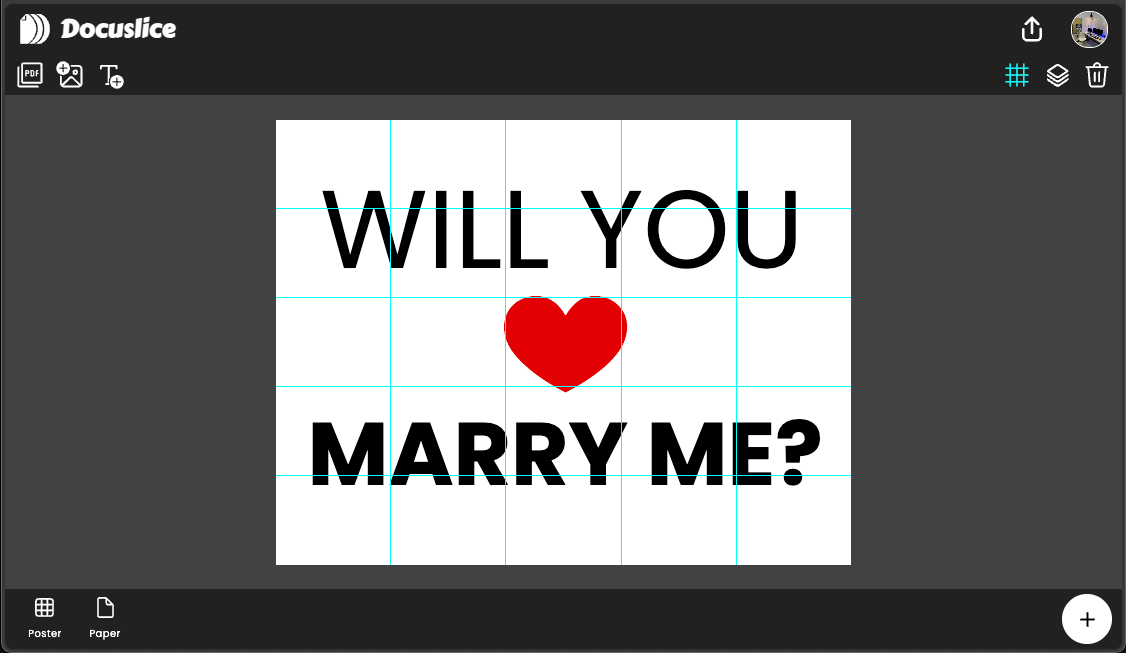
Docuslice: Creating giant "Will You Marry Me" Poster!
February 2, 2024
Are you ready to ask that special question in a memorable way? With Docuslice, you can craft a giant "Will You Marry Me" poster that will make your proposal unforgettable
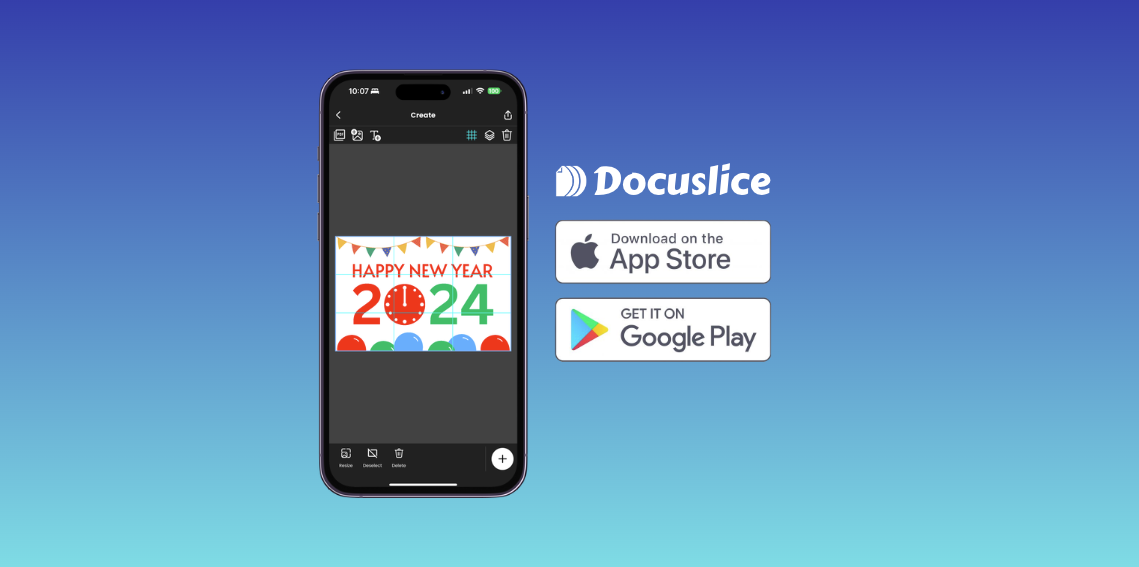
How to make tarpapel using phone?
January 25, 2024
The wait is finally over. Introducing the best tarpapel maker for your phone, Docuslice.
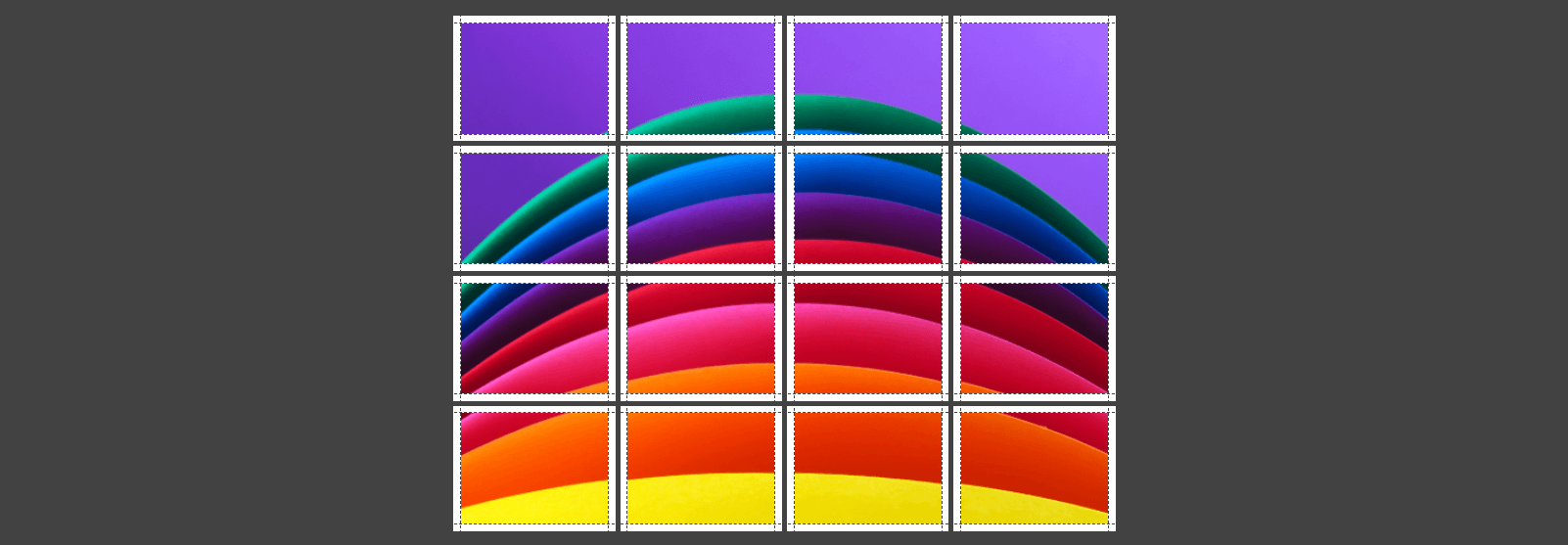
How to print image across multiple pages?
January 22, 2024
Ever wanted to print a huge image on multiple pages but didn't know where to start? Say hello to Docuslice!
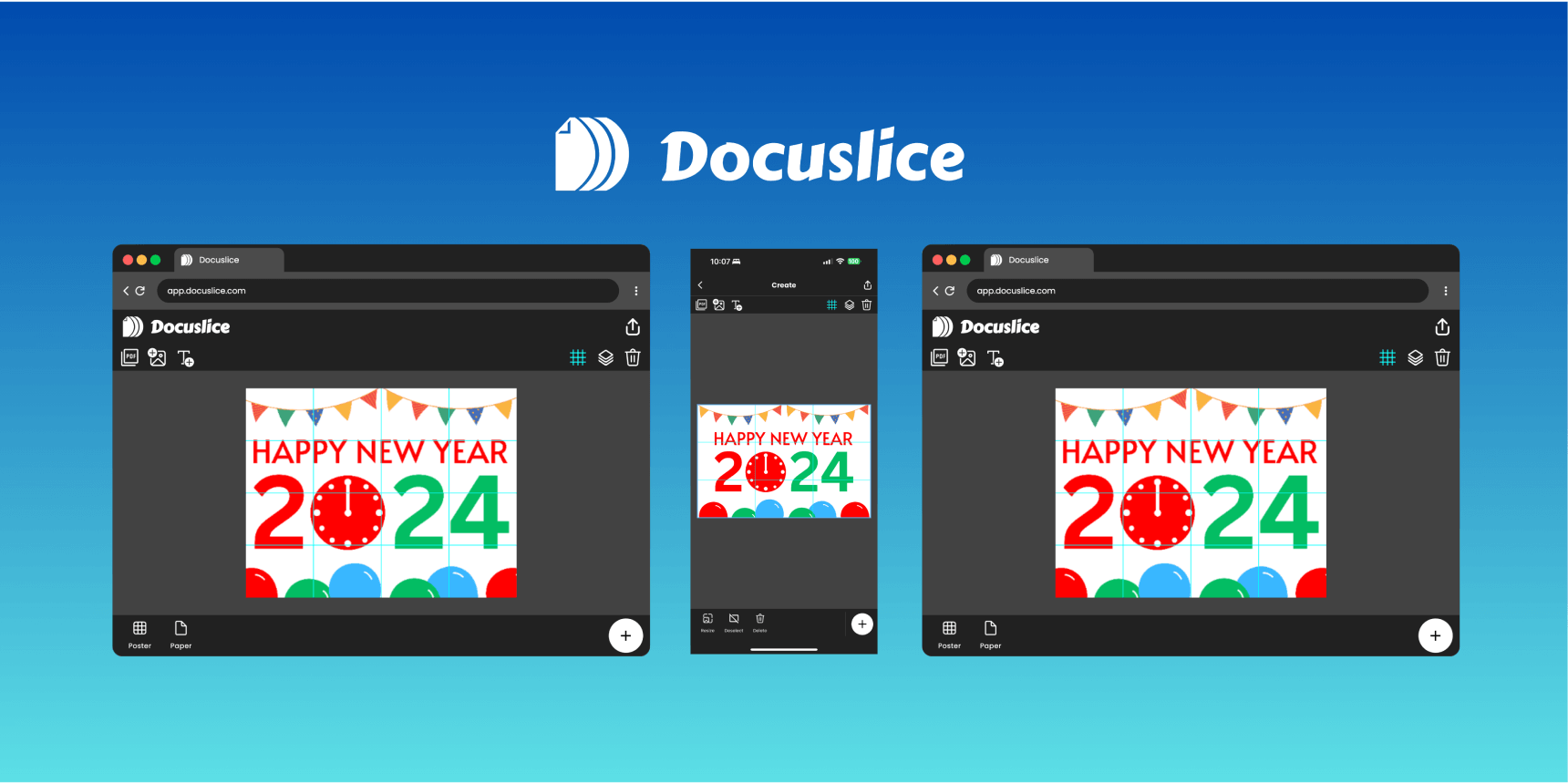
Docuslice: The best tarpapel maker!
January 21, 2024
We'll explore the features and benefits of Docuslice, uncovering why it has earned its reputation as the go-to app for crafting stunning and unique tarpapel creations.
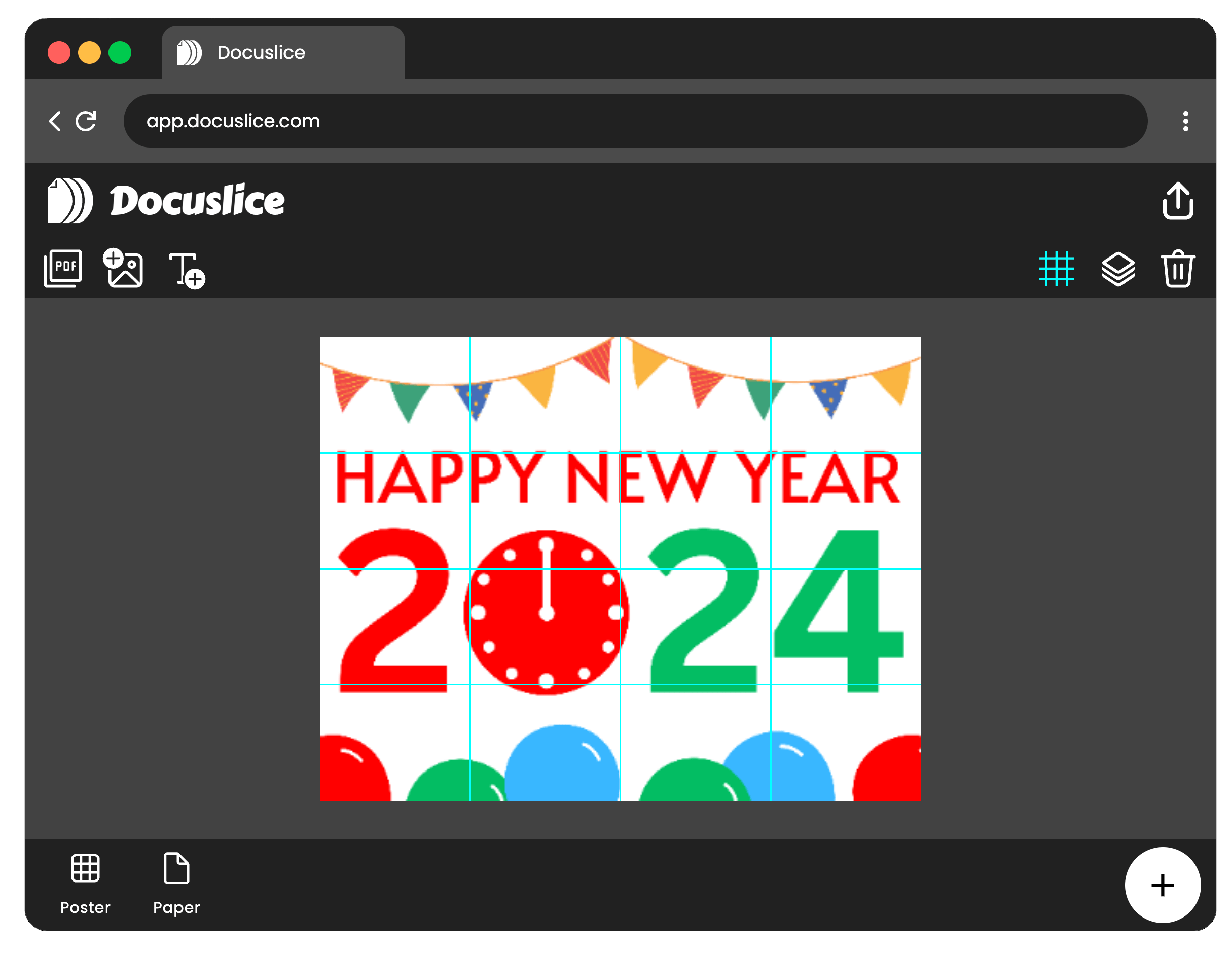
Creating Tiled Posters Made Easy with Docuslice App
January 20, 2024
The Ultimate Block Poster Maker App is here! In today's digital world, making eye-catching posters is a cool way to share your ideas.