No giant printer?No problem!
Easily split any image or PDF into large printable pages for free in just a few clicks!
Print large posters, banners, signs, and more across multiple pages using your home printer 🖨️.
How it works
1Set the poster size
Give it a number of sheets, or an exact size. Either works.
2Choose your paper
Letter, A4, A3 and every other sheet your printer already takes.
3Add your image or PDF
Photos, PDFs and SVGs drop straight onto the canvas.
4Print and tape it together
An ordinary printer, ordinary paper, one very large poster.
Desktop App
Offline and exclusive for Pro+ Users
What else it does
Editing
Move, resize, rotate
Put the image exactly where you want it on the canvas.
Fit to the canvas
Fill the whole poster in one action, without stretching anything.
Add and style text
Headlines and captions in real fonts, sized for the wall.
Guides, rulers and snapping
Line things up without measuring anything twice.
Enhance with AI
Upscale a small image before it goes up at poster size.
Exports
PDF, vector or images
One file for the whole poster, or one file per sheet.
Resolution and DPI
Export at the quality your printer or print shop asks for.
Cut lines and scissor marks
Know exactly where to cut before you pick up the scissors.
Overlap for taping
A shared band of image on each edge, so seams disappear.
Margins
Account for the edge of the page your printer cannot reach.
Pricing
Tutorials and news from our blog
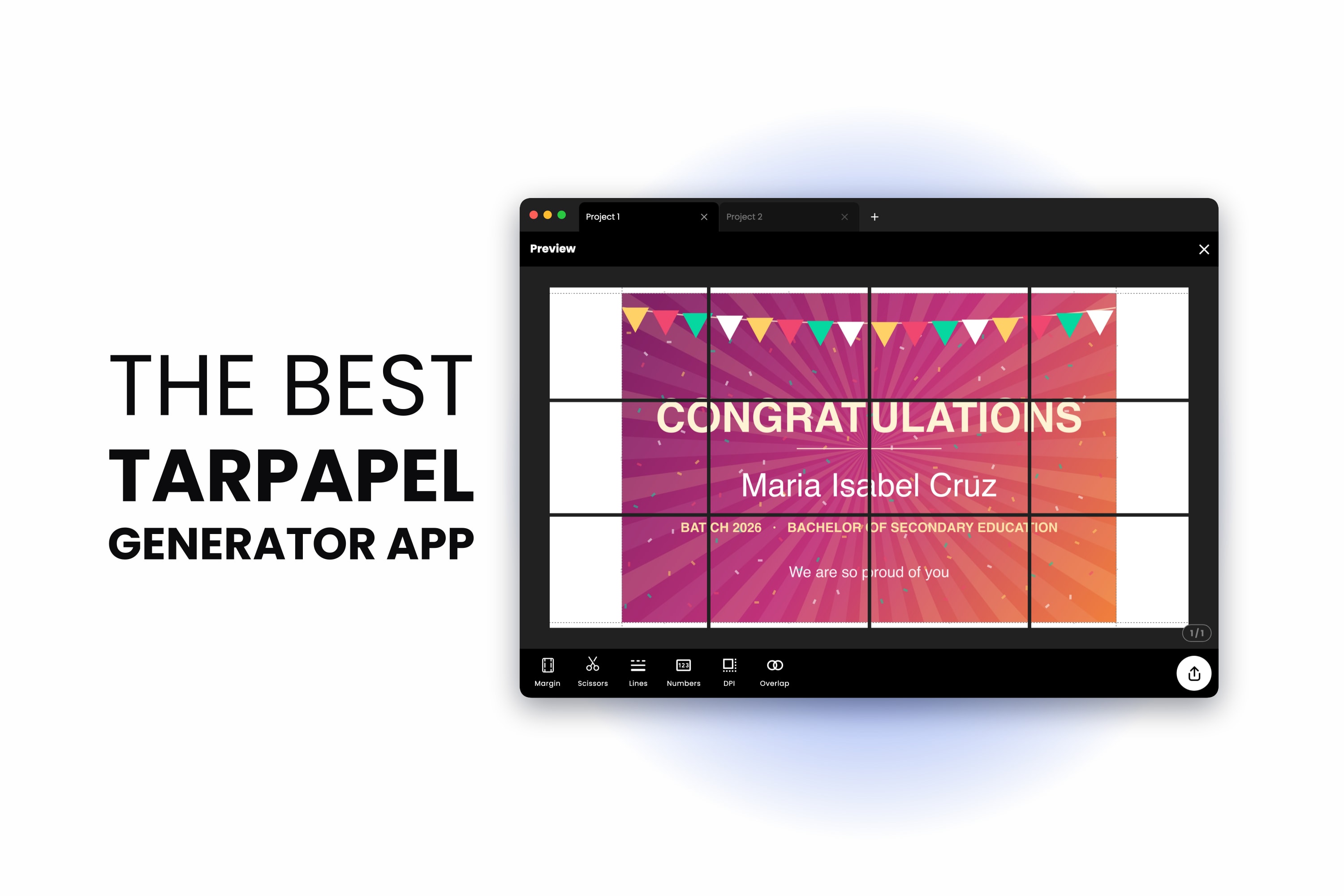
The Best Tarpapel Generator App (Free, and No Printing Shop Needed)
August 14, 2026
A tarpapel generator turns your design into a grid of ordinary paper sheets you print at home and tape together. Here is the whole thing end to end — sizes, sheet counts, cut lines and taping — with the app that does it free in a browser or on your p...
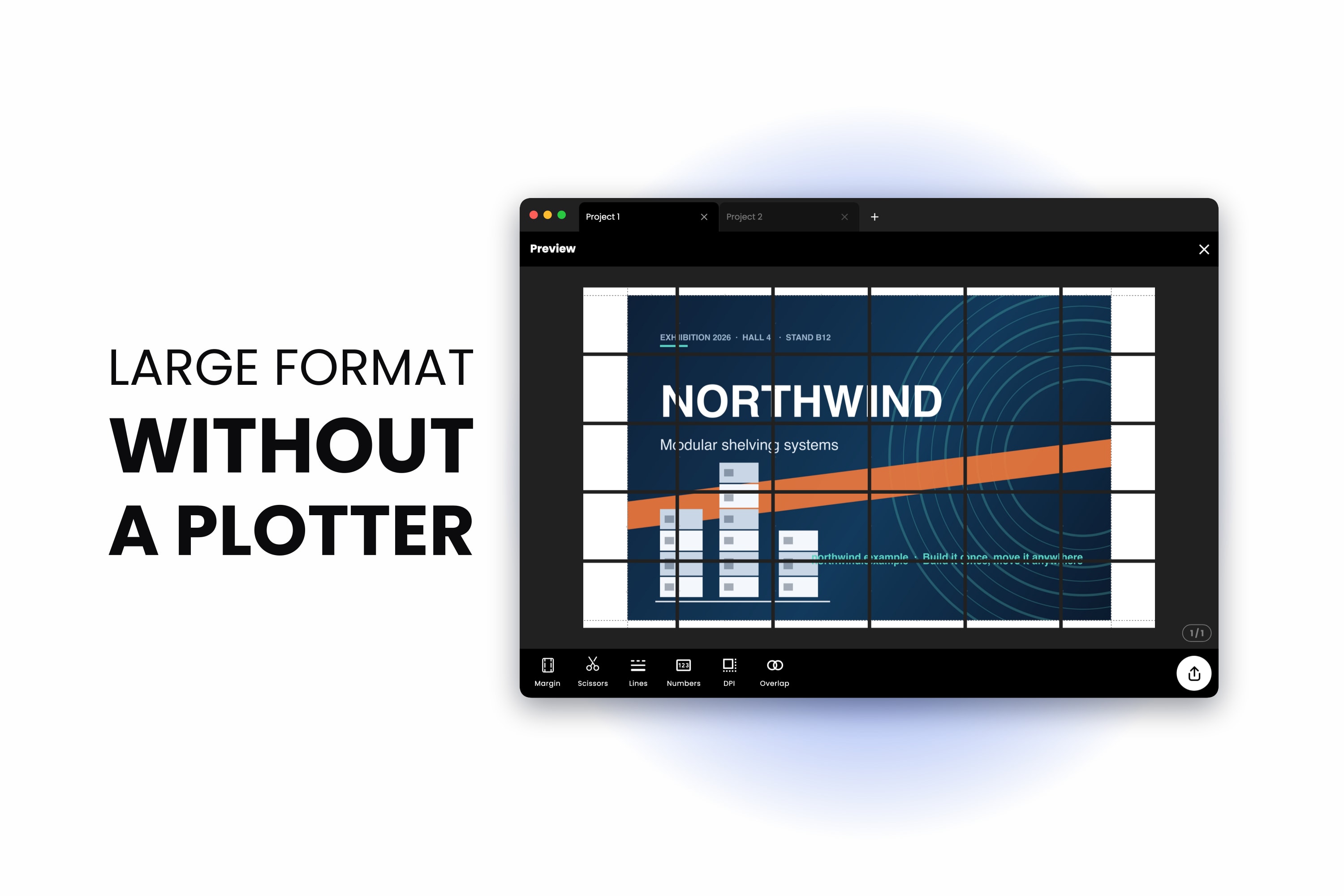
Large Format Printing Alternative: Print Big Without a Large Format Printer
August 13, 2026
The large format printing alternative nobody quotes you: tile the job across the A4 printer you already own. Here is what it costs, what it looks like, and the cases where a print shop is still the right answer.
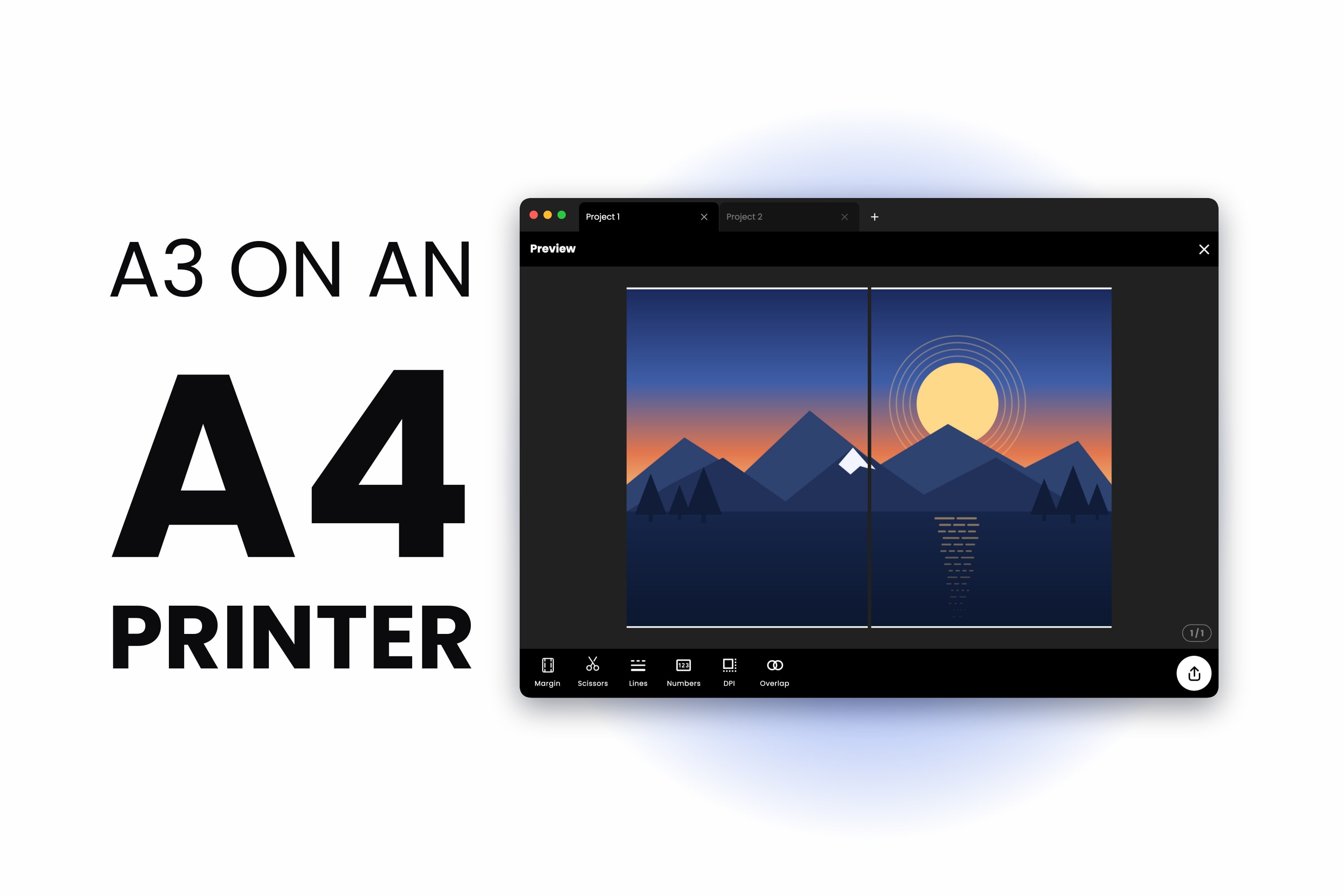
How to Print A3 on an A4 Printer — Full Size, Nothing Scaled Down
July 20, 2026
How to print A3 size with an A4 printer without shrinking anything. A3 is exactly two A4 sheets, so the answer is a two-page tile with a seam down the middle — not the Fit to Page setting that keeps giving you an A4-sized print.
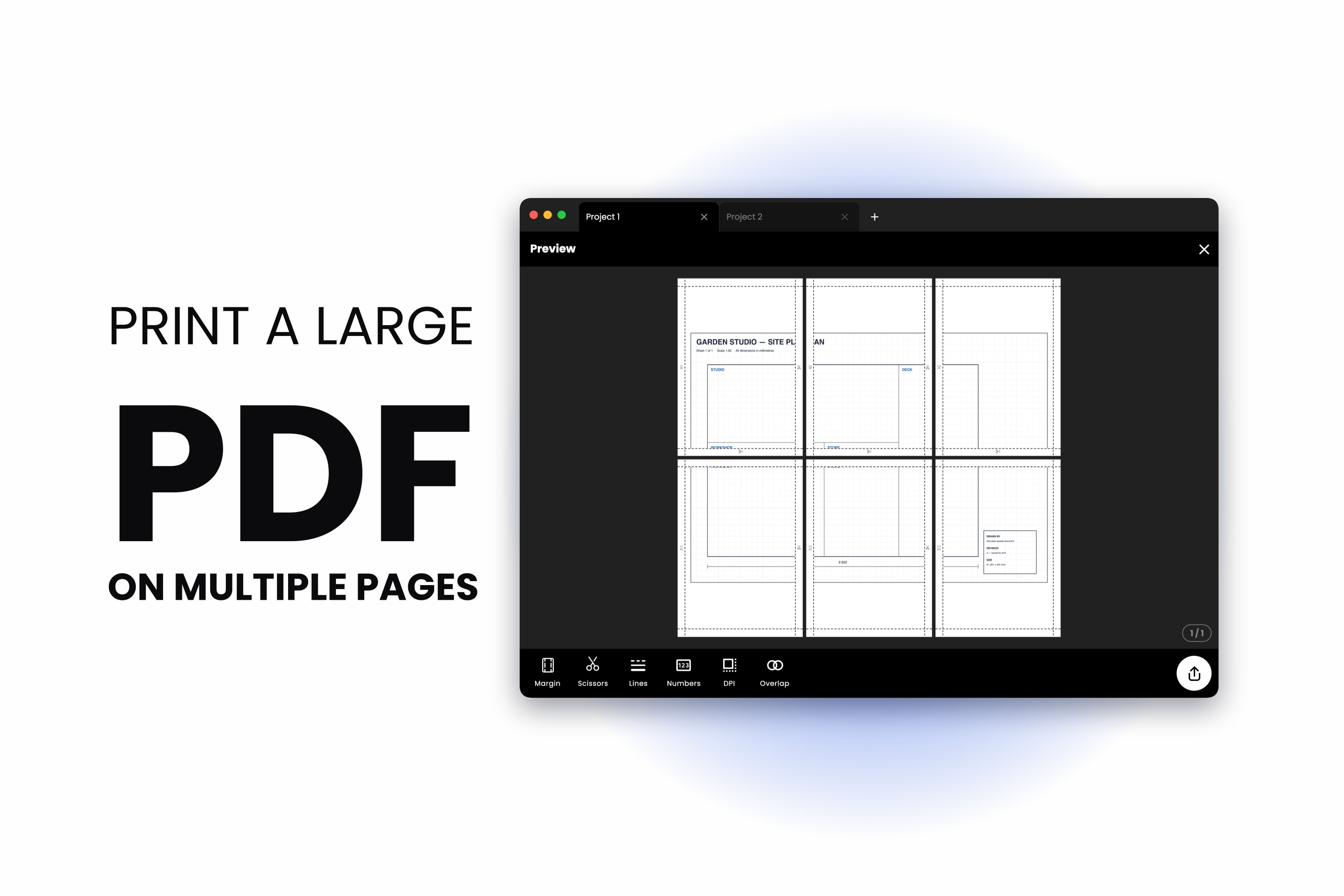
How to Print a Large PDF on Multiple Pages (No Adobe Acrobat Needed)
July 17, 2026
Here is how to print a large PDF on multiple pages using nothing but your browser — split the file across several sheets of A4 or Letter paper at full size, add overlap and page numbers, then tape it back together.
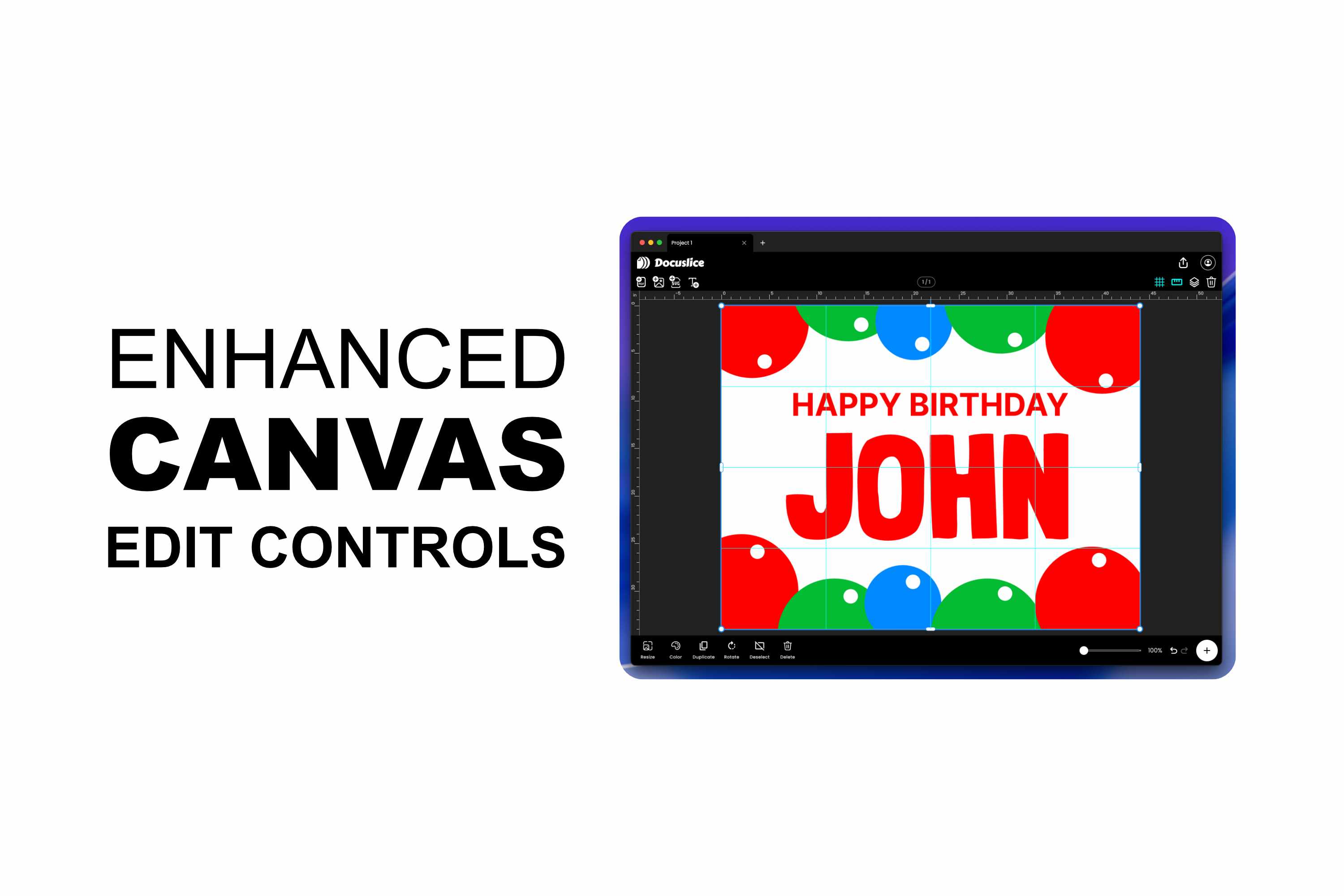
A Better Canvas Editor and Smarter Export Controls in Docuslice
July 15, 2026
Docuslice's poster editor just got a major upgrade — free rotation, edge and corner resize handles, alignment snapping, rulers and guides, full undo/redo, and keyboard shortcuts on web and desktop. Plus two new export controls: page numbers to make a...
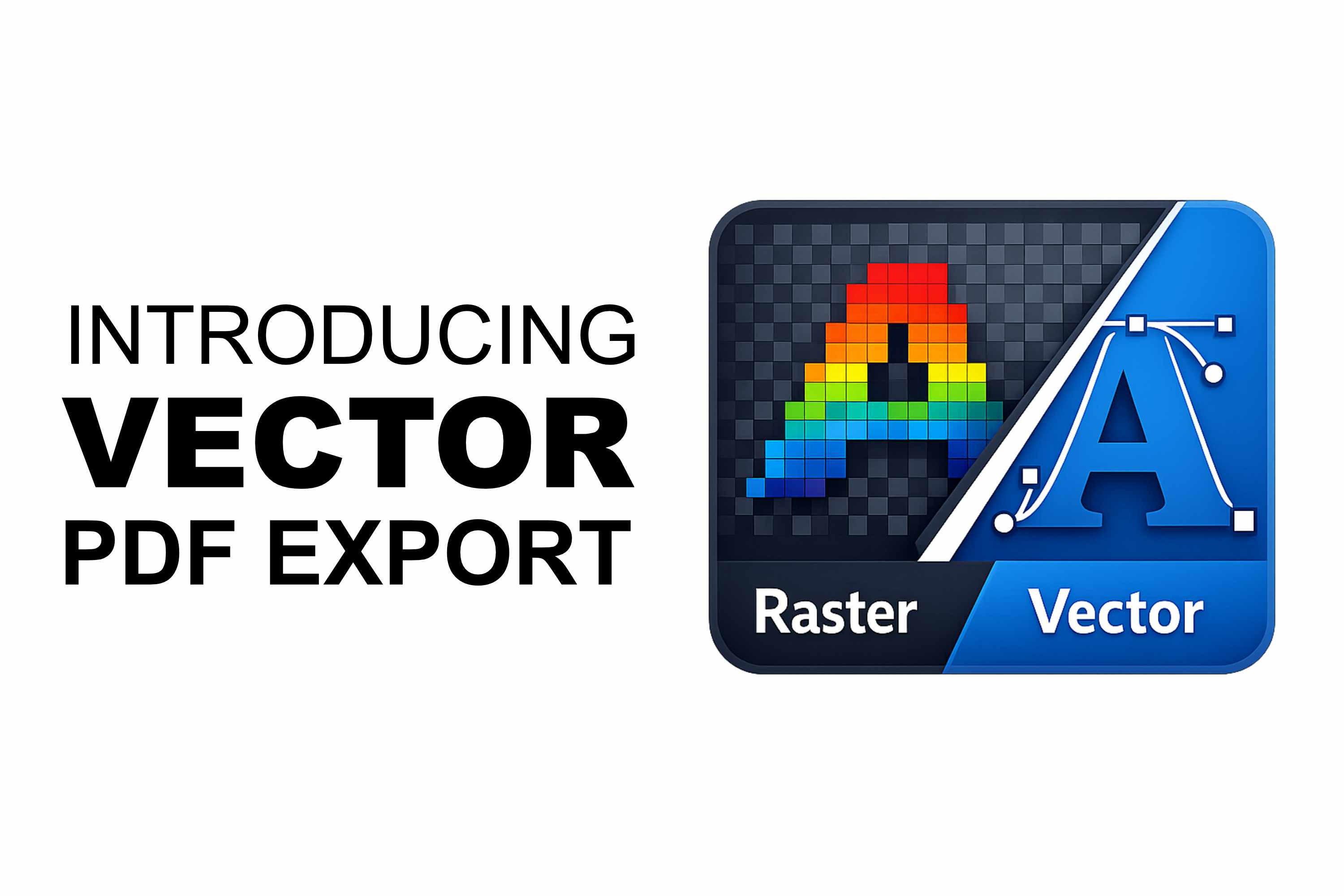
Introducing Vector PDF Export in Docuslice — Razor-Sharp Prints at Any Size
June 13, 2026
Docuslice now exports tiled posters as true vector PDFs. Text, shapes, SVG art, and imported PDF pages stay crisp at any print size — no pixelation, no re-rasterizing, smaller files for text and vector-heavy designs.

Introducing Docuslice Pro and Pro+ — Pay Once, No Subscription, Yours Forever
May 30, 2026
Docuslice now has two one-time paid plans, Pro and Pro+. Remove ads, unlock the desktop app, and use Docuslice across more of your devices — with a single payment and no recurring charges, ever.
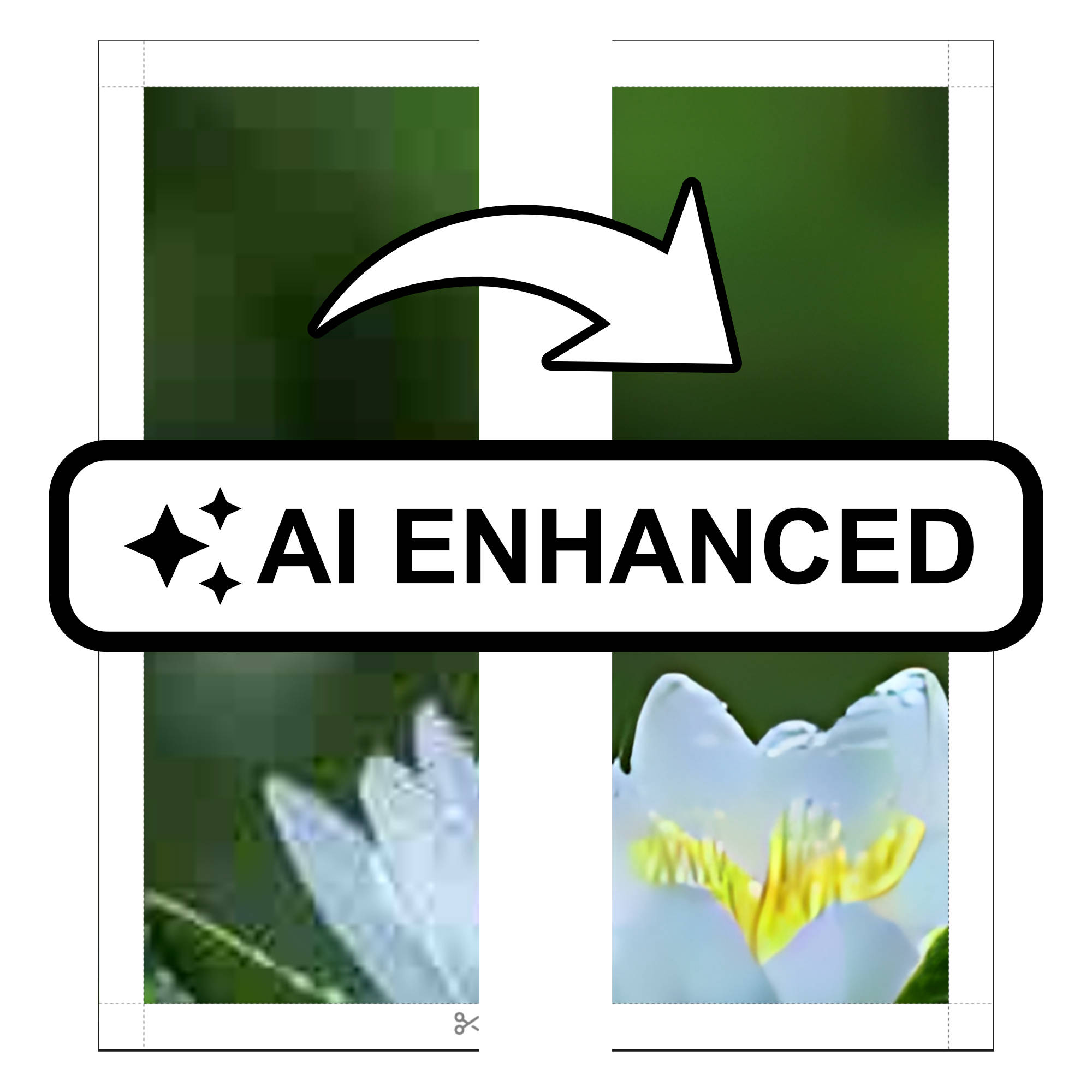
Introducing AI Photo Enhancement in Docuslice — Sharper, Print-Ready Images Every Time
March 27, 2026
Docuslice now includes AI Photo Enhancement, an on-device AI feature that upscales and sharpens your images before exporting, so every tiled print comes out crisp, vibrant, and ready to hang — no design skills required.
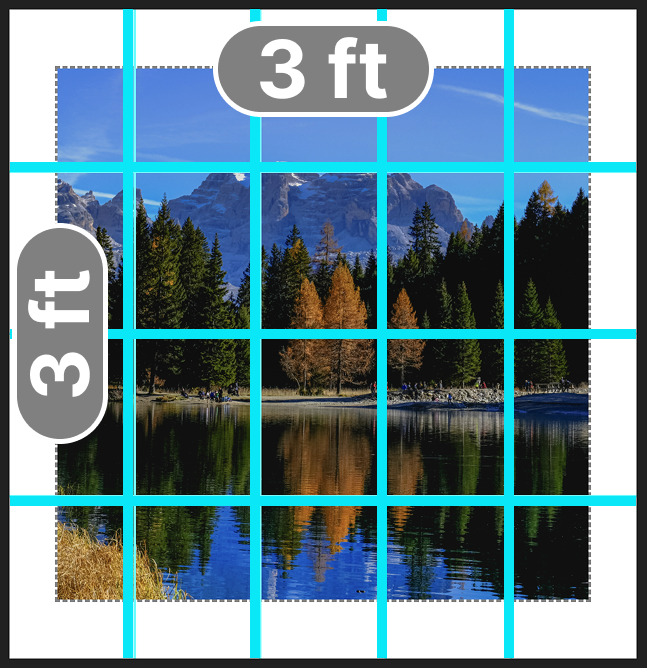
How to Print Images on Multiple Pages at a Specific Size Using Docuslice Size Mode
August 19, 2025
We’re thrilled to introduce Size Mode, the latest feature in Docuslice that gives you complete control over your poster’s dimensions. With Size Mode, you can now set your poster’s width and height to match your exact vision. Whether you’re creating a...
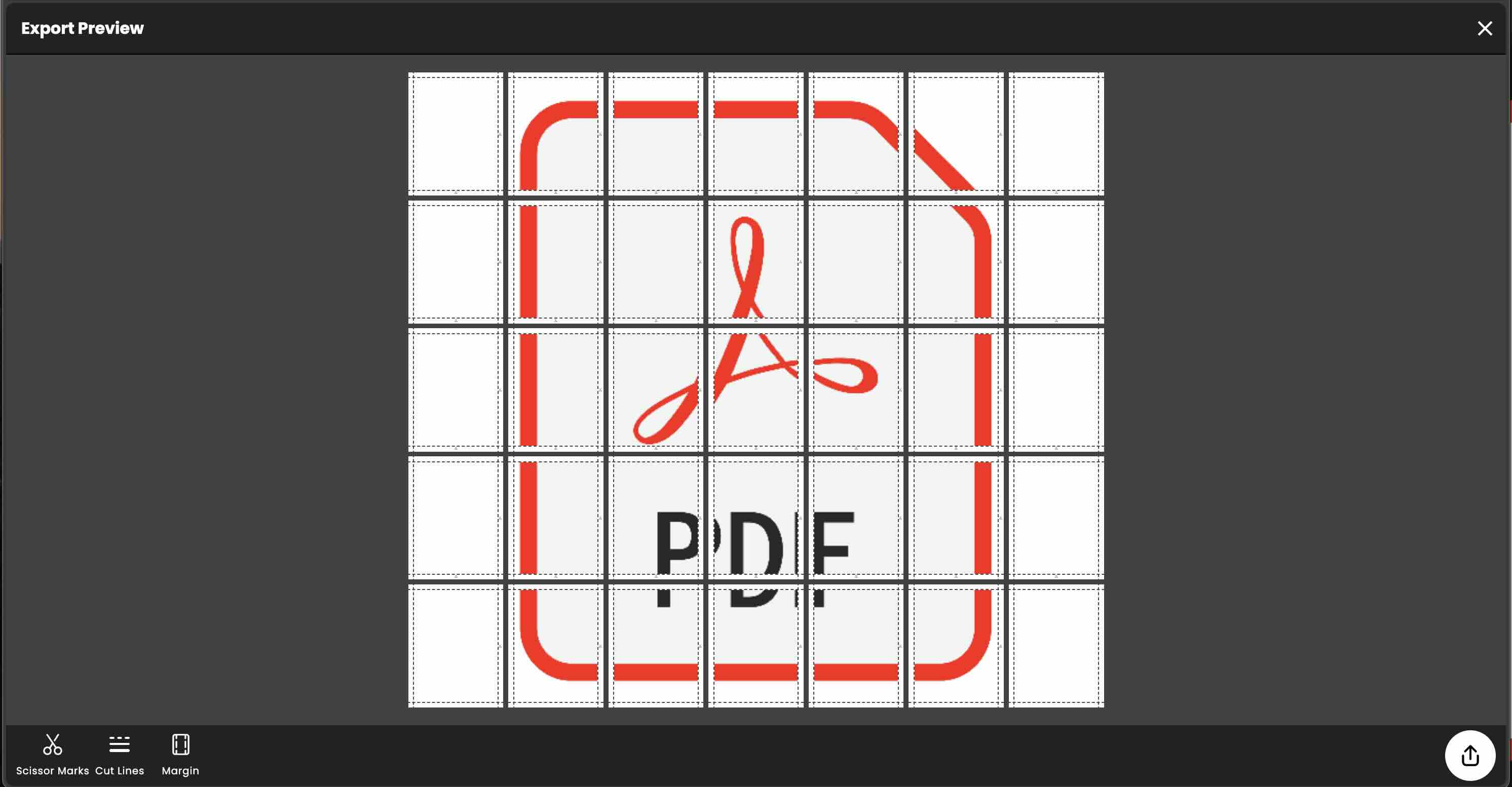
How to Tiled Print a PDF File Using Docuslice?
February 29, 2024
Tiled printing, also known as 'poster printing,' allows you to create large-scale documents or images by dividing them into smaller, printable sections. This technique is particularly useful when you need to print materials that exceed the size limit...
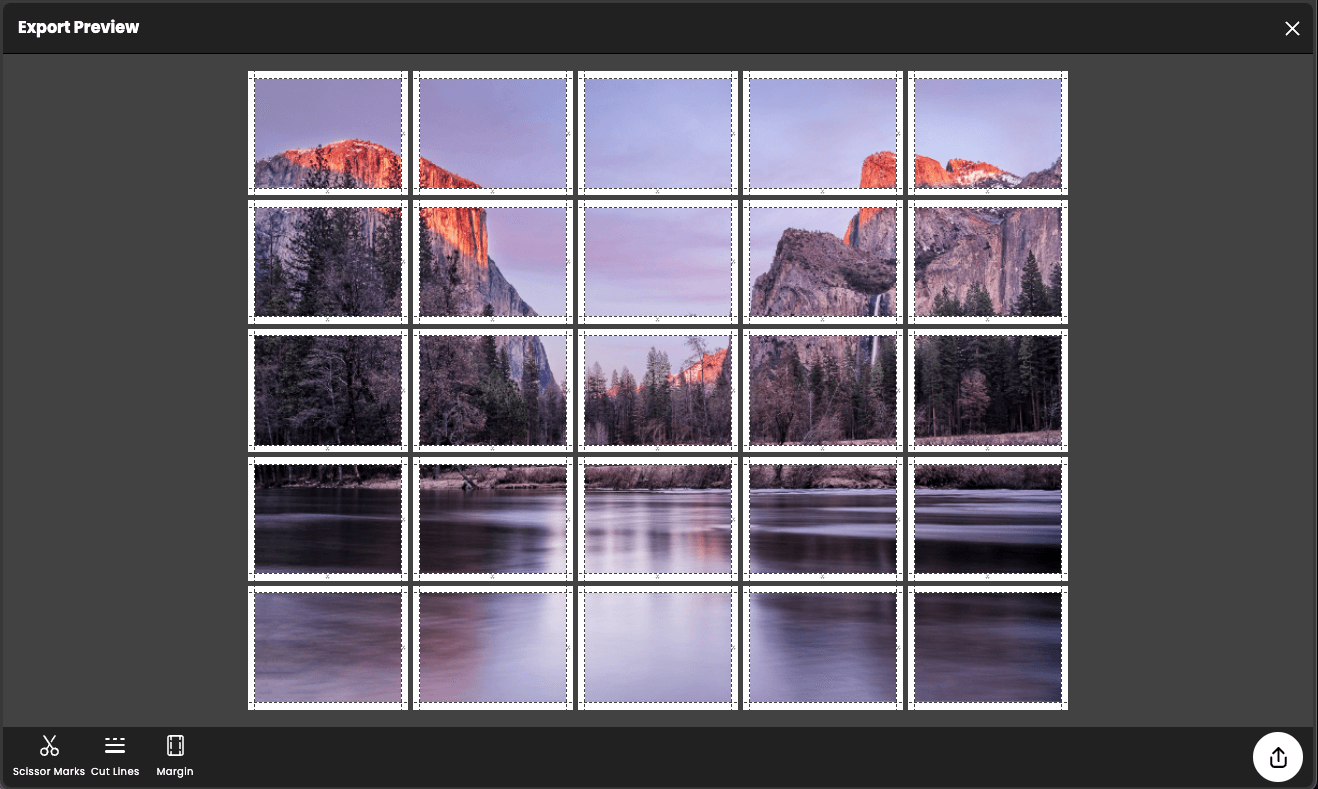
Docuslice: The best rasterbator app
February 2, 2024
Are you looking to create larger-than-life posters without breaking the bank? Look no further than Docuslice, the ultimate rasterbator app that brings your images to grand proportions without compromising quality or costing you a fortune.
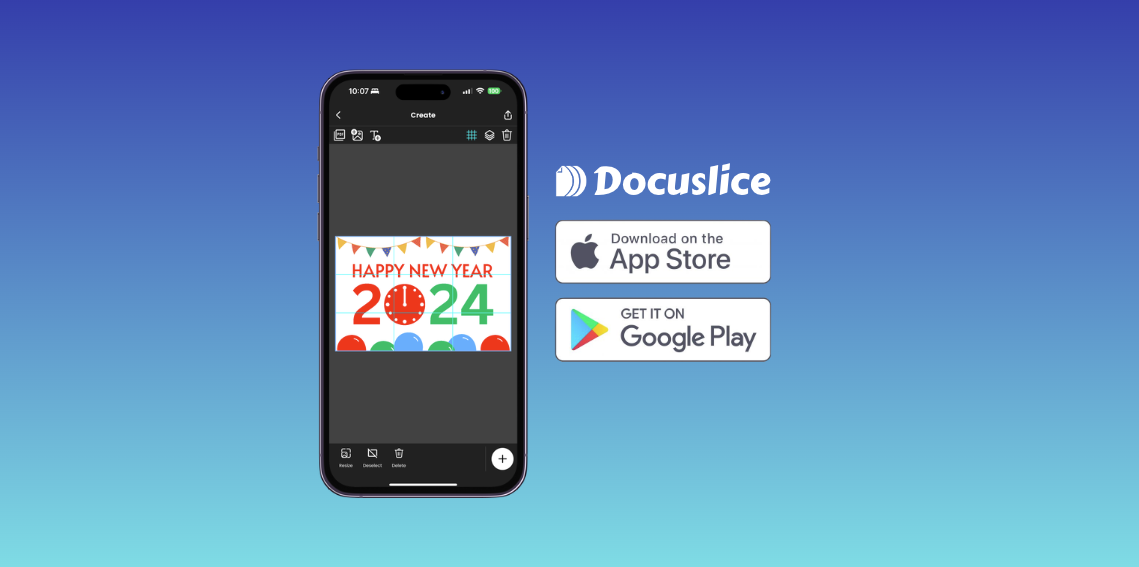
How to make tarpapel using phone?
January 25, 2024
The wait is finally over. Introducing the best tarpapel maker for your phone, Docuslice.