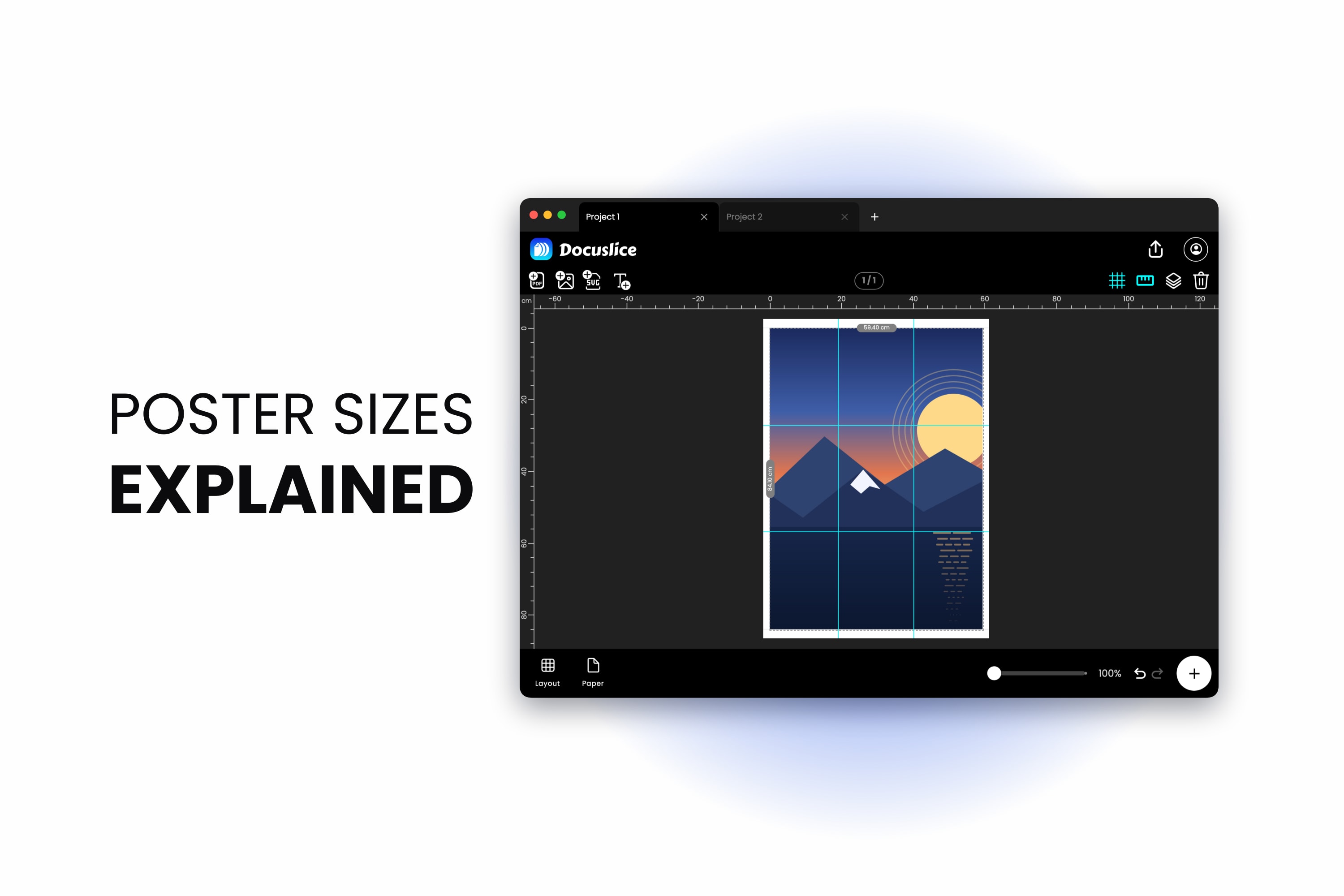
You found a poster you want to print, or you are about to design one, and the first thing you hit is a wall of letters and numbers. A0, A1, A2, A3, A4. Is A1 bigger than A2? How many A4 sheets make an A0? Is A4 the same as Letter? And if you only have a normal home printer, how many sheets are you actually going to feed through it?
This page is the answer sheet. Every A-series dimension in millimetres, centimetres and inches, the US paper equivalents, the rule that makes the whole system work, and — the part almost nobody gets right — the real number of sheets it takes to tile each size, which is not always the number the area maths suggests.
The A Series at a Glance
Here is the full chart. Every size is listed portrait (width first, then height). Rotate the numbers to get the landscape version.
| Size | Millimetres | Centimetres | Inches |
|---|---|---|---|
| A0 | 841 x 1189 mm | 84.1 x 118.9 cm | 33.1 x 46.8 in |
| A1 | 594 x 841 mm | 59.4 x 84.1 cm | 23.4 x 33.1 in |
| A2 | 420 x 594 mm | 42.0 x 59.4 cm | 16.5 x 23.4 in |
| A3 | 297 x 420 mm | 29.7 x 42.0 cm | 11.7 x 16.5 in |
| A4 | 210 x 297 mm | 21.0 x 29.7 cm | 8.3 x 11.7 in |
| A5 | 148 x 210 mm | 14.8 x 21.0 cm | 5.8 x 8.3 in |
| A6 | 105 x 148 mm | 10.5 x 14.8 cm | 4.1 x 5.8 in |
Inches are rounded to one decimal place; the millimetre figures are the exact standard values, and those are the ones to type in when accuracy matters.
The rule for reading the chart: the smaller the number, the bigger the paper. A0 is the largest, A6 the smallest. A1 is bigger than A2. A3 is bigger than A4.
Docuslice lists these sizes in its paper size picker alongside the US and photo sizes, so you rarely need to type dimensions in at all.
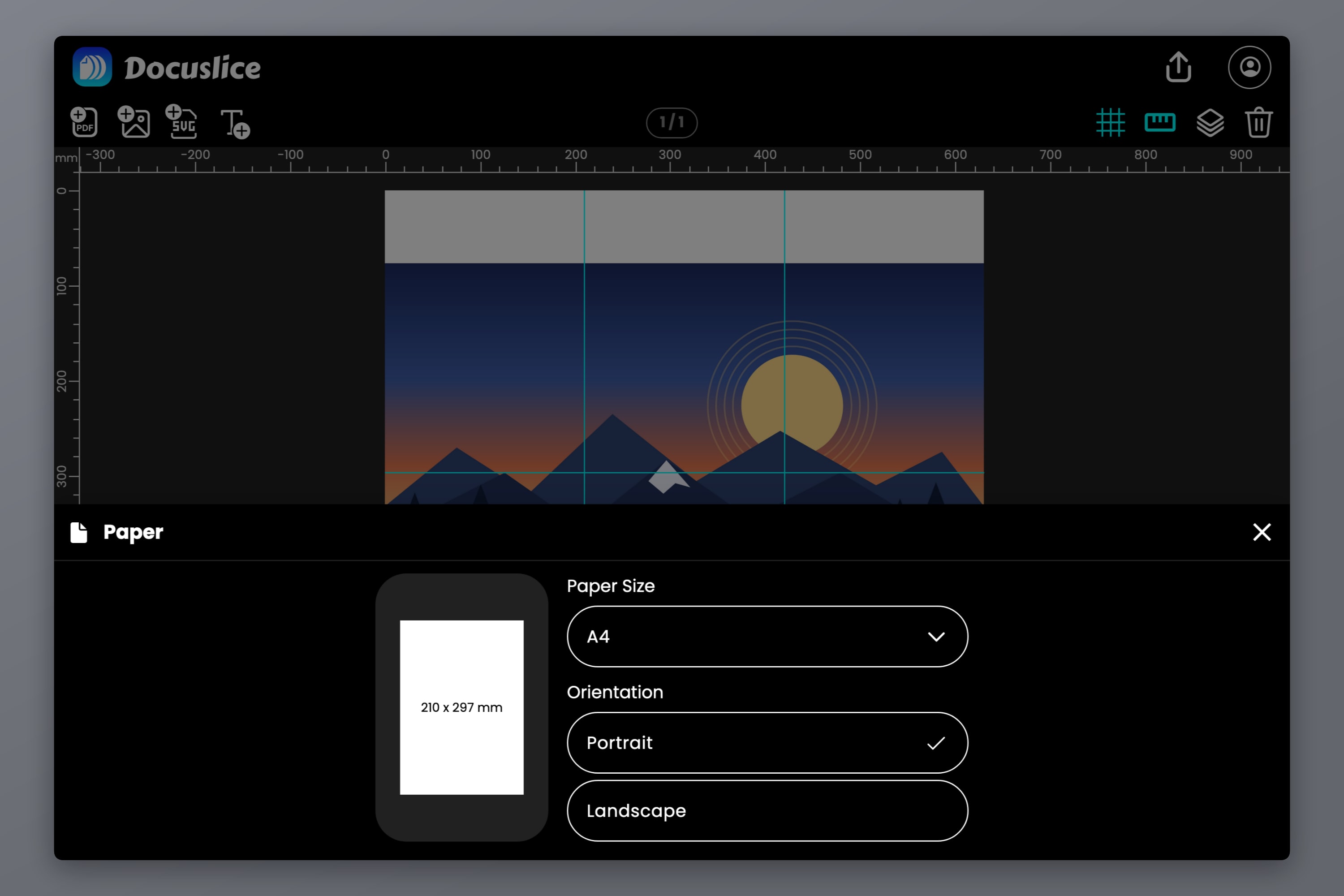
The Halving Rule — Why the A Series Works
Every A size is the previous size cut in half across its long side.
Fold an A3 sheet in half and you get exactly A4. Fold that in half and you get A5. Go the other way and two A4 sheets side by side make an A3, two A3 make an A2, two A2 make an A1, two A1 make an A0.
The clever part is that halving does not change the shape of the paper. Every A size has the same aspect ratio, 1 to the square root of 2 — about 1:1.414. Check it against the chart: 297 divided by 210 is 1.414, and so is 420 divided by 297. That ratio is the only one where cutting a sheet in half gives back the same proportions, which is exactly why the standard uses it.
Two things follow from that:
- Designs scale cleanly between A sizes. An A4 layout enlarged to A2 fills the page perfectly — no cropping, no white bars.
- A0 is one square metre. 841 x 1189 mm works out to 0.99995 square metres, and every size below it is a halving of that area.
So by area, "how many A4 sheets make an A0" has a clean answer: 16. A0 is two A1, four A2, eight A3, sixteen A4. Hold onto that number — it is correct, and it is also not quite the number of sheets you will print.
US Paper Sizes and How They Compare
If you are in the US or Canada, your printer is loaded with Letter, not A4. The US sizes come from a different tradition and none of them line up with the A series.
| Size | Inches | Millimetres | Notes |
|---|---|---|---|
| Letter | 8.5 x 11 in | 216 x 279 mm | The default US office sheet |
| Legal | 8.5 x 14 in | 216 x 356 mm | Same width as Letter, longer |
| Tabloid | 11 x 17 in | 279 x 432 mm | Portrait orientation |
| Ledger | 17 x 11 in | 432 x 279 mm | The same sheet, landscape |
Tabloid and Ledger are the same piece of paper. The only difference is which way up it is: Tabloid is the portrait name, Ledger is the landscape name. If a printer spec sheet says it takes Ledger, it takes Tabloid too.
Letter is not A4
This trips up more designs than anything else on this page. Letter is about 6 mm wider and about 18 mm shorter than A4:
- A4 — 210 x 297 mm (8.3 x 11.7 in)
- Letter — 216 x 279 mm (8.5 x 11.0 in)
The aspect ratios are different as well. A4 is 1:1.414, Letter is 1:1.294. Letter is a slightly squatter sheet. That means an A4 design does not drop onto Letter unchanged — something has to give. Either you lose a strip off the bottom, you gain white bars on the sides, or the design gets scaled down to fit, which is exactly the "Fit to Page" shrink that ruins scale-critical prints.
The same applies in reverse: a Letter design on A4 paper leaves an 18 mm empty band along one edge. And there is no US sheet that matches A3 either — A3 is 297 mm wide against Tabloid's 279 mm, so it will not fit a single Tabloid sheet however you rotate it. Close, but not close enough.
If a design has to work on both, keep everything important inside a shared safe area of 210 mm by 279 mm, so it survives either sheet.
Tiling — How Many Sheets Each Poster Size Really Takes
Now the useful part. You want an A1 poster, you own an A4 printer, and you want to know how many sheets to load.
There are two different correct answers to that question, and confusing them is why so many charts on the internet disagree with each other.
The area answer is the halving rule from earlier. A2 is 4 A4s of paper, A1 is 8, A0 is 16. That is how much paper the poster is worth.
The tiling answer is how many whole sheets you actually feed through the printer when you lay them out in a plain rectangular grid, all the same way up. That number is sometimes higher, because a grid cannot use half a sheet. Where the poster does not divide into a whole number of sheet widths, you round up and trim the excess after printing.
| Poster | Area equivalent | Tile grid on A4 | Sheets to print |
|---|---|---|---|
| A3 | 2 x A4 | 1 x 2 | 2 |
| A2 | 4 x A4 | 2 x 2 | 4 |
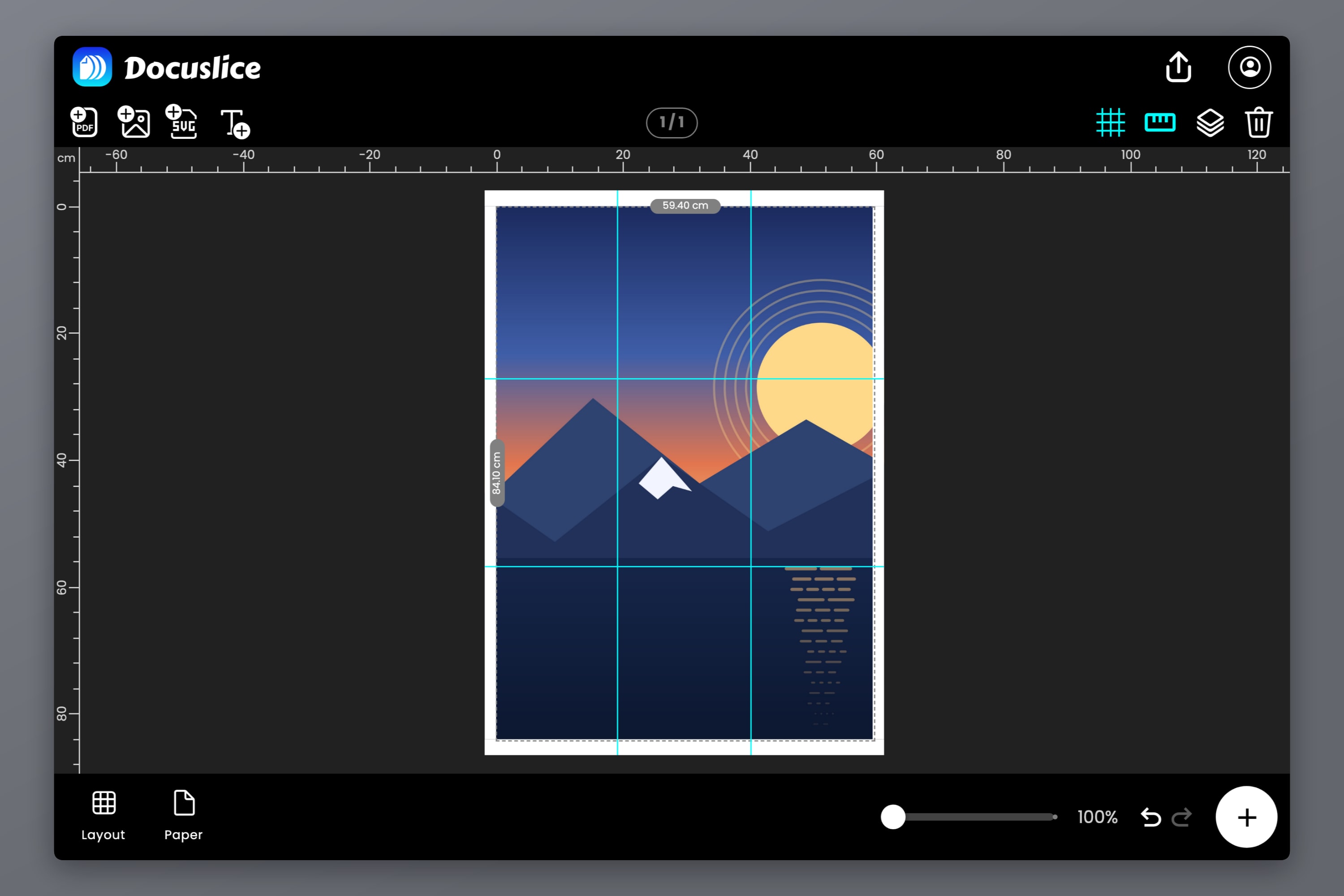
| A1 | 8 x A4 | 3 x 3 | 9 |
| A0 | 16 x A4 | 4 x 4 | 16 — see note |
A3 uses two landscape A4 sheets stacked one above the other. The rest of the grid figures use portrait sheets.
Look at A1. The area says 8, the grid says 9. That is not an error in either number — it is the square root of 2 showing up. An A1 poster is 594 mm wide and an A4 sheet is 210 mm wide, so the poster is 2.83 sheets across. You cannot print 0.83 of a sheet, so you use 3 columns and trim about 36 mm off the edge. Same story vertically: 841 divided by 297 is 2.83, so 3 rows. Three by three is nine sheets, and one sheet's worth of that ends up in the bin.
A2 and A0 come out even because they are an even number of halvings away from A4 — the sqrt(2) has been applied twice and cancels itself out. A1 and A3 are odd steps, which is where the awkward number lives. A3 gets away with it by turning the sheets sideways; A1 does not have that luxury in the same way.
Two footnotes for the pedantic, because this is a reference page:
- The 1 mm question on A0. Four A4 sheets side by side measure 840 mm, and A0 is 841 mm. Four rows measure 1188 mm against A0's 1189 mm. The A series rounds to whole millimetres, and that rounding leaves the 4 x 4 grid one millimetre short in each direction. A tiling tool has to round the grid up to cover whatever canvas you give it, so a literal 841 x 1189 mm canvas asks for a fifth column and a fifth row purely to catch that last millimetre — 25 sheets for a poster worth 16. Set the canvas to 840 x 1188 mm instead and you get the clean 4 x 4 grid. Nobody looking at your wall will find the missing millimetre.
- Rotating every sheet changes the grid. Lay A1 out on landscape A4 and set the canvas to 594 x 840 mm, and you get 2 columns by 4 rows — 8 sheets, matching the area answer, one millimetre short at the bottom. Leave the canvas at a literal 841 mm and the grid rounds to 5 rows for that millimetre, exactly as A0 does. The seams then run in different places, which is why most people leave the sheets portrait and accept the ninth sheet. Either layout is valid; pick the one whose seams fall in kinder places for your design.
Real-world margins can push these counts up too. Every printer has an unprintable border, and if you add overlap for taping, a grid that fit in 3 columns on paper may want 4. Docuslice recalculates the tile count live as you change the paper size, the orientation, the margin and the overlap, so you always see the real number before you print rather than after.
The same poster on Letter paper
Letter is not a member of the A family, so nothing divides evenly. Every A-size poster on Letter paper needs rounding up, and the counts go up accordingly.
| Poster | Tile grid on Letter | Sheets to print |
|---|---|---|
| A3 | 2 x 2 | 4 |
| A2 | 2 x 3 | 6 |
| A1 | 3 x 4 | 12 |
| A0 | 4 x 5 | 20 |
Note the first row especially: A3 takes 4 Letter sheets, not 2. Because Letter is 279 mm wide and A3 is 297 mm wide, the poster spills past a single sheet width and you need a second column. If you are in the US and following an A3 tutorial written for A4 paper, that is the discrepancy you are seeing.
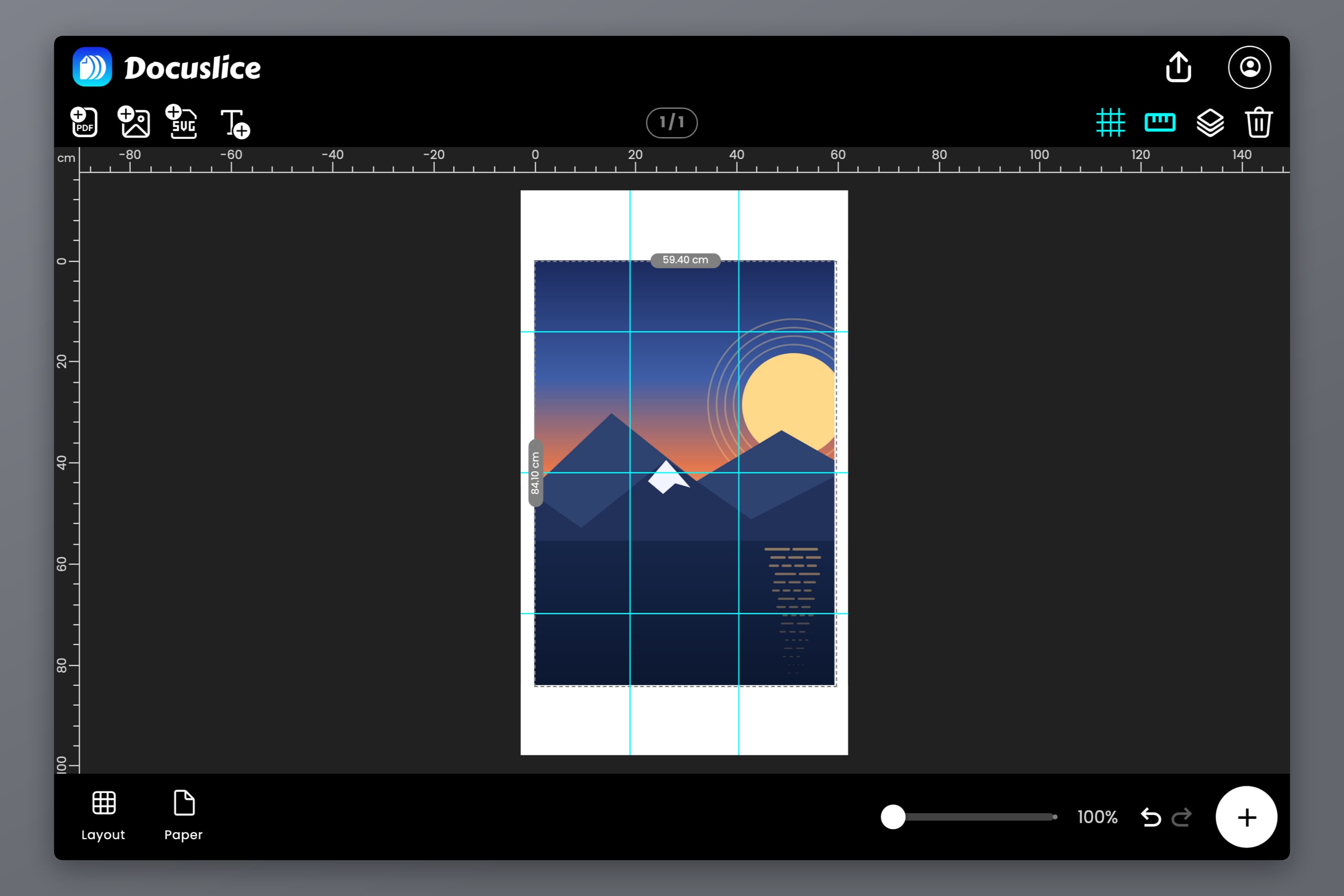
If you would rather work in US units from the start, the two most common American poster sizes are 18 x 24 in and 24 x 36 in. On Letter paper an 18 x 24 in poster tiles into a 3 x 3 grid — 9 sheets — and a 24 x 36 in poster into a 3 x 4 grid, 12 sheets. Enter either one as a custom canvas size in inches and let the tiling work itself out.
Which Poster Size Should I Print?
Sizes on a chart are abstract. Here is what they feel like on a wall.
- A4 (21 x 29.7 cm) — a sheet of office paper. Fine for a notice or a small print by a desk, invisible from across a room.
- A3 (29.7 x 42 cm) — the smallest size that reads as a poster. Good for a recipe, a chart above a workbench, a small piece of framed art. Two A4 sheets, so it is the easiest one to tile at home.
- A2 (42 x 59.4 cm) — the standard "poster on a bedroom wall" size. Big enough to be the focus of a small wall, still small enough to frame cheaply. Four A4 sheets.
- A1 (59.4 x 84.1 cm) — event posters, gig posters, large photographic prints. This is where a poster starts to command a room. Nine A4 sheets.
- A0 (84.1 x 118.9 cm) — trade show boards, academic conference posters, large wall maps and blueprints. Sixteen A4 sheets, and the point at which you should think carefully about assembly before you start printing.
Two notes on picking one:
Viewing distance decides the size, not the wall. Something read from two metres away needs to be A2 or larger; something read at arm's length is fine at A3. A conference poster is A0 for a reason — the body text has to be legible at a metre.
Source resolution decides the ceiling. A poster is only as sharp as the image behind it, and a photo that looks perfect on screen can fall apart at A1. Check your source before committing to a size — and if it is undersized, Docuslice's AI photo enhancement can rebuild the detail before you tile, rather than after you have printed sixteen soft sheets.
Printing Any of These at Home
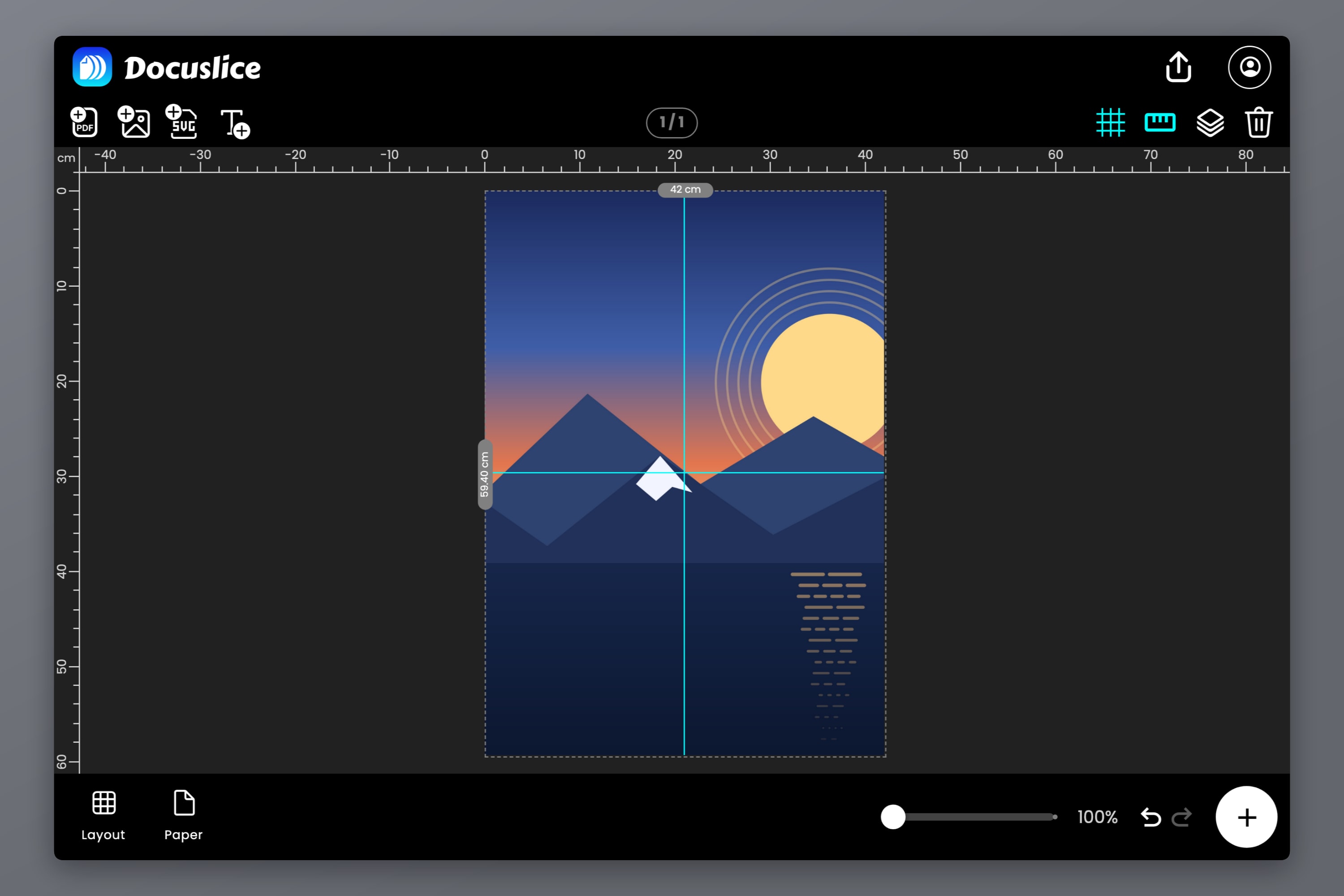
You do not need a large format printer for a single size on this page. The workflow is the same for all of them: set the poster's real-world dimensions in size mode, pick the paper you actually own, set an overlap so you have something to tape against, turn on page numbers so you can reassemble the stack in order, and export as a PDF or as individual images.
For the step-by-step version with screenshots, see how to print a poster on multiple pages at home. If the size you care about is A3, the A3 on an A4 printer walkthrough covers the two-sheet case in detail, including how to stop the printer driver quietly shrinking your page.
Frequently Asked Questions
Sixteen, by area. A0 is 2 A1, 4 A2, 8 A3 or 16 A4. Tiling it as a plain grid of portrait A4 sheets also comes out at 16 — a 4 by 4 grid — as long as you set the canvas to 840 x 1188 mm, one millimetre under the ISO figure in each direction. Type the exact 841 x 1189 and the grid rounds up to 5 by 5, 25 sheets, purely to cover that last millimetre.
Yes. In the A series the smaller number means the larger sheet. A1 is 594 x 841 mm and A2 is 420 x 594 mm, so A1 is exactly twice the area of A2.
A3 is exactly double A4. A4 is 210 x 297 mm, A3 is 297 x 420 mm. Fold an A3 in half across its long side and you get an A4 with the same proportions.
No. A4 is 210 x 297 mm and Letter is 216 x 279 mm, so Letter is about 6 mm wider and about 18 mm shorter. They also have different aspect ratios, which is why an A4 design sent to Letter paper either gets cropped or gets scaled down.
No, they are the same 11 x 17 in sheet under two names. Tabloid is the portrait orientation and Ledger is the landscape orientation.
Nine, in a 3 by 3 grid, and you trim the excess. The area of A1 is only 8 A4 sheets, but 594 mm is 2.83 A4 widths, so the grid rounds up to 3 columns and 3 rows.
Yes. Set the canvas to 840 x 1188 mm — a millimetre under the ISO figure, which keeps the grid clean — set the paper to A4 or Letter, and Docuslice splits it into 16 tiles (A4) or 20 tiles (Letter) for you. Turn on page numbers before you export — reassembling 16 unlabelled sheets is not an experience worth having twice.
Download Docuslice
Pick the size you want off the chart, type it in, and let Docuslice work out the sheets.