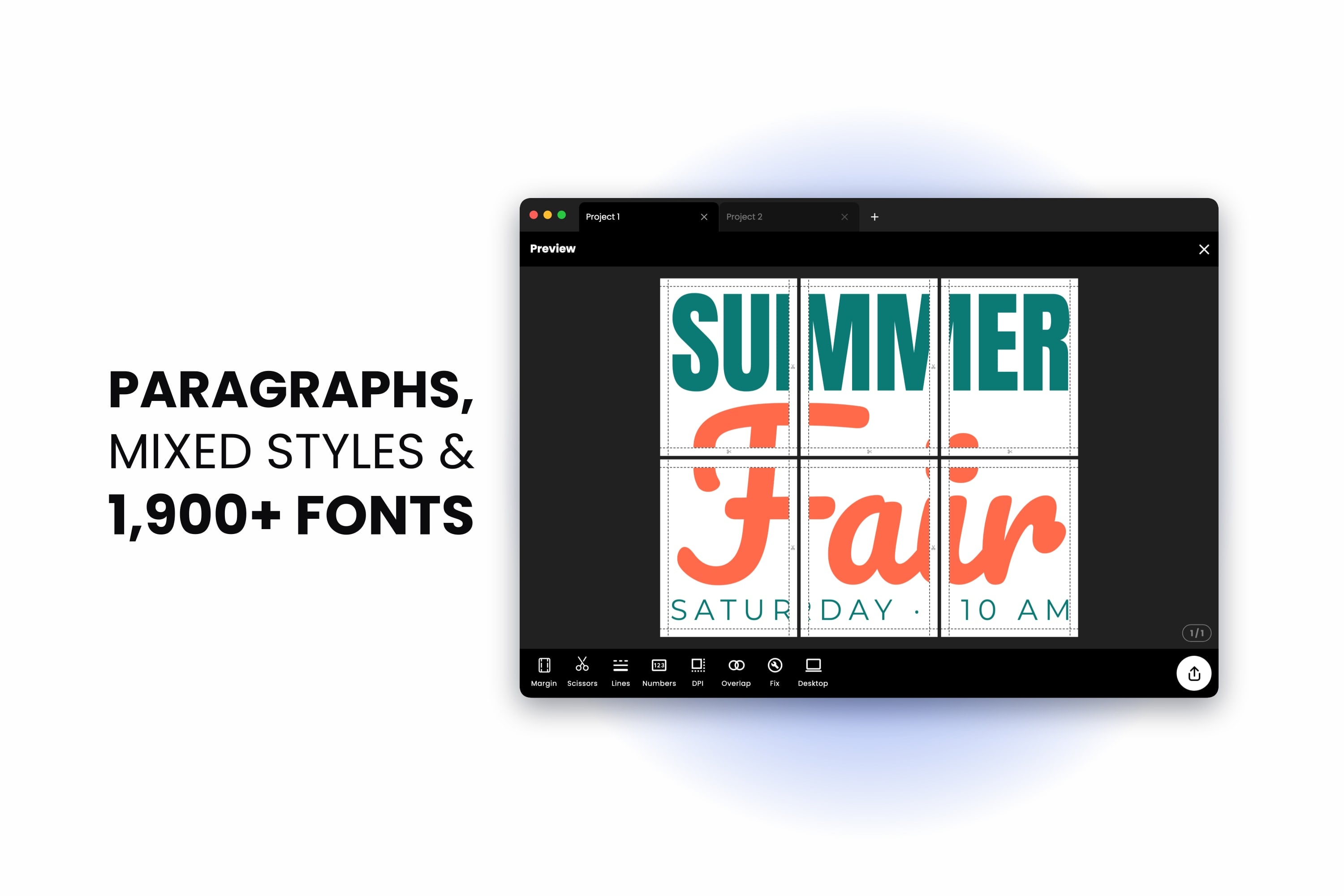
Look closely at most of the things people print big — a party banner, a classroom chart, a shop sign, an event poster, a menu for the wall — and you'll notice they're mostly words. The picture draws the eye, but the type does the talking.
That's why this release is all about text. We're excited to introduce paragraphs, alignment, lists, letter and line spacing, mixed styles in one text, and a font library that has grown from eight families to more than 1,900 — all free, and all designed to print exactly the way they look on screen.
Paragraphs That Wrap to Their Box
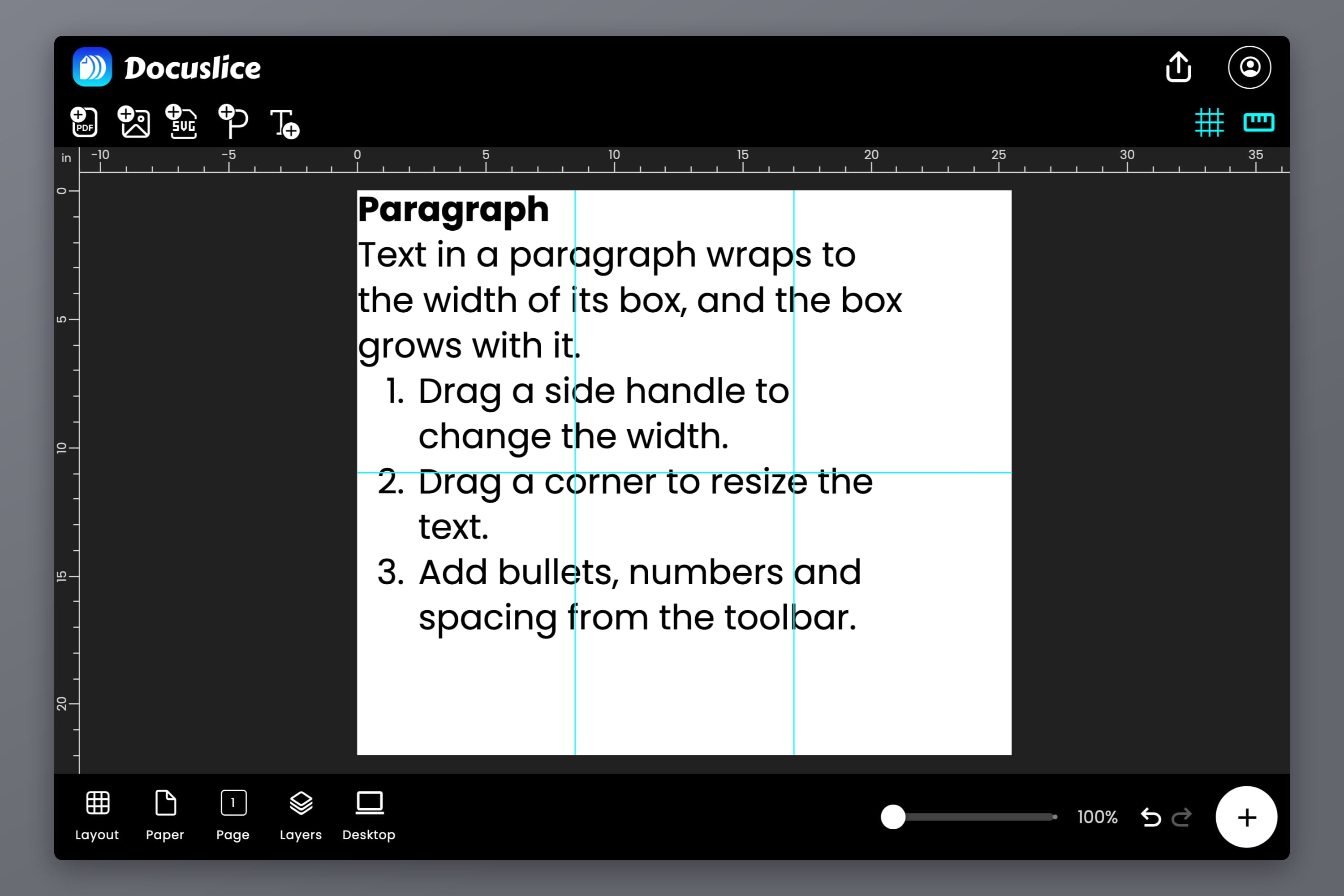
Until now, every text in Docuslice sat on the lines you typed and never wrapped. That's perfect for a headline, but awkward for anything longer. Meet the paragraph: a text box with a width, where words flow onto the next line as soon as they reach the edge.
Add one with the new Paragraph button in the poster header — the P with a plus, right next to the add-text tool. It opens with a heading, a short description and a numbered list, so you can see what it can do at a glance — then make it yours.
- Drag a side handle to change the width. The text re-wraps as you drag.
- The height looks after itself. The box grows as you type, so nothing is ever cut off.
- Drag a corner to scale the paragraph. The font size and width change together, so your lines break in the same places.
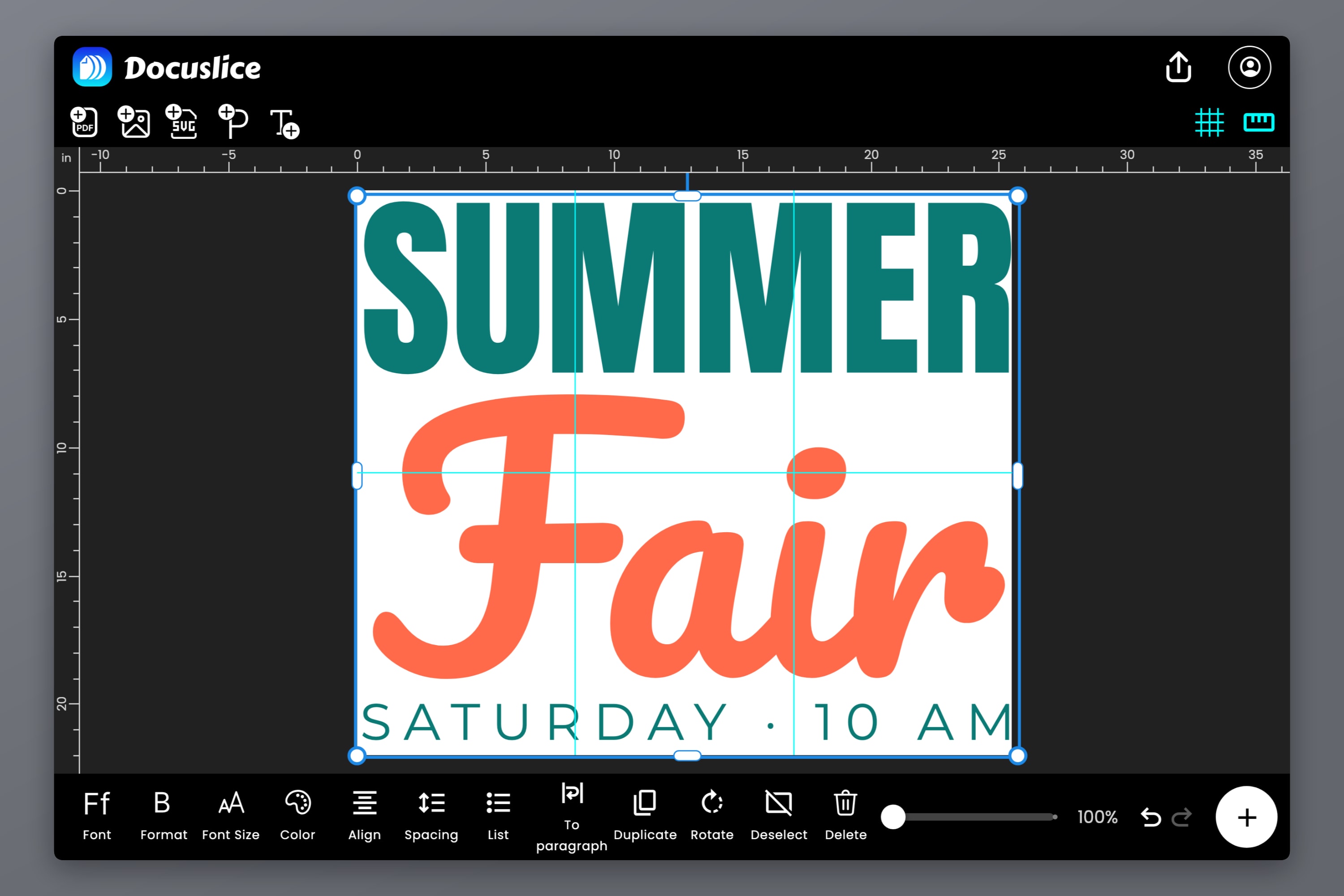
Already have a text you'd like to wrap? Select it and tap To paragraph in the text toolbar. To text goes the other way and keeps your line breaks.
Align Your Lines
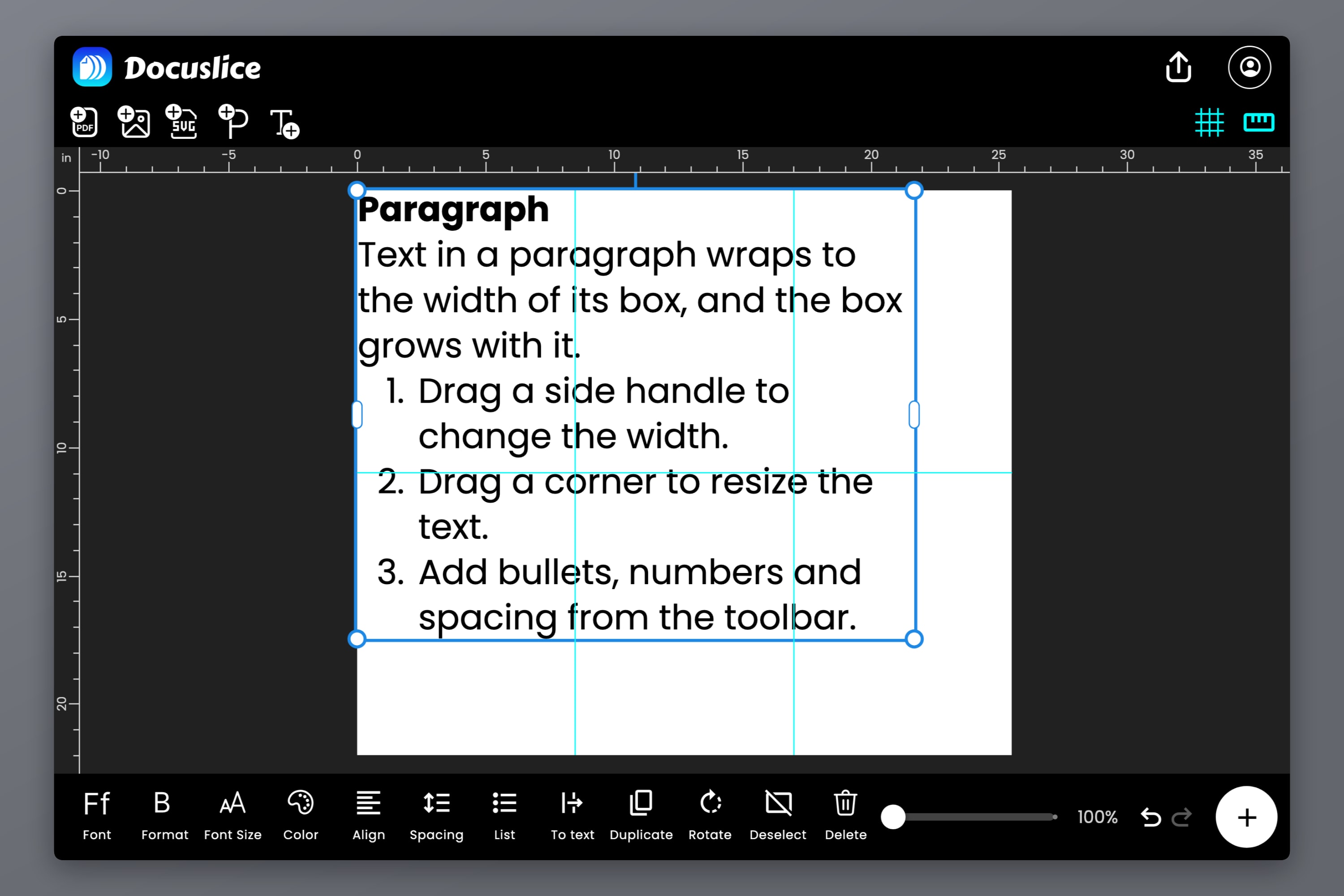
The new Align button lines your text up Left, Center or Right — and on a paragraph, Justify spreads each line across the full width of the box for a clean, book-like block.
Alignment works on plain text with several lines too, so a two-line headline or a stacked "HAPPY / BIRTHDAY / JOHN" sign is centered line by line with one tap.
On the web and desktop apps, you can keep your hands on the keyboard: Cmd/Ctrl + Shift + L, E, R and J set left, center, right and justified.
Bullet and Numbered Lists
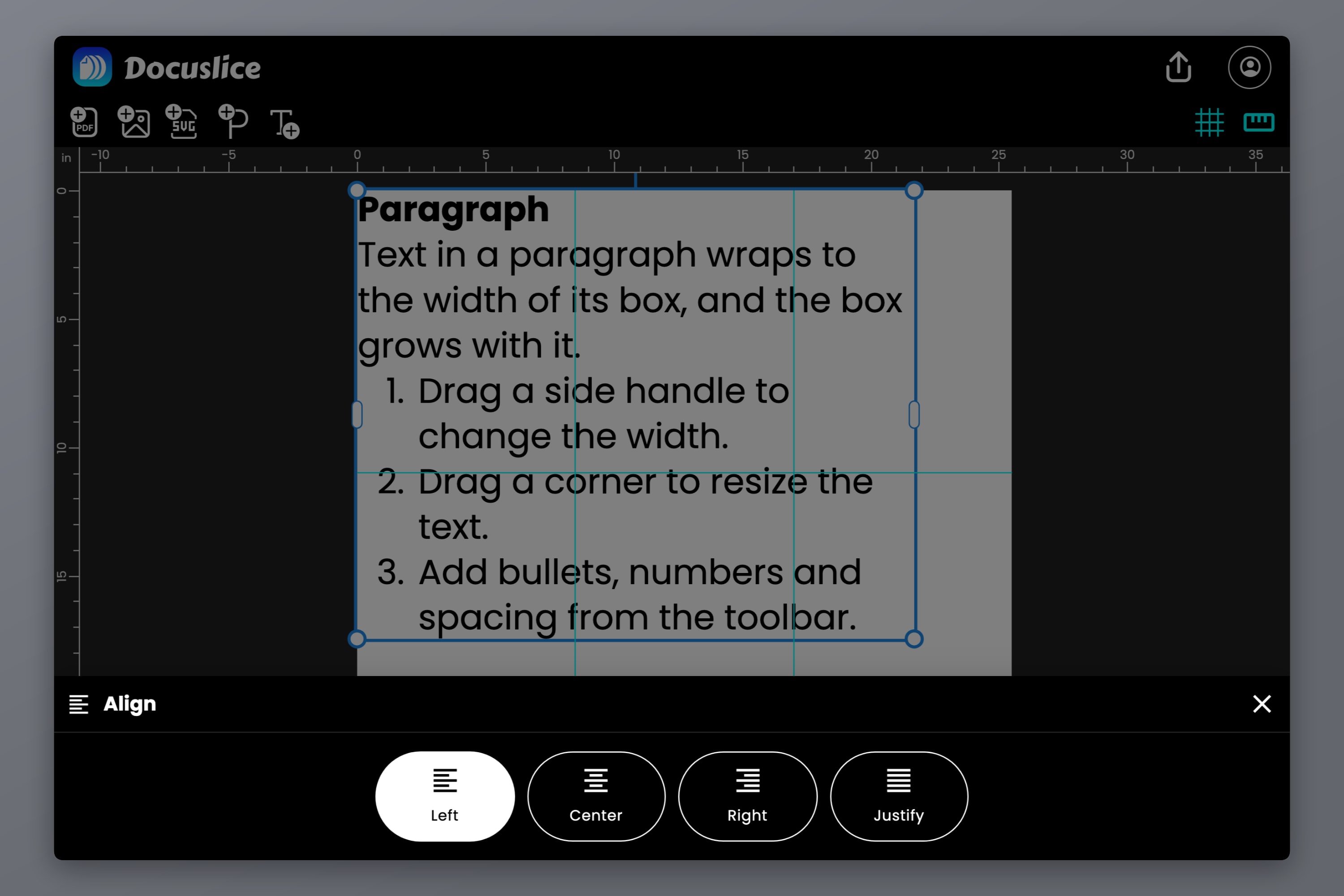
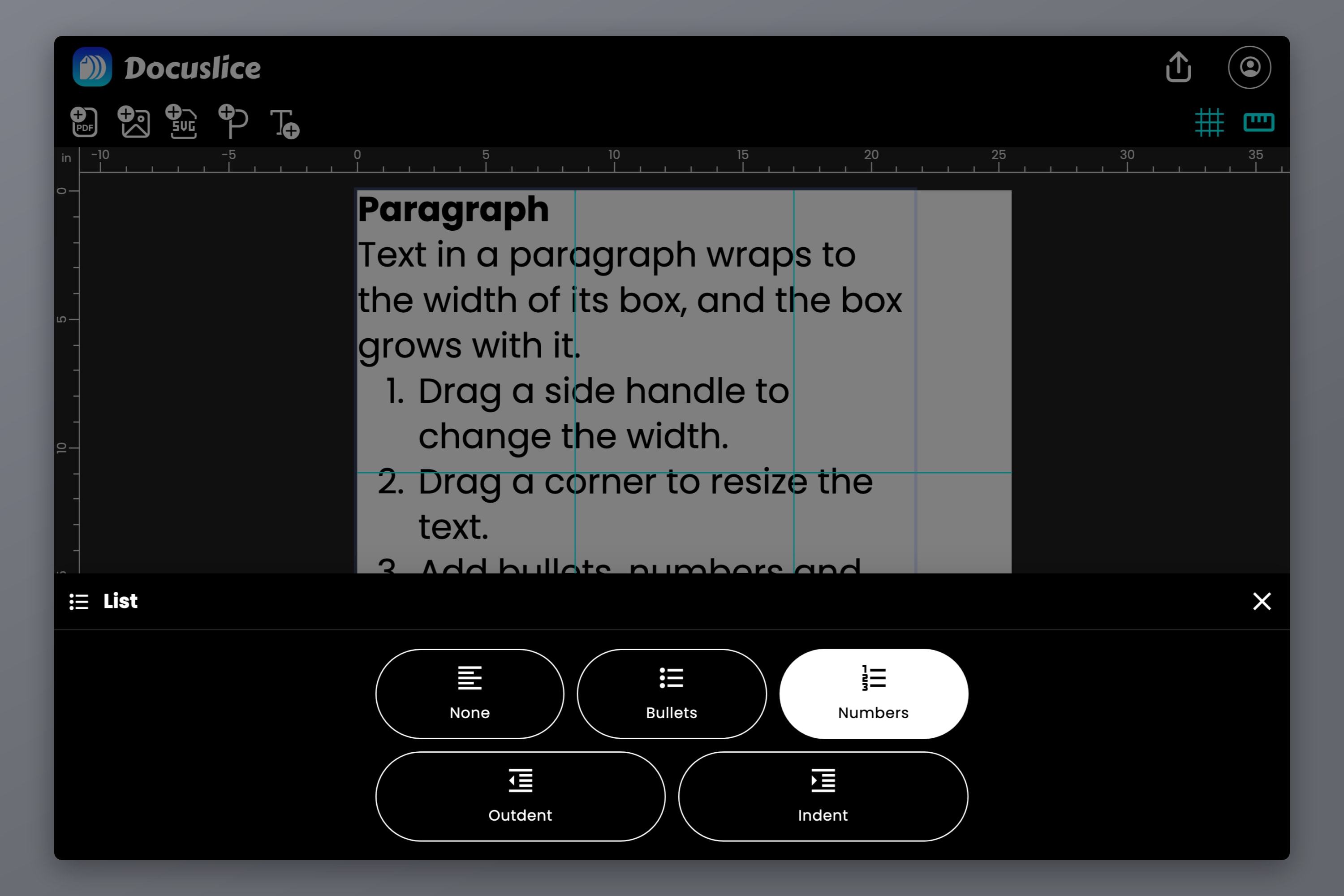
Rules for the classroom wall, steps for a craft pattern, a checklist for the garage door — some things just read better as a list. The new List button turns your lines into Bullets or Numbers.
- Nest your lists up to five levels deep with Indent and Outdent (or Tab and Shift + Tab on a keyboard). Bullets and numbers change style at each level.
- Long items wrap neatly, with the second line lining up under the text rather than under the bullet.
- Start a list just by typing. Type
1.or-followed by a space at the start of a line and it becomes a list item automatically.
Letter and Line Spacing
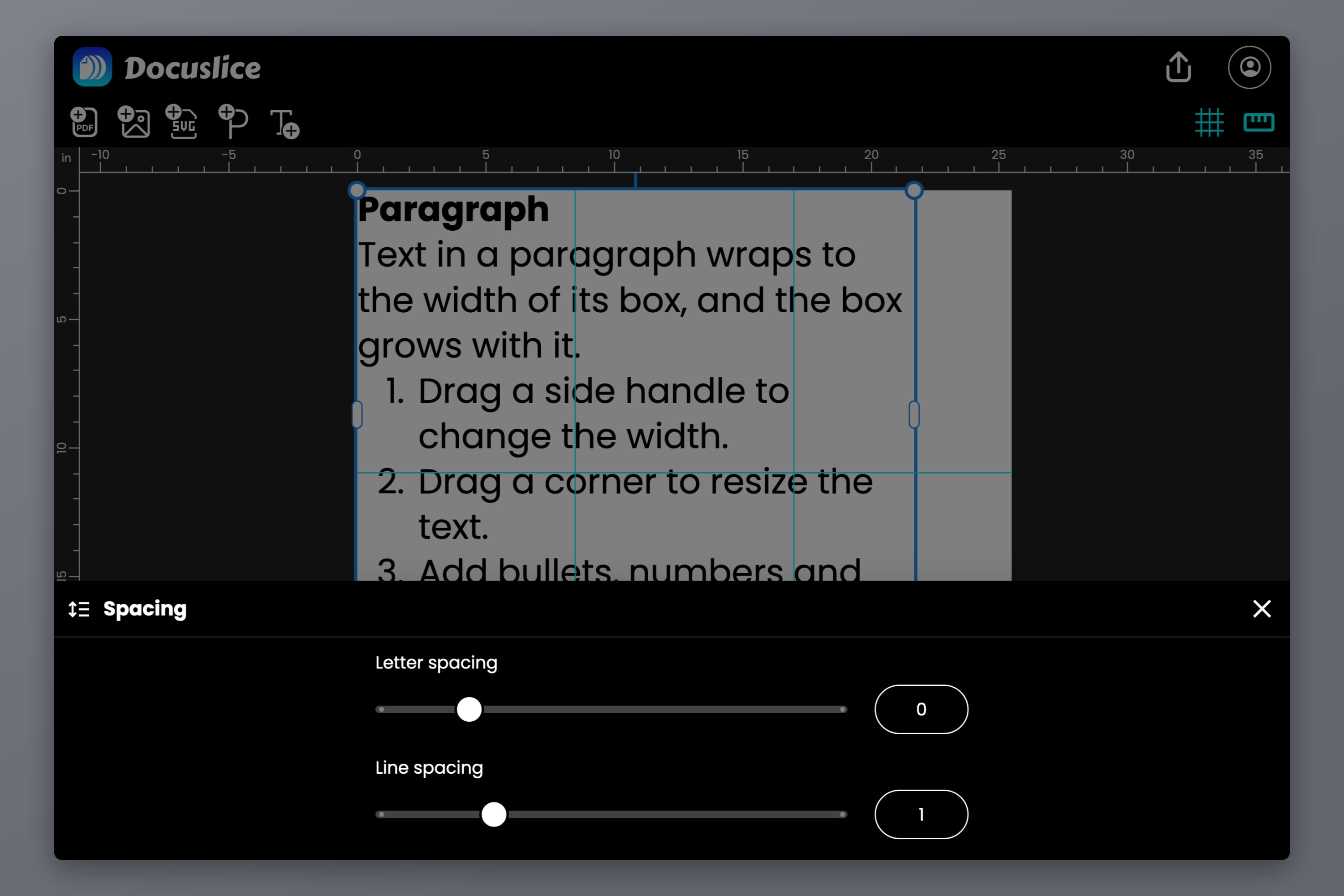
Great typography is often about the space between things. The new Spacing button opens two sliders:
- Letter spacing opens a word up for an airy, elegant headline, or tightens it for a bold, punchy one.
- Line spacing sets how close the lines sit, paragraph by paragraph — so a heading can sit snug while the description below it breathes.
Each slider shows its value in a box you can type into, for exact numbers.
Mix Styles in One Text
One text box can now hold several looks. Select a word or two and give them their own font, style, size, color or letter spacing — a name in a flowing script, a price in bold red, a date a size smaller.
This already worked in the browser, and now it works on Android and iOS too: double-tap a word, drag the selection handles, and style away.
1,900+ Free Fonts
Docuslice now includes the full Google Fonts library — more than 1,900 font families, from elegant serifs and clean sans serifs to playful display faces, handwriting and monospace. Every one of them is free, on every plan.
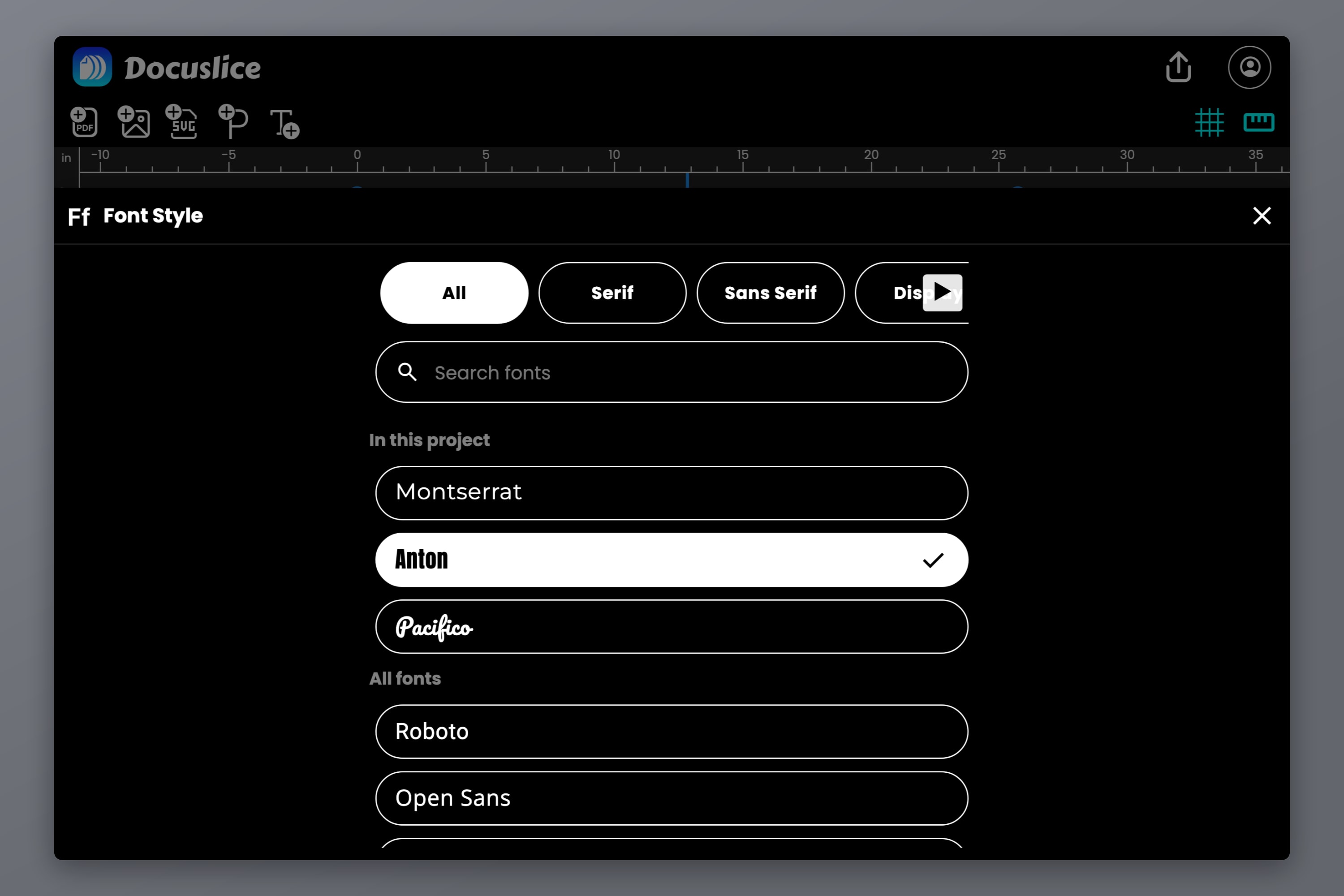
- Search for a font by name, or browse by category: Serif, Sans Serif, Display, Handwriting and Monospace.
- See before you pick. Every font in the list shows its name in its own typeface.
- Fonts in this project come first, so matching a heading to the one beside it is a single tap.
- Every weight the family has, from Thin to Black, each with its italic where the family includes one — right in the Format button.
The first time you use a font, Docuslice downloads it in a moment. On Android and iOS, the fonts your projects use are kept on your device, so they keep working offline.
Prints Exactly as It Looks
All of this would mean little if the paper didn't match the screen, so we made sure it does.
- Standard PDF and image exports draw your text at the export resolution you choose, so it stays crisp on paper.
- Vector PDF export embeds the actual fonts — with their kerning and ligatures — so your text prints as real, razor-sharp, selectable text at any size, wrapped and justified exactly as on the canvas.
- Text in many languages prints correctly too, including Japanese and Chinese paragraphs that wrap between characters, and Thai that wraps between words.
And if a font ever can't load — say, you're offline — Docuslice never quietly swaps it. The text shows in the default font with a warning, and before you export, Docuslice tells you which font is missing so you can try again or knowingly print with the default.
Available on Mobile, Web, and Desktop
Paragraphs, alignment, lists, spacing, mixed styles and the new font library are available everywhere Docuslice runs — the mobile app (iOS and Android), the web app, and the desktop app (Mac and Windows). The fonts are free for everyone; Vector PDF export is part of Pro and Pro+.
Want the details? The docs cover paragraphs, lists and spacing, choosing a font and mixing styles in one text.
Download Docuslice
Update or download Docuslice today, and give your next poster the words — and the type — it deserves.