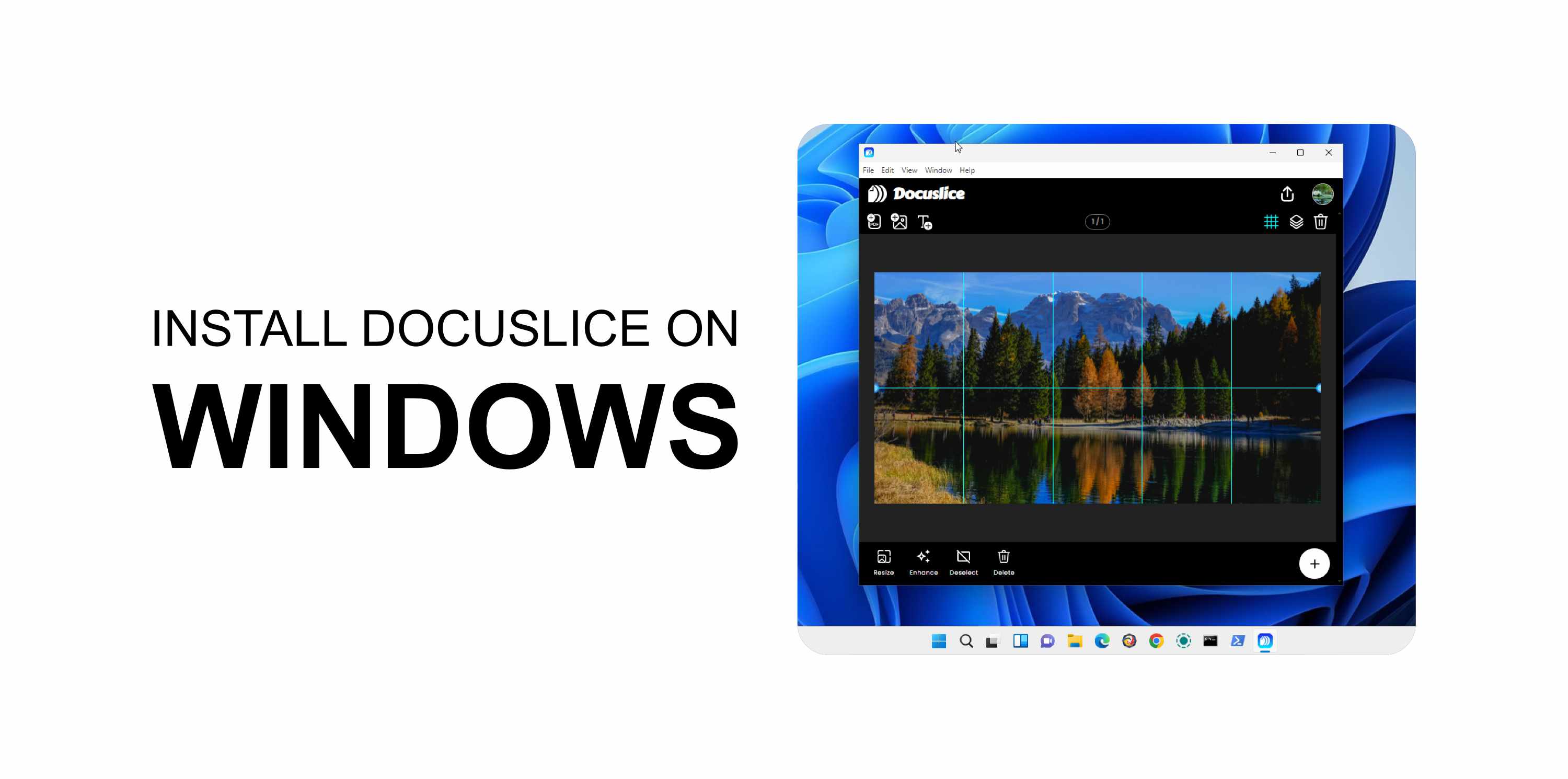
系统要求
- 拥有有效 Pro+ 计划的 Docuslice 账户。
- 桌面应用程序仅供 Pro+ 用户使用。
- Windows 10 或更高版本。
✅ Docuslice 在 Android、iOS 和 Web 上免费使用。只有桌面应用需要 Pro+ 计划。
第 1 步 — 下载应用
- 打开浏览器,前往 app.docuslice.com/get-desktop。
- 如有提示,请使用您的 Docuslice 账户登录。
- 确认您的电脑处理器架构:
- x64(大多数电脑)→ 选择 下载 Windows 版(x64)
- ARM64(Surface Pro X、骁龙处理器电脑)→ 选择 下载 Windows 版(ARM64)
不确定?打开设置 → 系统 → 关于,查看系统类型。 - 点击对应的下载按钮。浏览器将保存一个
.exe安装程序文件。
第 2 步 — 安装应用
- 打开下载的
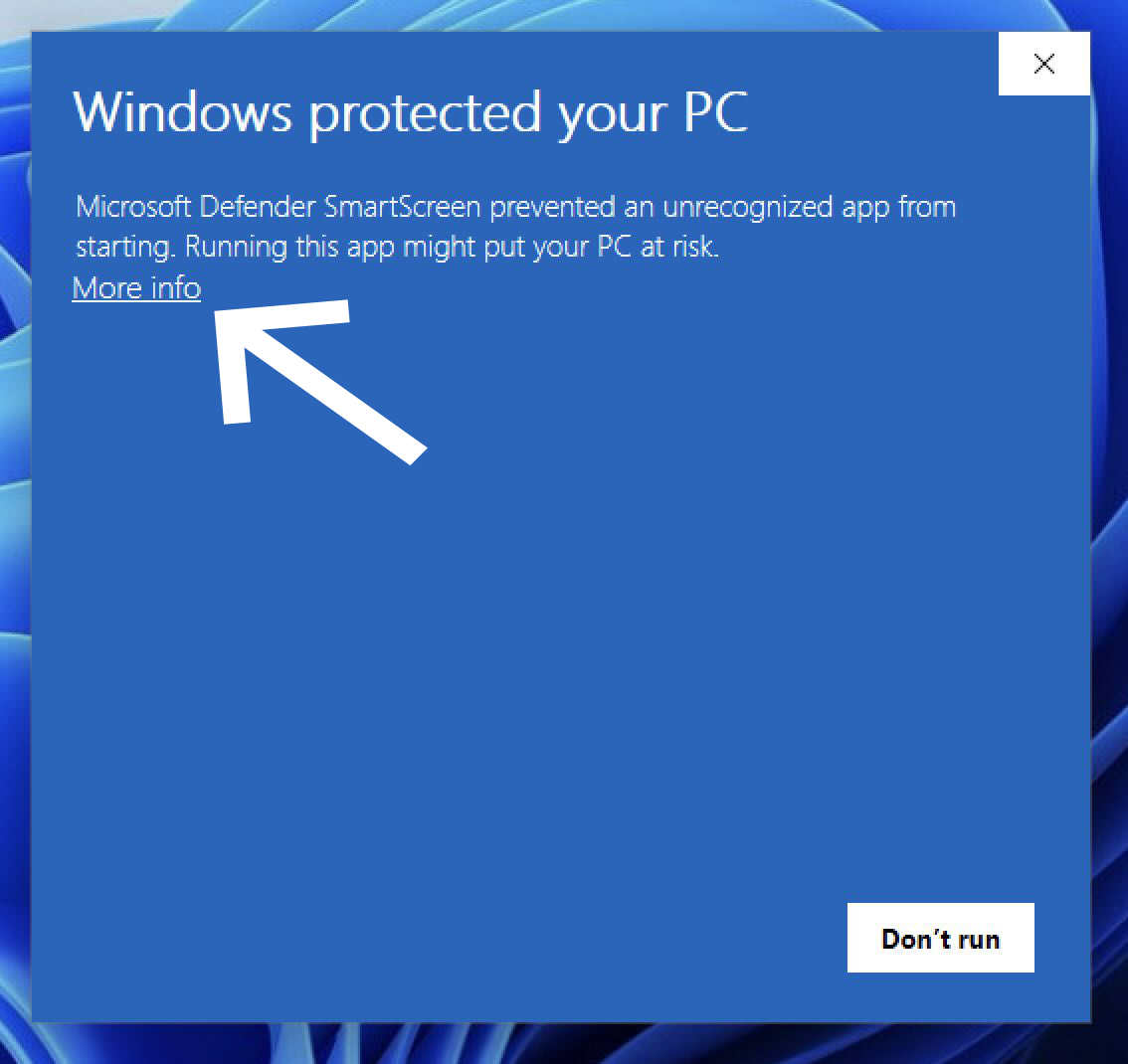
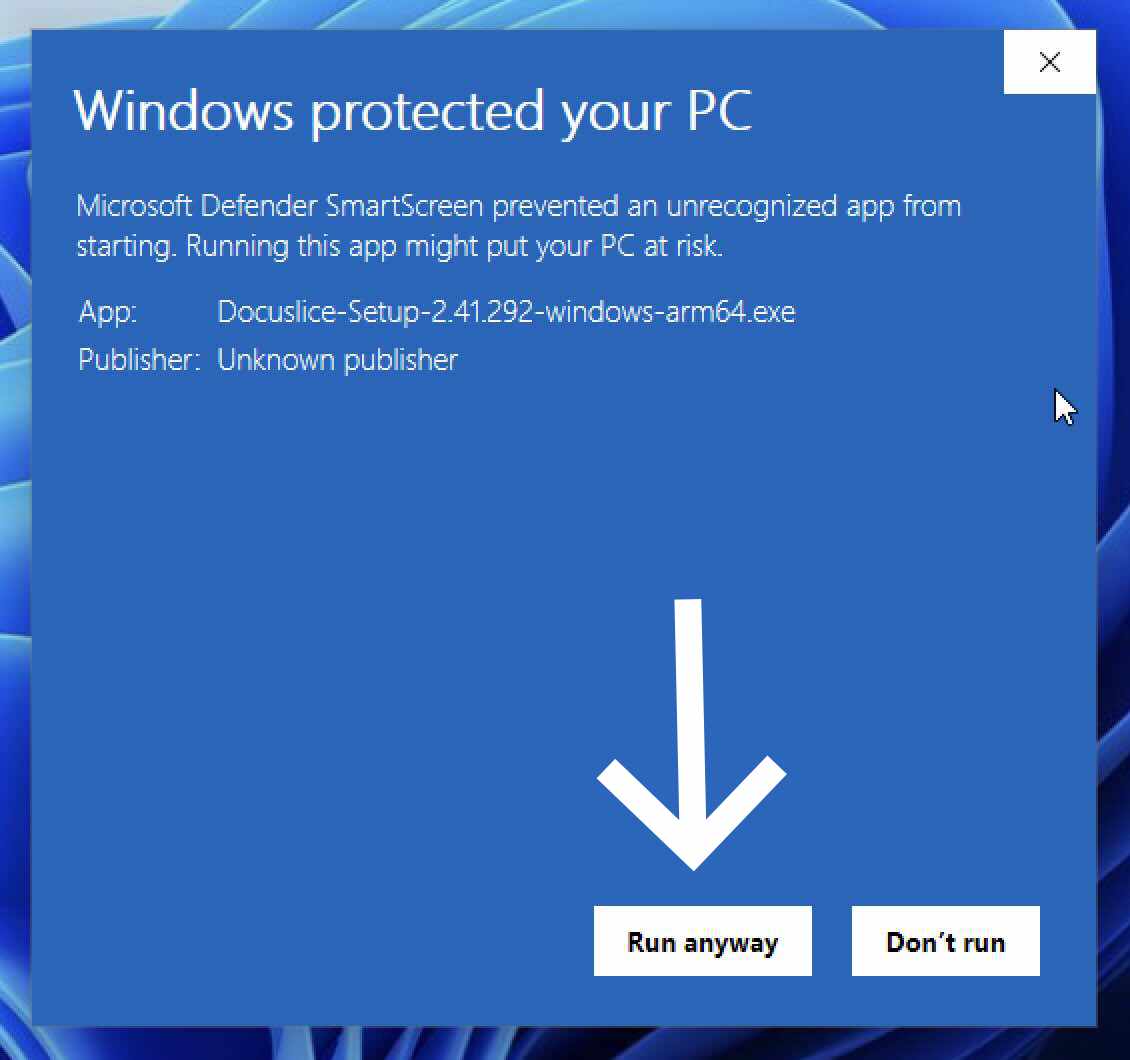
.exe文件(通常位于"下载"文件夹中)。 - 如果 SmartScreen 显示警告,点击更多信息 → 仍要运行。
- 按照屏幕上的安装向导操作,点击安装。
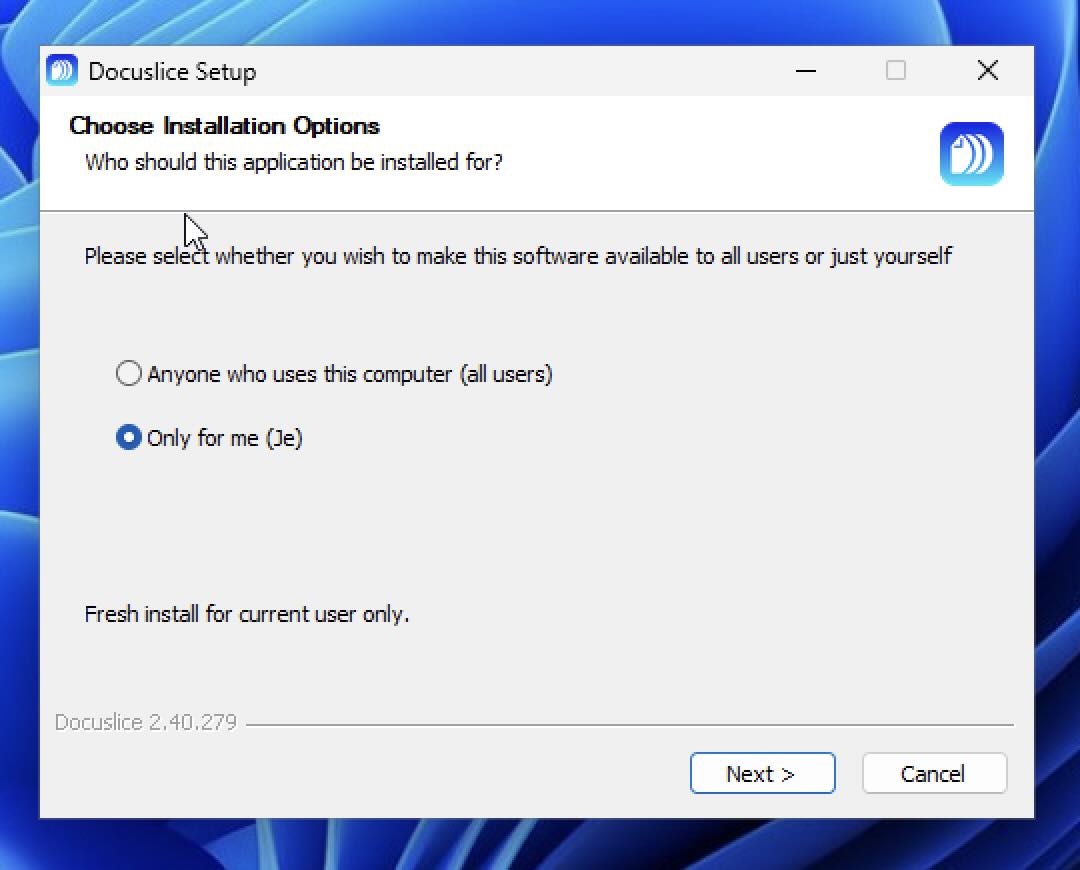
- 完成后点击完成。
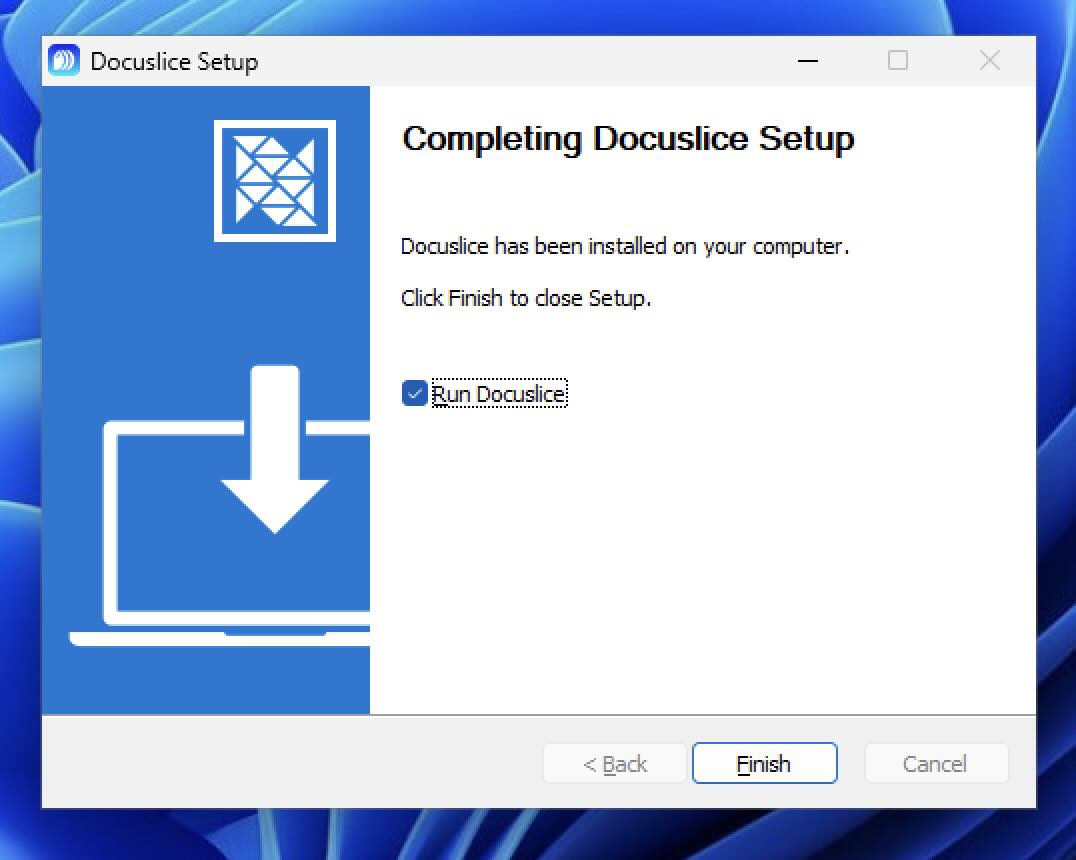
❌ SmartScreen 警告遇到了问题? 您也可以直接从 Microsoft Store 安装 Docuslice — 无需 SmartScreen 提示,无需额外步骤。
第 3 步 — 打开 Docuslice
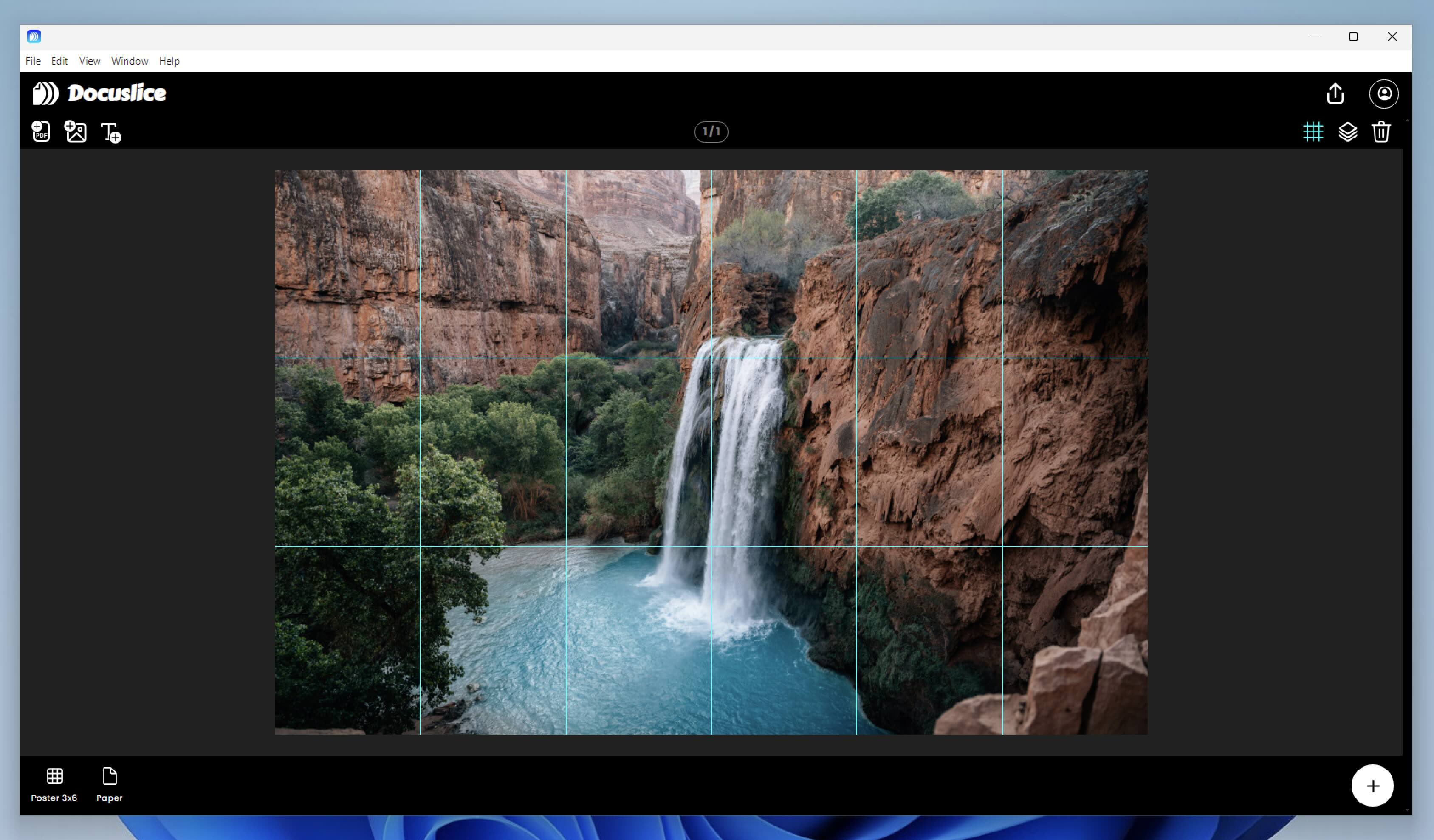
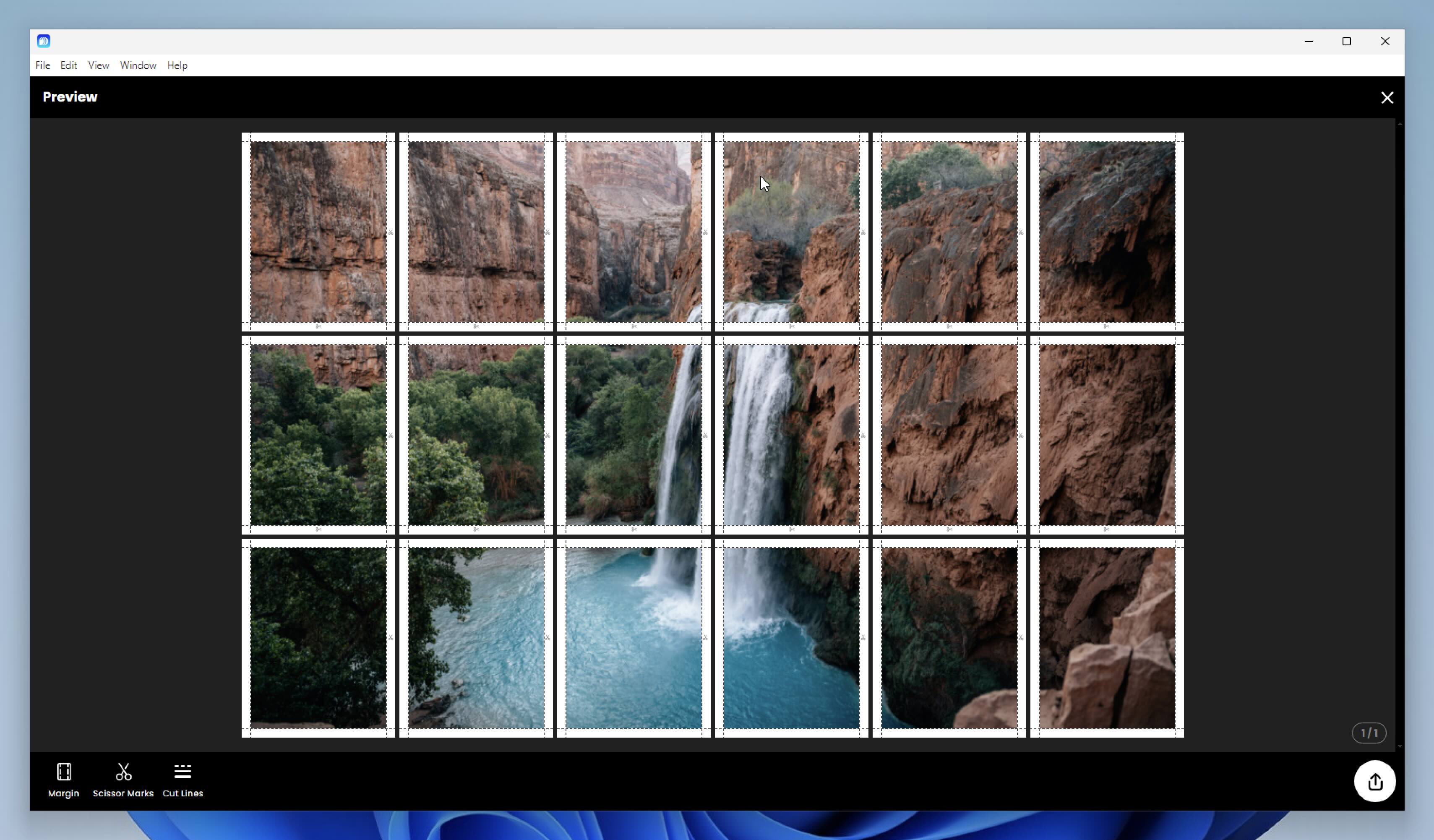
Docuslice 将出现在开始菜单和桌面上。双击启动,然后使用您的 Docuslice 账户登录即可开始使用。
更新 Docuslice
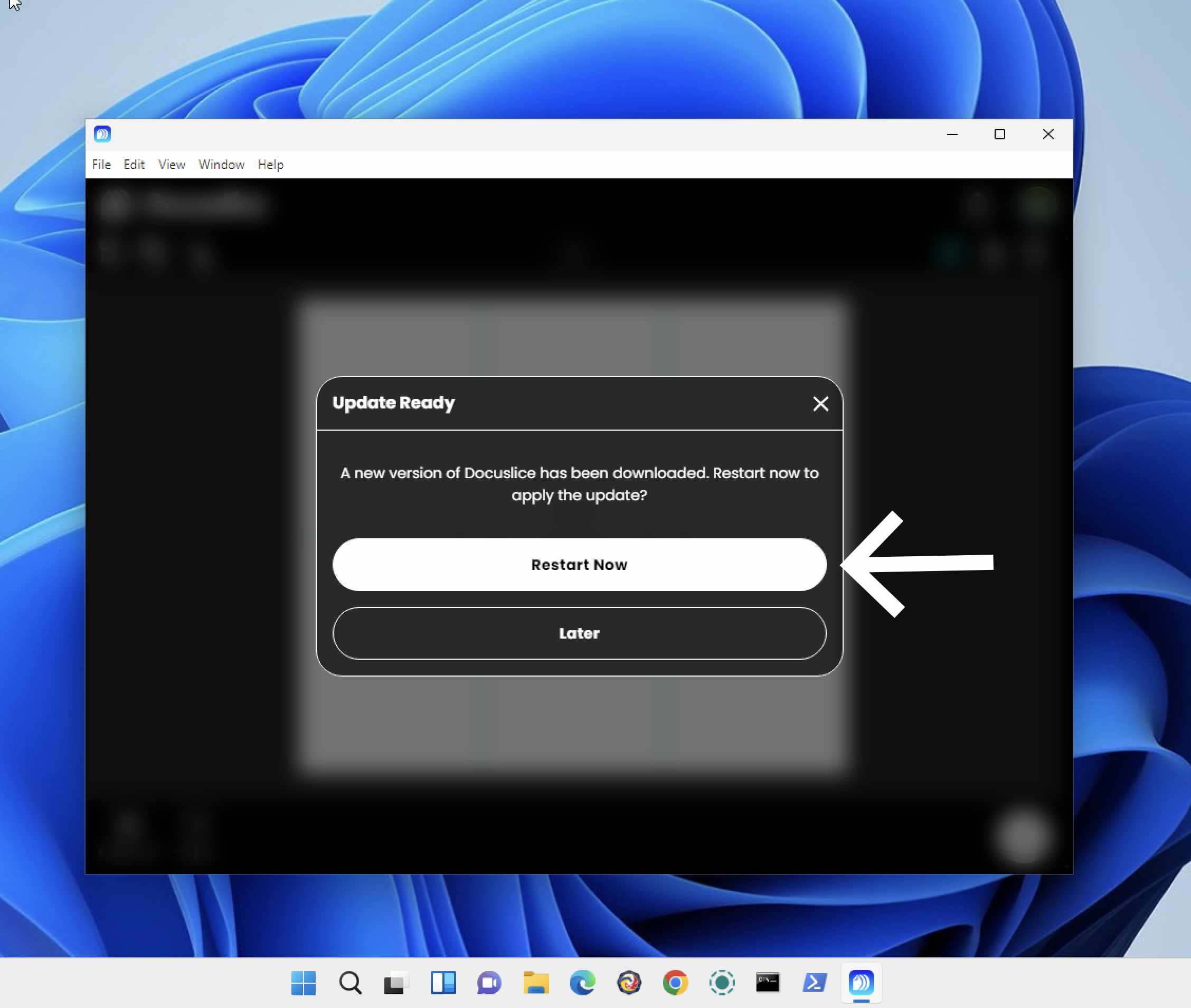
Docuslice 在启动时会自动检查更新。当有新版本可用时,系统将提示您进行安装。