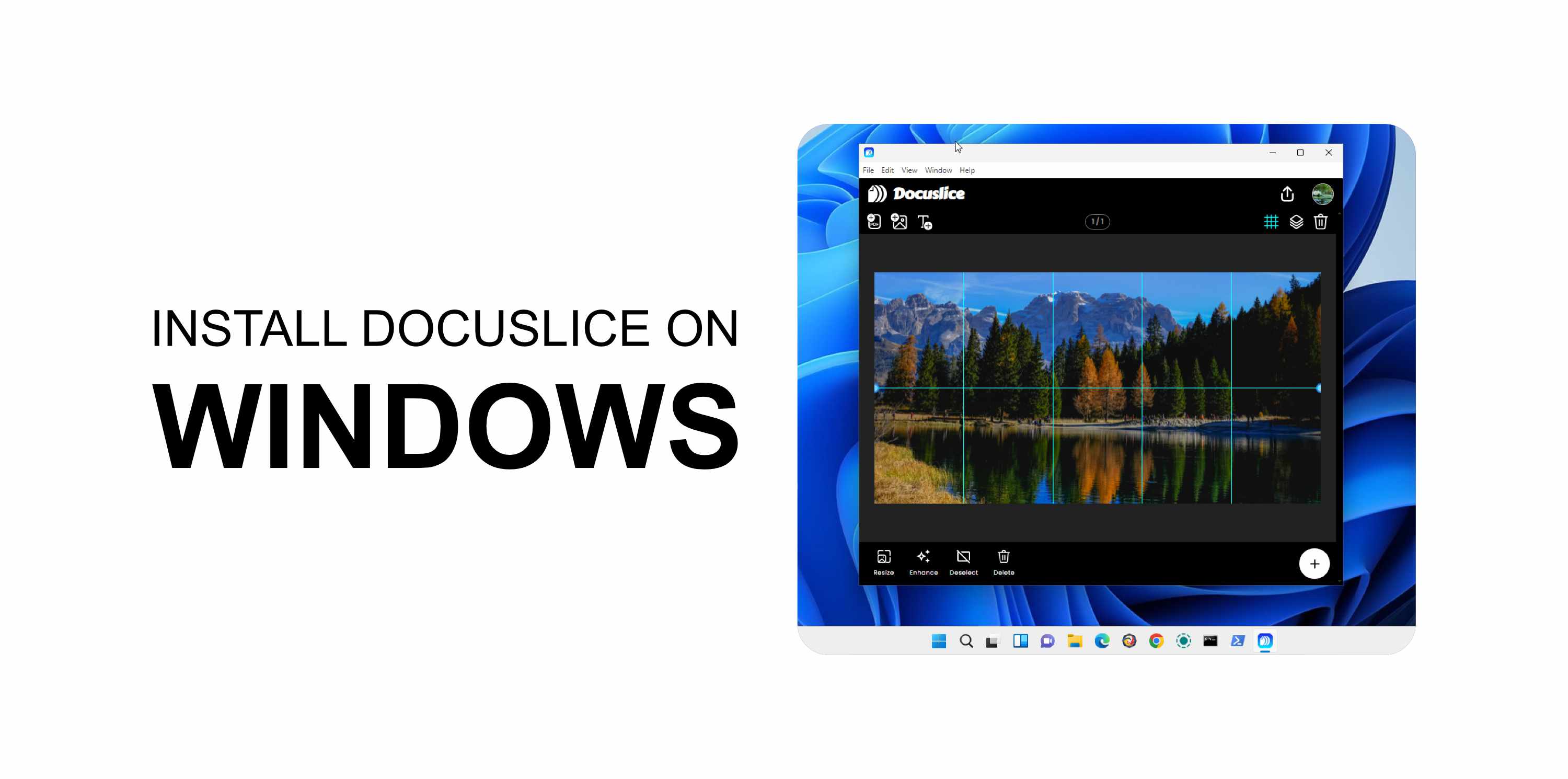
系統需求
- 擁有有效 Pro+ 方案的 Docuslice 帳戶。
- 桌面應用程式僅供 Pro+ 用戶使用。
- Windows 10 或更高版本。
✅ Docuslice 可在 Android、iOS 及 Web 上免費使用。只有桌面應用程式需要 Pro+ 方案。
第 1 步 — 下載應用程式
- 開啟瀏覽器,前往 app.docuslice.com/get-desktop。
- 如有提示,請使用您的 Docuslice 帳戶登入。
- 確認您的電腦處理器架構:
- x64(大多數電腦)→ 選擇 下載 Windows 版(x64)
- ARM64(Surface Pro X、Snapdragon 處理器電腦)→ 選擇 下載 Windows 版(ARM64)
不確定?開啟設定 → 系統 → 關於,查看系統類型。 - 點擊對應的下載按鈕。瀏覽器將儲存一個
.exe安裝程式檔案。
第 2 步 — 安裝應用程式
- 開啟已下載的
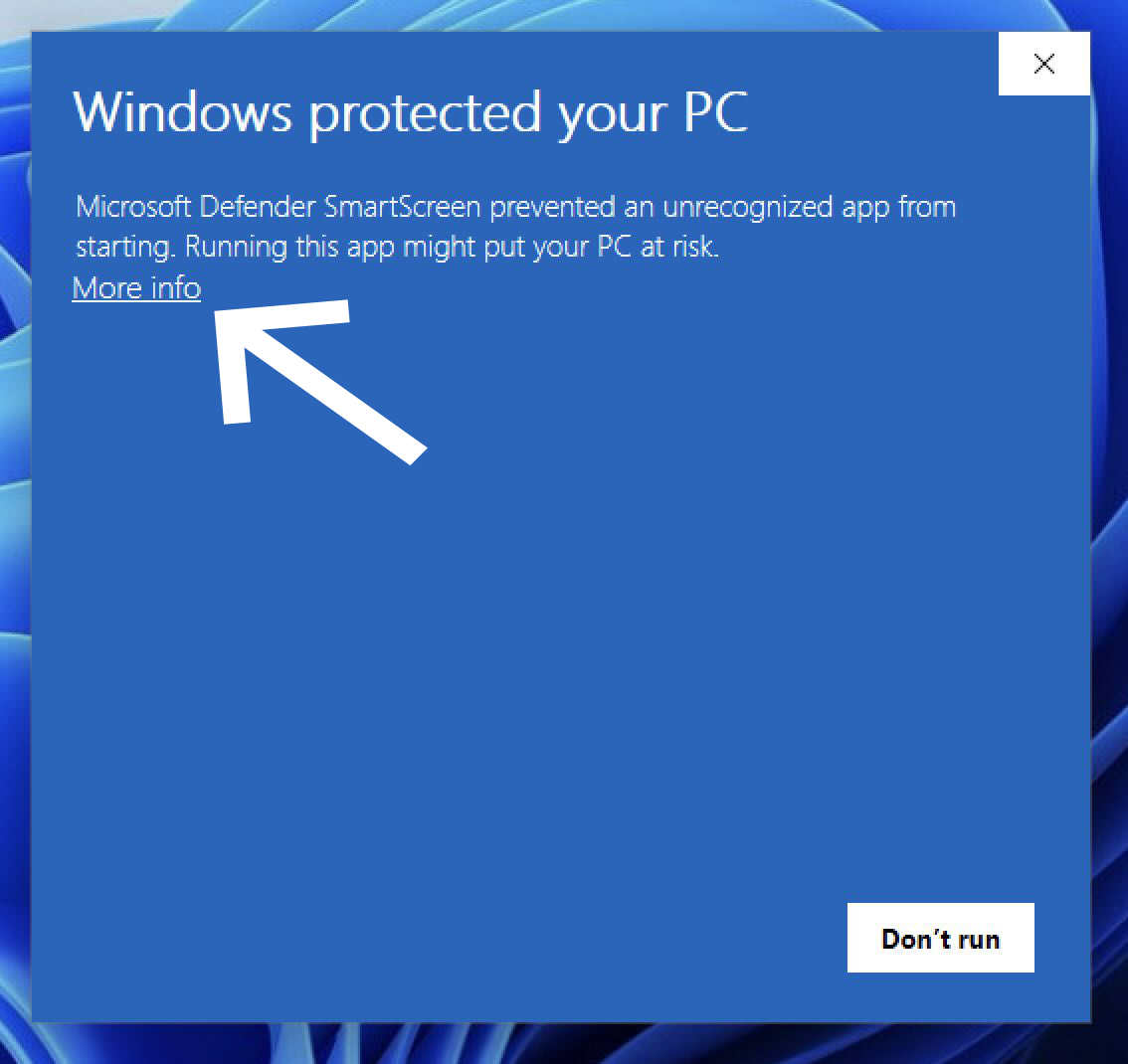
.exe檔案(通常位於「下載」資料夾中)。 - 如果 Windows SmartScreen 顯示警告,點擊更多資訊。
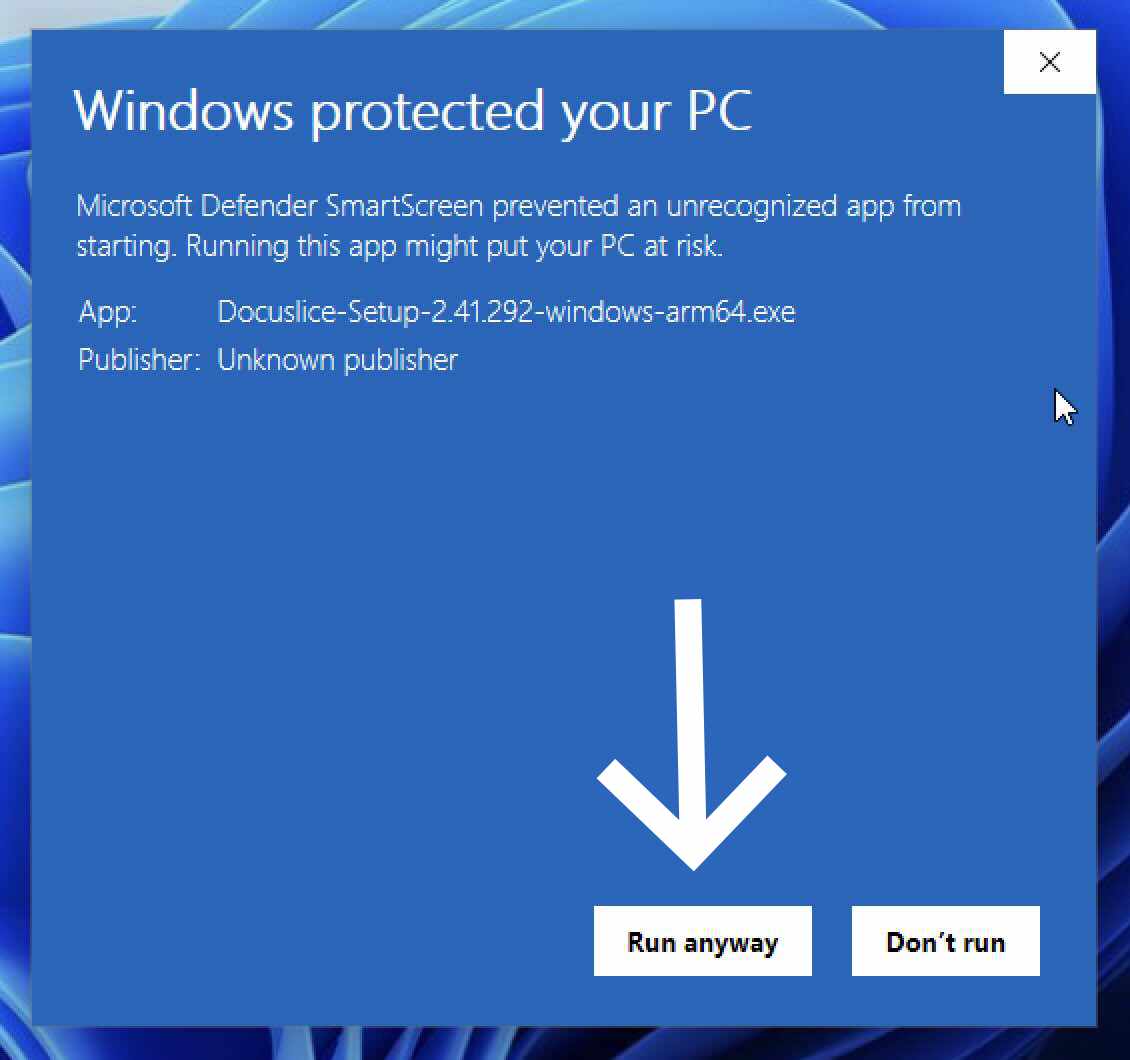
- 然後點擊仍要執行。
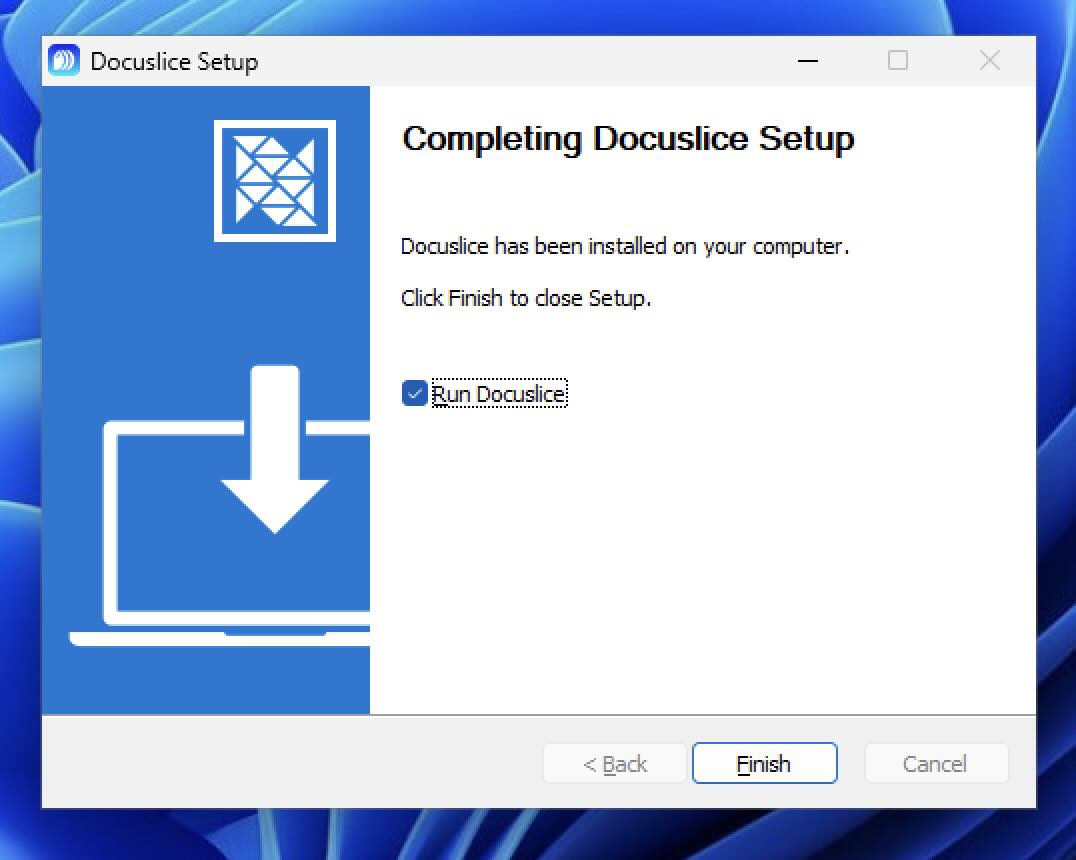
- 依照螢幕上的安裝精靈操作,點擊安裝。
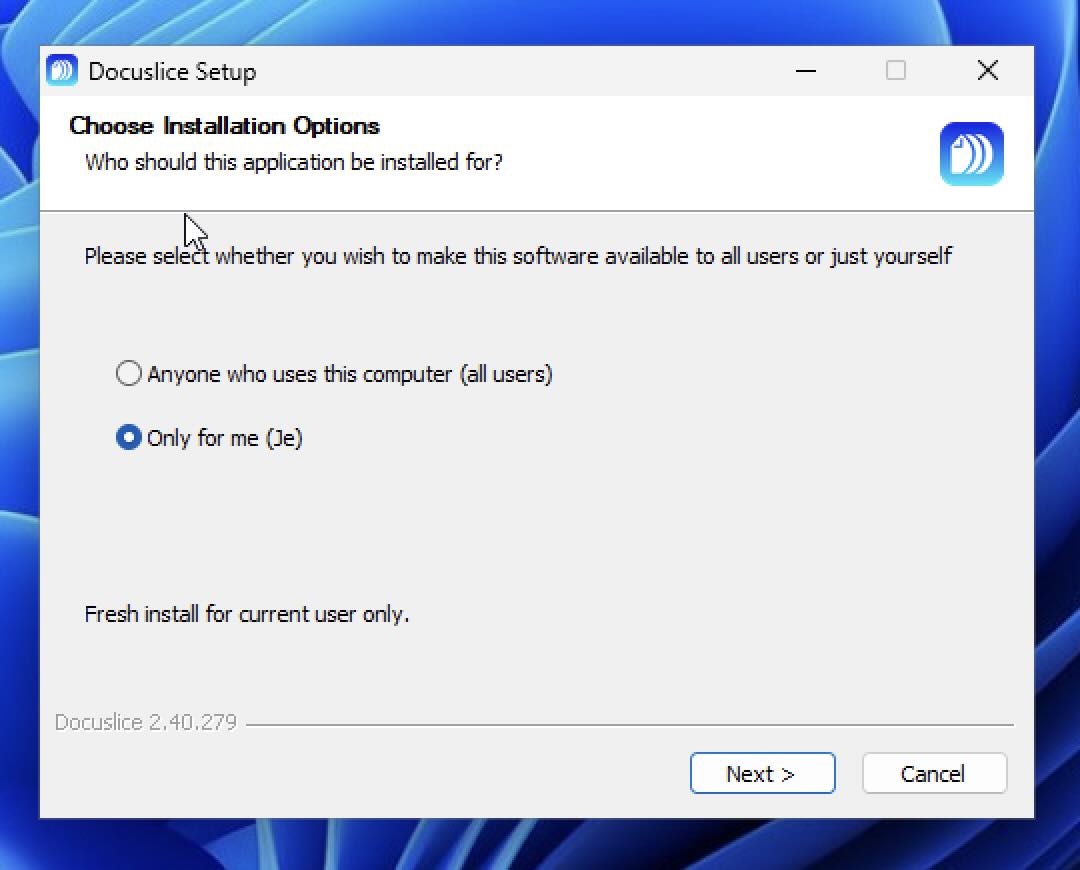
- 完成後點擊完成。
❌ SmartScreen 警告遇到了問題? 您也可以直接從 Microsoft Store 安裝 Docuslice — 無需 SmartScreen 提示,無需額外步驟。
第 3 步 — 開啟 Docuslice
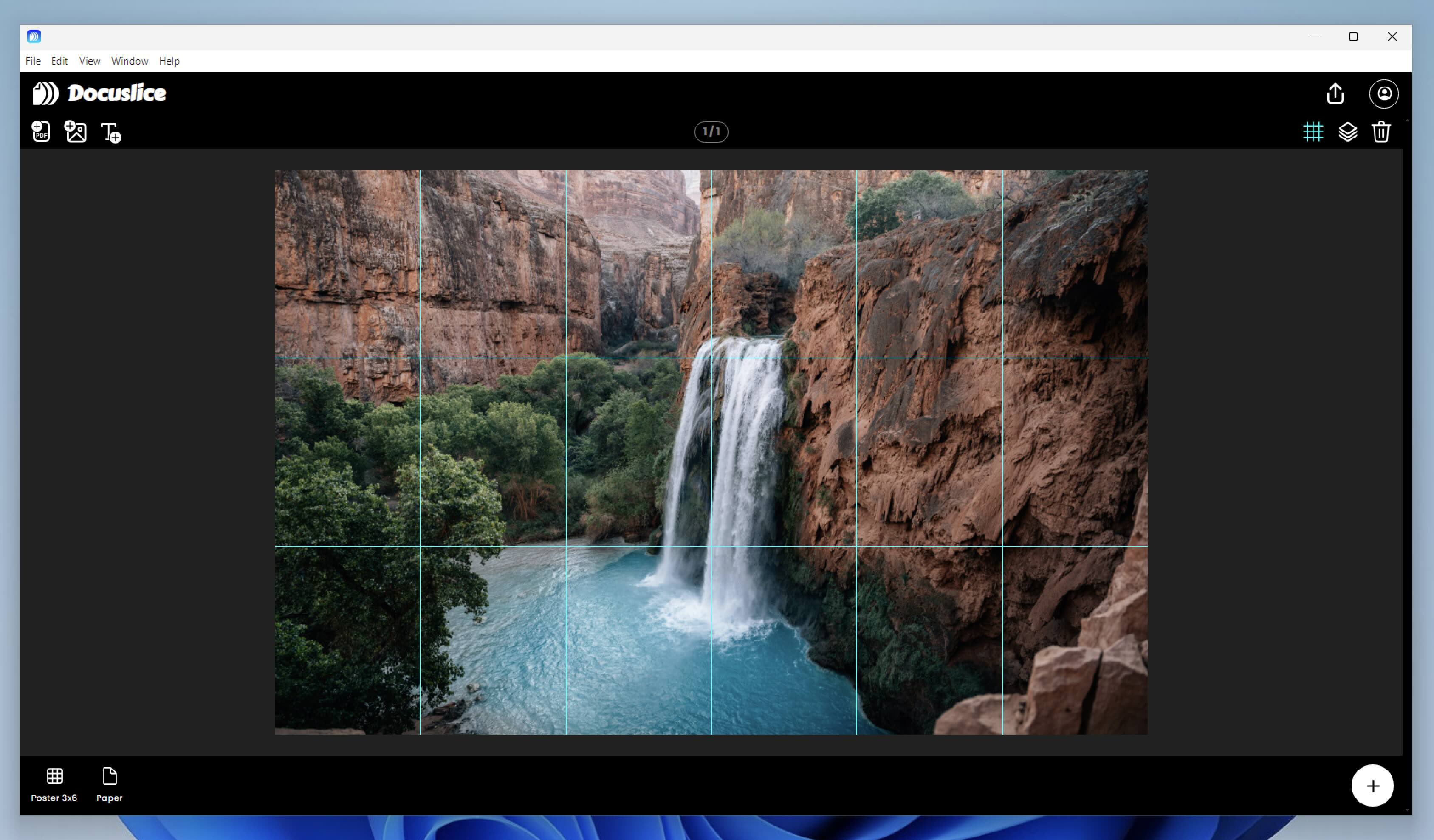
Docuslice 將出現在開始功能表和桌面上。雙擊啟動,然後使用您的 Docuslice 帳戶登入即可開始使用。
更新 Docuslice
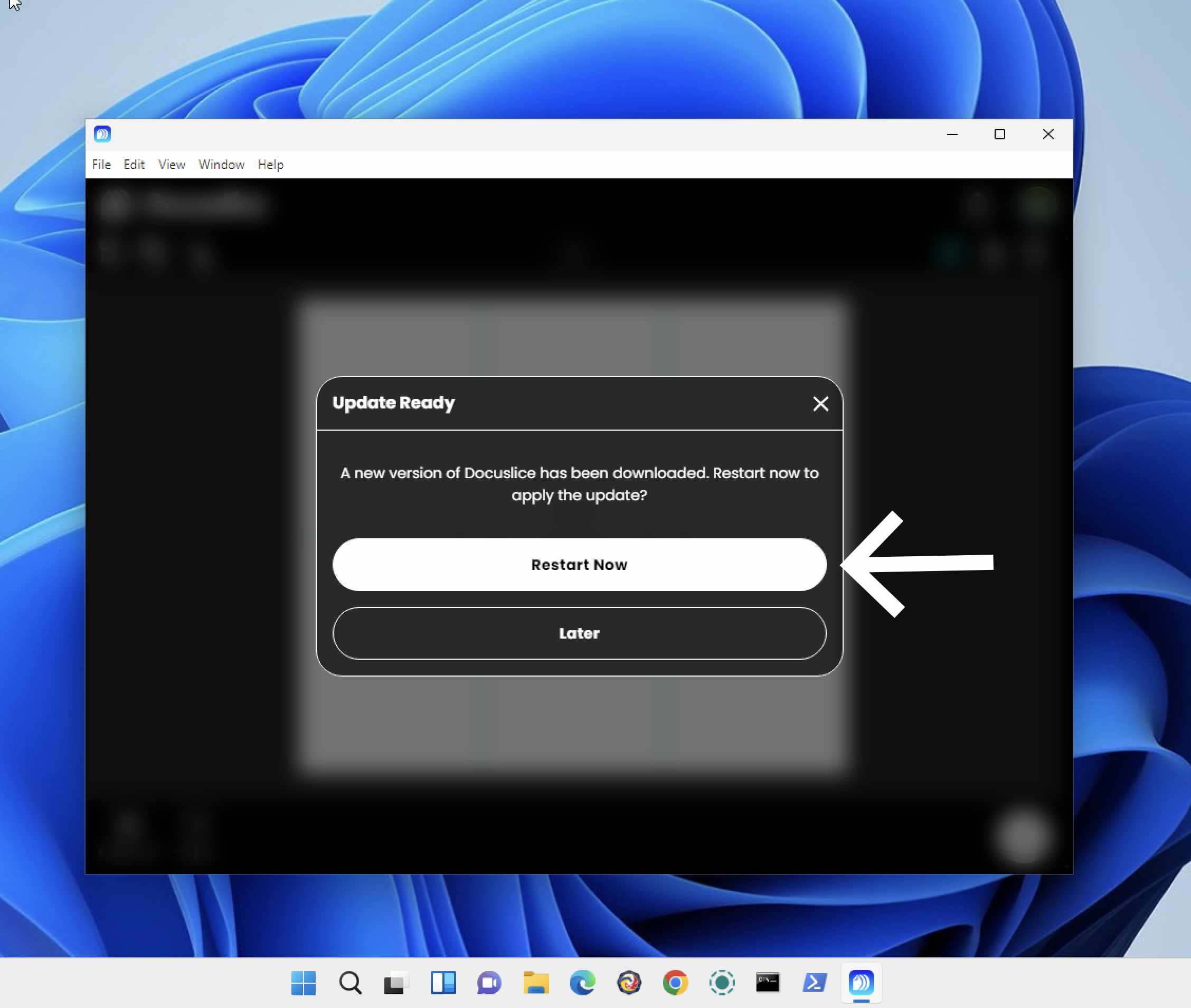
Docuslice 在啟動時會自動檢查更新。當有新版本可用時,系統將提示您進行安裝。