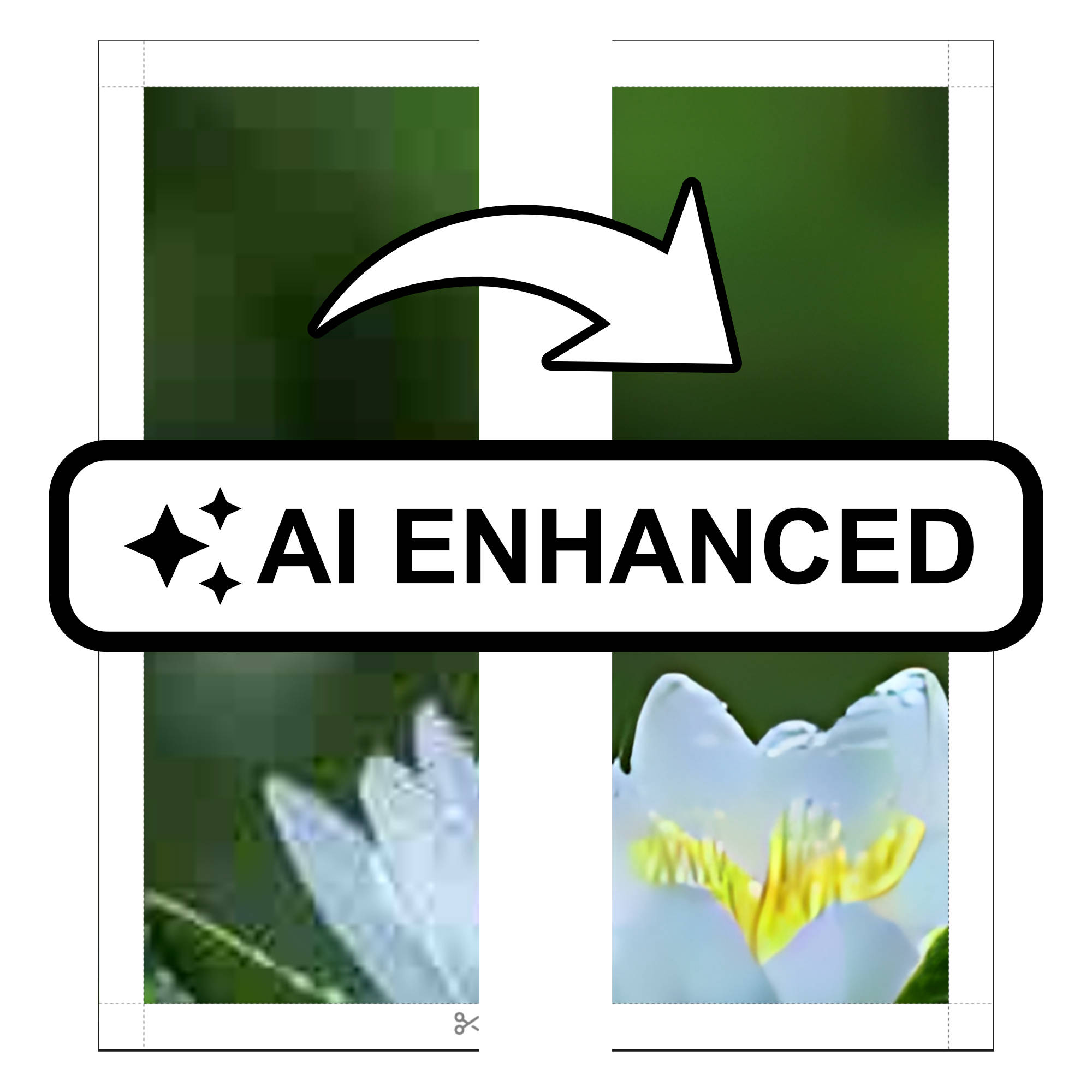
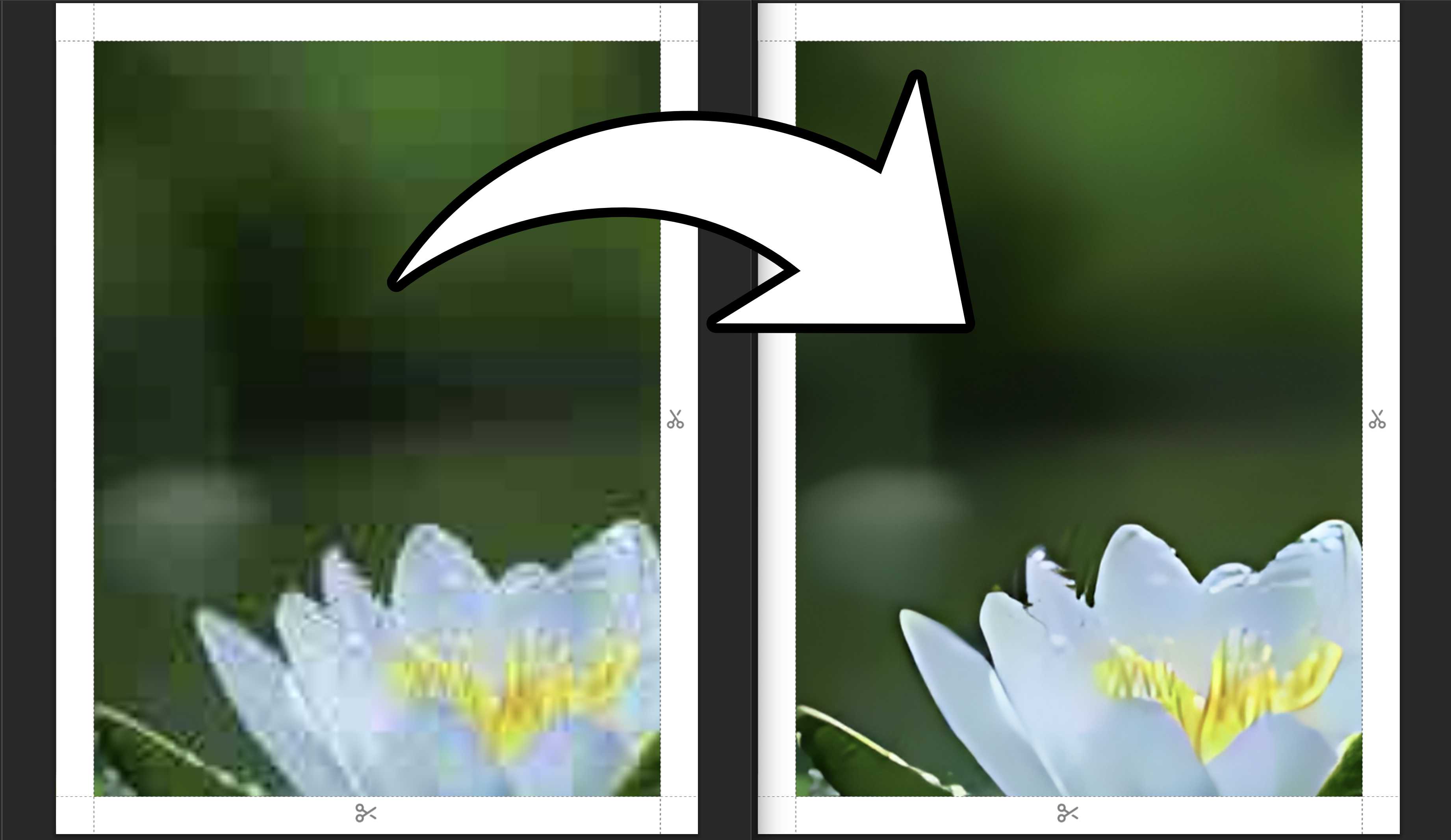
We've all been there — you find the perfect image for your poster, import it into Docuslice, and everything looks great on screen. But the moment it prints across multiple pages, the result is blurry, pixelated, or just lacking that crisp, sharp quality you were hoping for. That changes today.
We're excited to introduce AI Photo Enhancement, a new feature in Docuslice that uses an on-device AI model to upscale and sharpen your images before you export — so your tiled prints come out looking their absolute best.
What Is AI Photo Enhancement?
AI Photo Enhancement is a built-in, offline AI tool that intelligently analyzes your image and enhances its resolution and sharpness. Because it runs entirely on your device, your images stay private and the enhancement works even without an internet connection once the model is downloaded.
The result? A noticeably sharper, higher-quality image that holds up beautifully across large multi-page prints.
Step-by-Step: How to Use AI Photo Enhancement
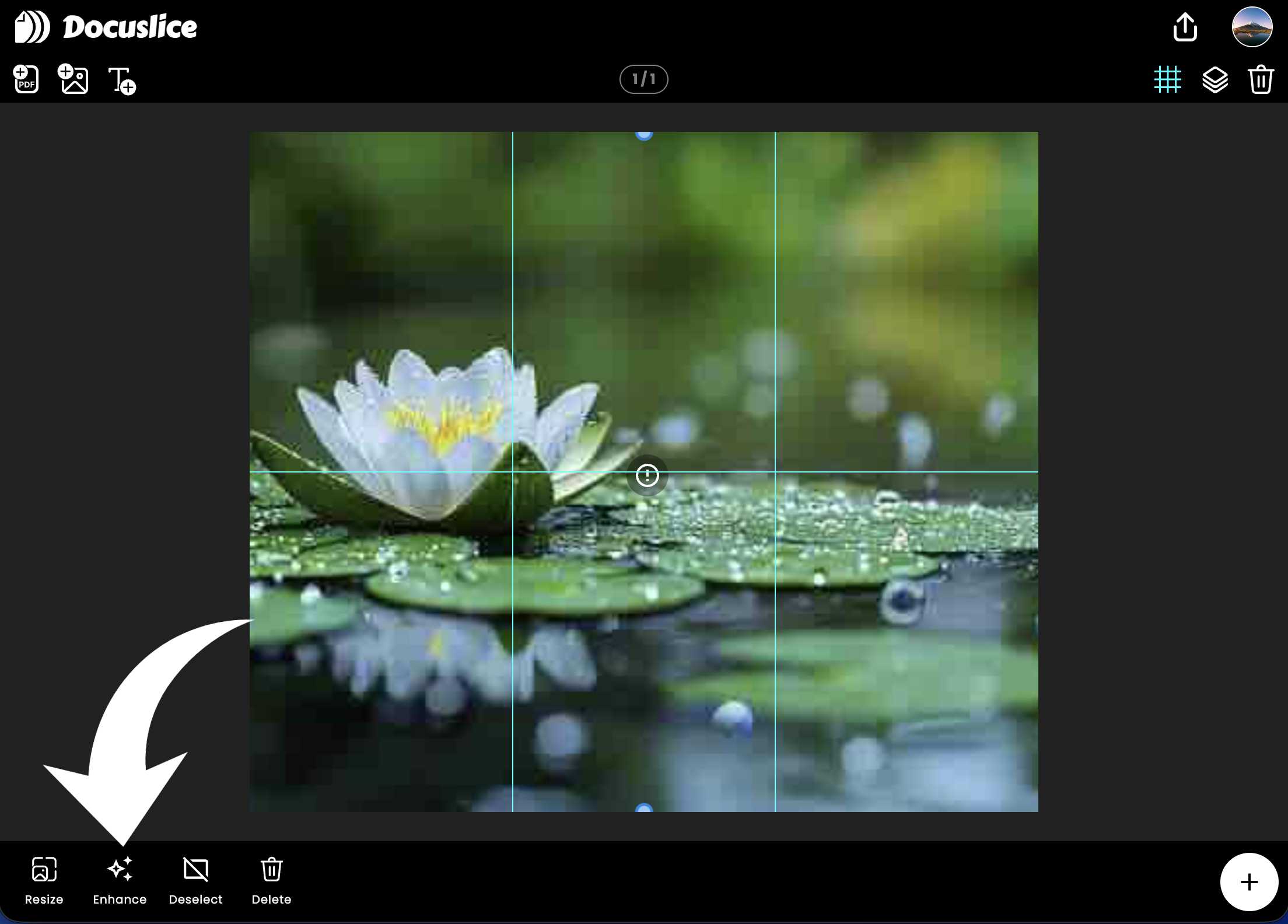
- Select your image on the canvas
Tap or click on the image you want to enhance. Once selected, the toolbar at the bottom of the screen will appear. - Tap the "Enhance" button
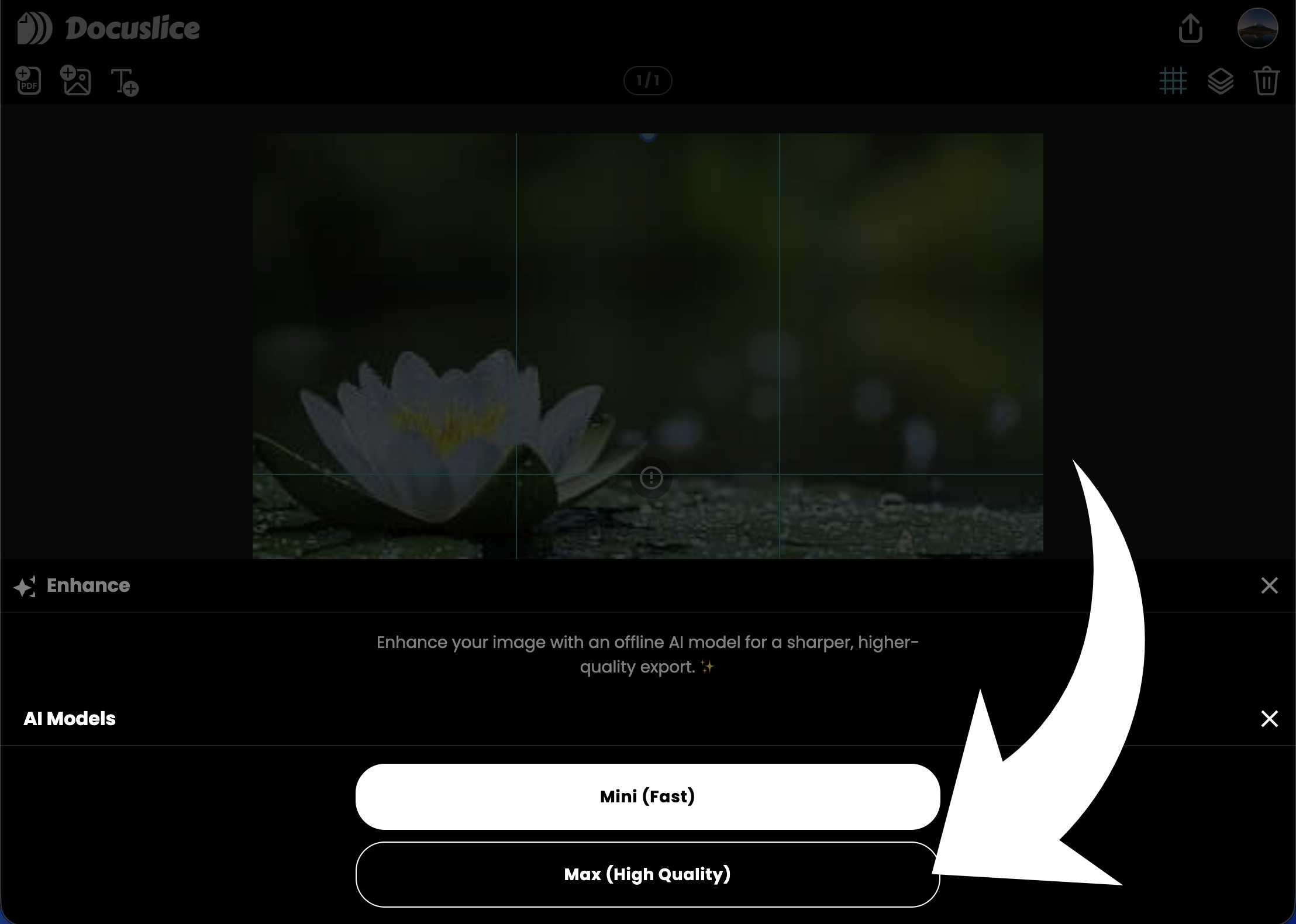
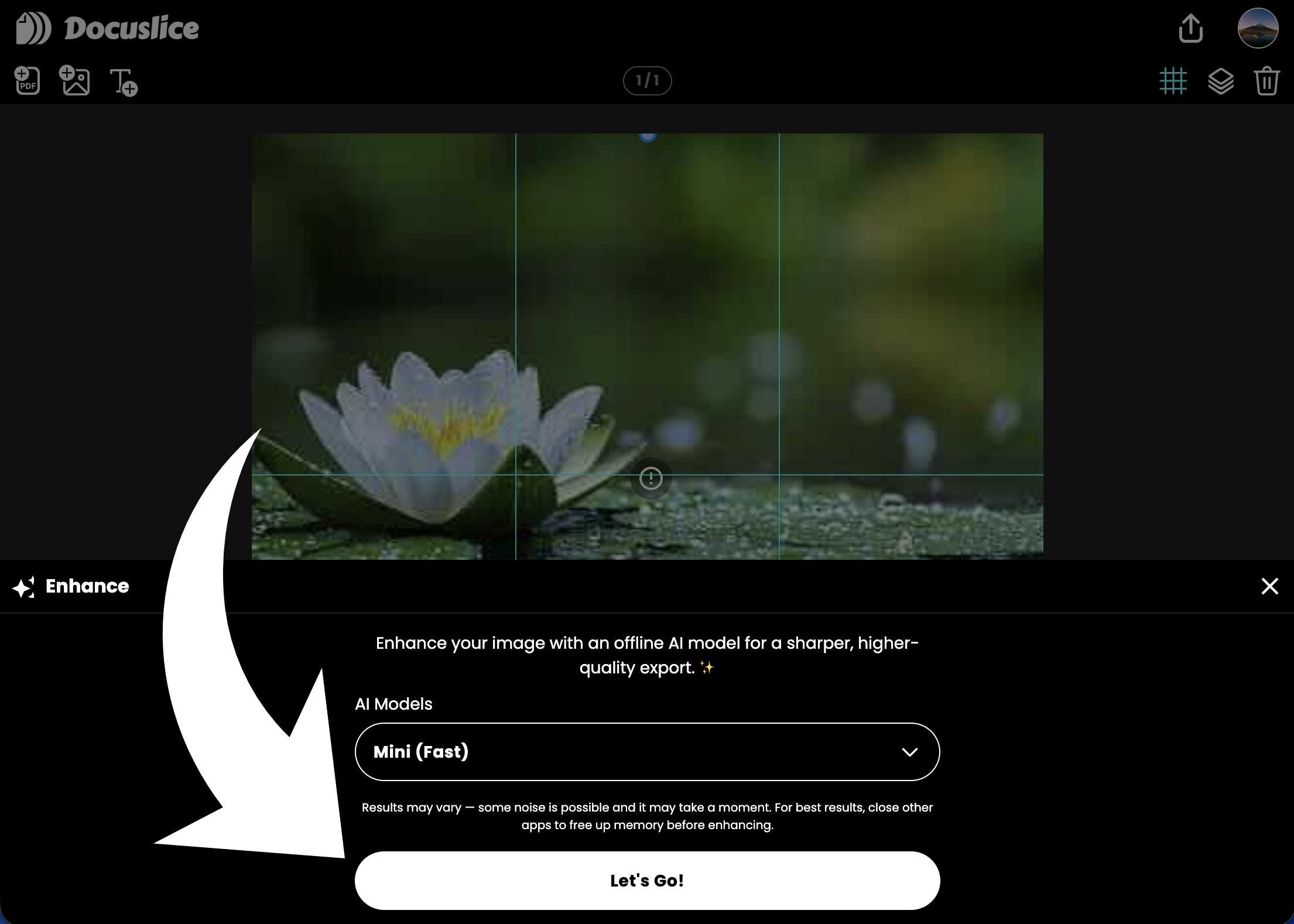
In the bottom toolbar, tap the Enhance button to open the AI Photo Enhancement panel. - Choose your AI Model
The panel will show the available AI models. Select Max (High Quality) for the sharpest results. - Tap "Let's Go!"
Hit Let's Go! to start. If this is your first time using the feature, Docuslice will download the AI model to your device first. This only happens once. - Wait for the enhancement to complete
The AI will process your image directly on your device. For best results, close other apps to free up memory while enhancing. - See the difference
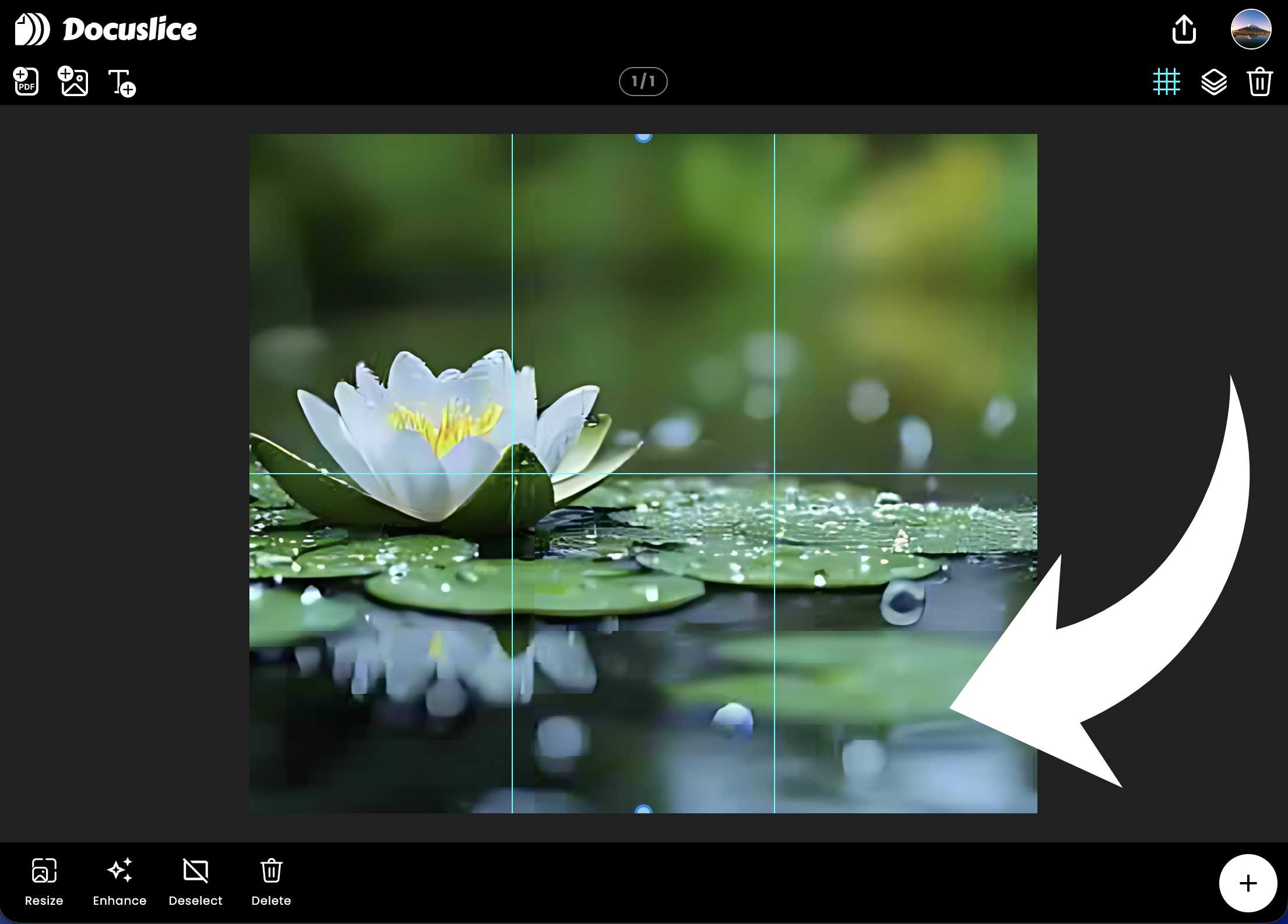
Once complete, your canvas will update automatically to show the enhanced image — sharper details, better clarity, ready for print. - Changed your mind? Revert anytime
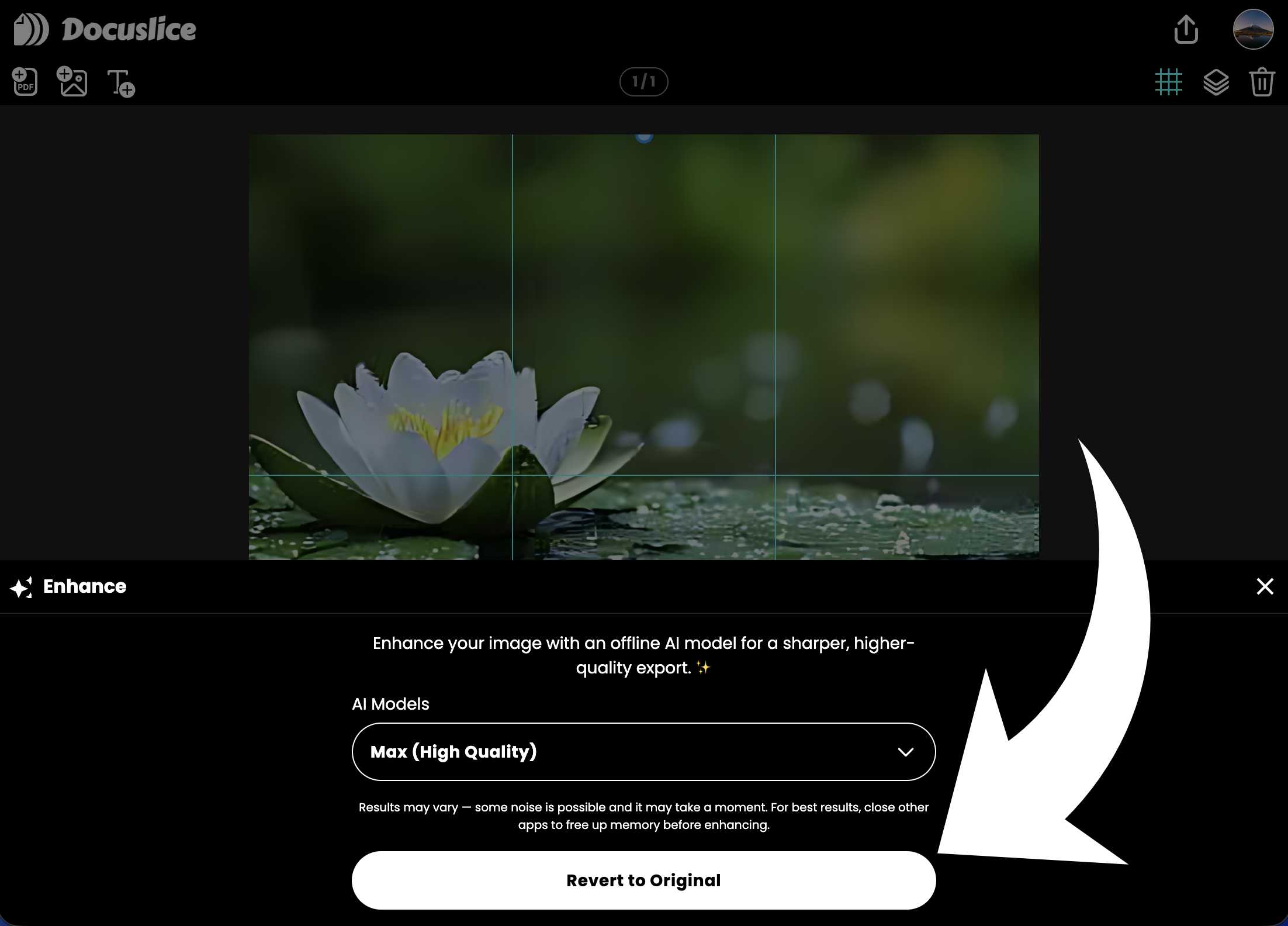
Not happy with the result? Tap Revert to Original in the panel to restore your image to its original version instantly.
When Should You Use AI Photo Enhancement?
AI Photo Enhancement works great for:
- Old or scanned photos — restore sharpness to images that have lost quality over time.
- Low-resolution images — images downloaded from the web or shared via messaging apps are often compressed; enhancement brings back lost detail.
- Images you plan to print large — the bigger the print, the more visible any blurriness becomes. Enhancing before you export makes a significant difference at scale.
Why You'll Love It
- On-device and offline — your images never leave your device. No uploads, no cloud processing, complete privacy.
- One-tap simplicity — no manual editing, no sliders, no learning curve. Tap Enhance, tap Let's Go, and you're done.
- Revert anytime — you're never locked in. If you prefer the original, restoring it is instant.
- Better prints every time — AI Photo Enhancement is especially powerful when combined with Docuslice's tiled printing, where image quality is front and center across every page.
Available on Mobile and Web
AI Photo Enhancement is available on both the Docuslice mobile app (iOS and Android) and the Docuslice web app, so you can enhance your images no matter which platform you prefer.
Download
Download Docuslice today and give your prints the quality they deserve. Your images are worth seeing at their sharpest.